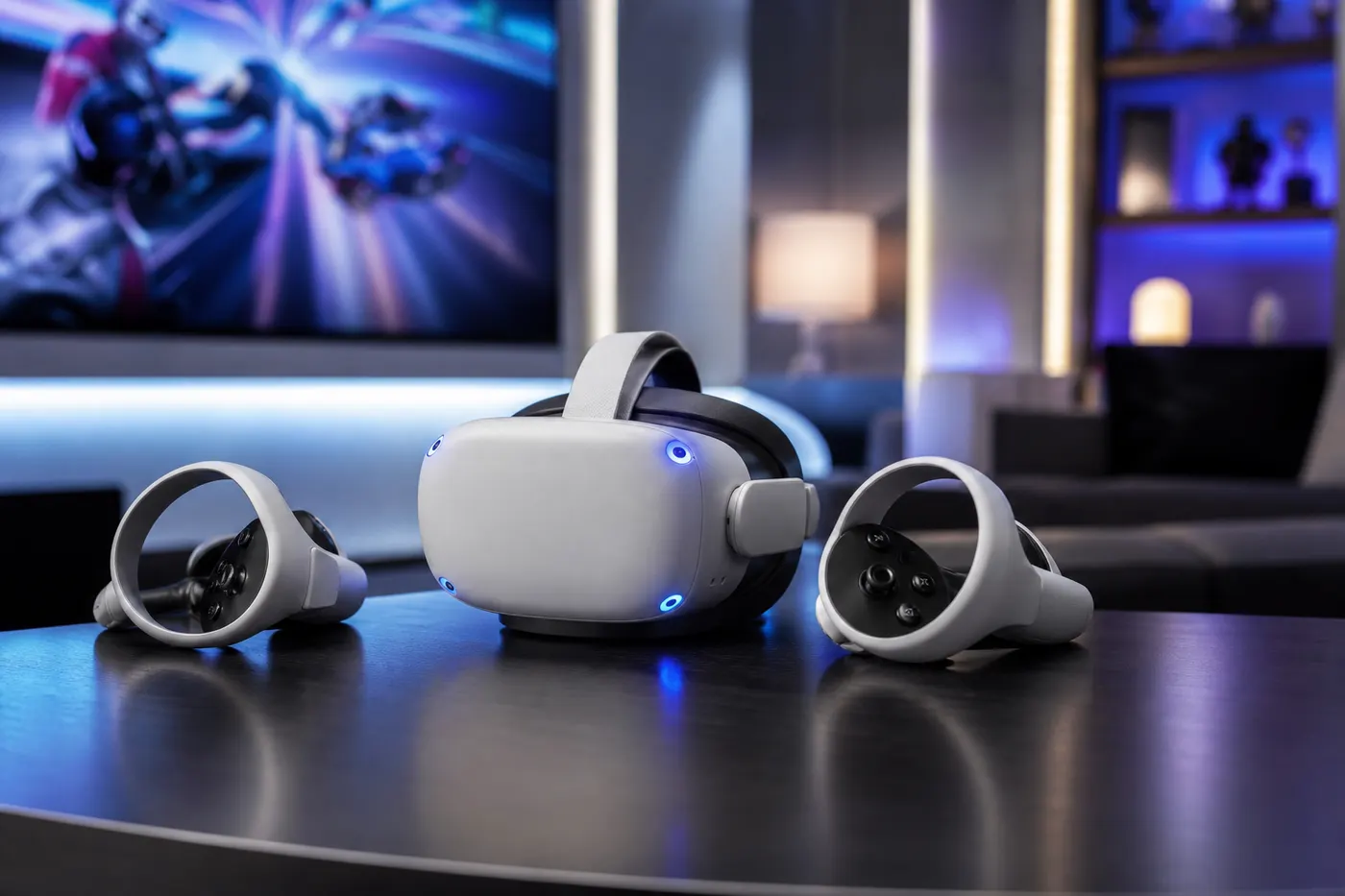
When people ask for cool VR games, they’re usually looking for more than a list—they want memorable experiences that feel intuitive, social, and comfortable. This article gives you a durable way to choose the right titles for your play style and group, highlights the genres that shine in virtual reality, and shares practical comfort tips so everyone can enjoy longer, happier sessions. Whether you’re new to VR or planning a group visit to an arcade, you’ll find a straightforward framework you can use again and again.
What makes a cool VR game?
Before you browse, it helps to know which qualities consistently make VR gameplay feel special. Use these criteria as a quick checklist:
- Satisfying presence: Games that make you forget you’re wearing a headset—through believable scale, smart audio, and clear interactions—tend to feel instantly cooler.
- Natural hand interaction: Titles that map your hands and tools cleanly to in-game actions (grabbing, throwing, blocking, painting) reduce friction and increase delight.
- Comfort-first locomotion: The best experiences let you choose between teleport, smooth movement, or room-scale options, so you can match comfort to preference.
- Fast onboarding: Clear tutorials, visual prompts, and forgiving early levels help new players find their footing quickly—key for parties and mixed-skill groups.
- Replayable loops: Score chasing, unlocks, randomized puzzles, or short “one more try” levels make games ideal for short sessions and group rotations.
- Social design: Voice chat, co-op roles, or spectator-friendly views keep both players and onlookers engaged.
- Safety-aware spaces: Respect for play boundaries, height settings, seated/standing modes, and optional comfort vignettes show thoughtful design.
- Clarity and feedback: Strong haptics, sound cues, and visual effects help your brain understand what just happened—crucial when you can’t see your real surroundings.
If a game checks most of those boxes, it likely lands on any shortlist of cool VR games for both newcomers and veterans.
Genres that shine in VR
Some genres translate to virtual reality better than others because they capitalize on presence, scale, and hand-driven interaction. Here’s what typically works well and why:
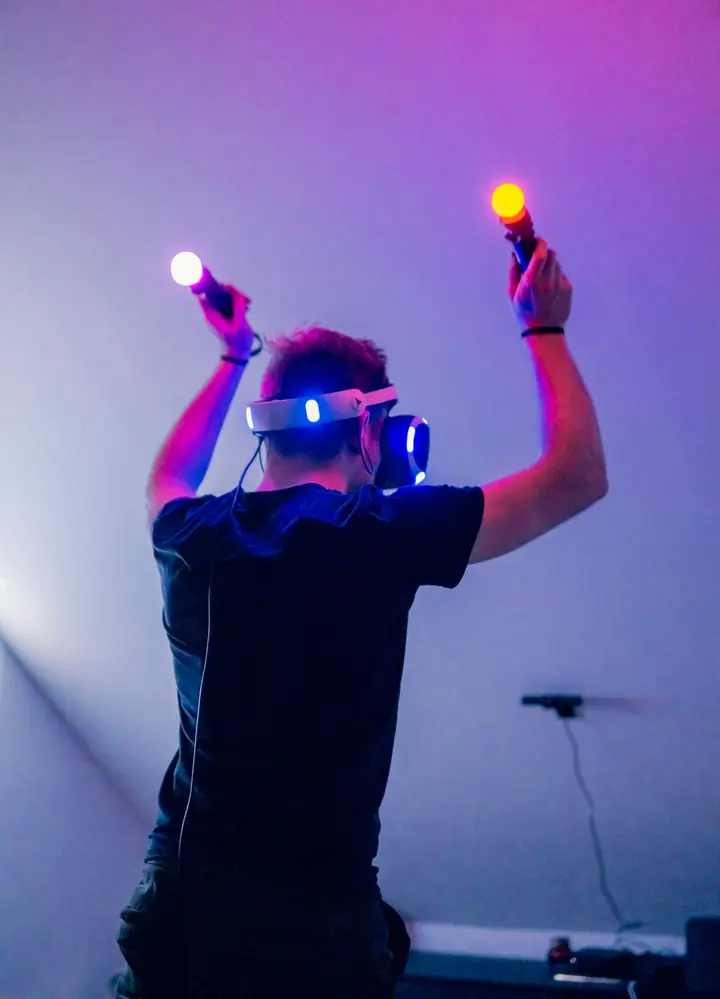
- Rhythm and movement: Music-synced slashing, drumming, or blocking is instantly readable and wildly satisfying. These games reward timing and full-body flow, making them great for short, high-energy turns.
- Arcade action and wave defense: Clear objectives, bite-sized levels, and escalating challenges are perfect for rotating players through in party settings.
- Puzzle and escape adventures: Object manipulation, environmental clues, and cooperative roles make puzzle rooms a standout for duos and groups. Players can communicate and divide tasks in real time.
- Creative sandboxes: Sculpting, painting, and building experiences showcase the magic of 3D hands. They’re relaxing, expressive, and great for all ages.
- Exploration and discovery: Gently guided tours, interactive exhibits, and environmental storytelling allow players to set their own pace and reduce motion sensitivity.
- Sports and casual competitions: Bowling, mini-golf, table sports, and physics toys are simple to grasp and satisfying for spectators to watch.
- Party mini-game collections: Short, varied challenges keep the room laughing while accommodating different comfort levels and attention spans.
These categories give you quick traction when you’re browsing a library. When in doubt, start with rhythm, puzzles, or casual sports—genres that are beginner-friendly and spectator-approved.
Multiplayer and co-op fun
Many cool VR games are built around playing together. To set up a smooth session, consider the format and logistics first, then pick games that match.
- Co-op vs. competitive: Cooperative goals encourage communication and are usually easier for mixed-skill groups. Competitive modes raise the intensity and are great when everyone is comfortable with the controls.
- Team roles: The best co-op designs give each player a meaningful job—scouting, puzzling, defending, or managing resources—so everyone contributes.
- Session length: Aim for 5–15 minute rounds when you have a crowd. It keeps energy high and ensures frequent rotations.
- Communication: Clear voice chat and concise callouts (“left door,” “red switch,” “cover me”) make teamwork click.
- Spectator engagement: If a game shows a clean third-person or mixed view on a TV, it’s easier for the room to follow the action between turns.
For group events, plan a simple sequence: warm-up with a short rhythm or casual game, switch to a co-op puzzle or mission, and finish with a lighthearted competition. This arc welcomes new players, then builds toward shared wins and friendly bragging rights.
Comfort and motion tips
Great sessions prioritize comfort for every player. Even experienced users appreciate thoughtful pacing and options. Use these guidelines:
- Start seated or room-scale first: Experiences that use your real steps or have you remain seated are typically gentler than smooth-stick movement for beginners.
- Pick adjustable locomotion: Look for teleport, snap turning, and vignette options. Being able to switch on the fly helps each player find their comfort zone.
- Short early sessions: Begin with 10–15 minute plays. Take breaks to reset your sense of balance and keep excitement high.
- Stable frame of reference: Tasks that anchor your view—like aiming down sights, holding a virtual dashboard, or focusing on near-hand work—can feel steadier.
- Airflow and hydration: A small fan and sips of water between turns help many players feel fresher over longer sets.
- Mind your boundary: Respect the play area’s guardian/chaperone. Step back and re-center if you drift.
- Ease into smooth motion: If you want to try free-walking, ramp up gradually with snap turns and a vignette before switching to continuous turning.
Comfort is personal. A good rule is to let each player choose pace and movement, and to celebrate breaks as part of the fun.
Setup and arcade readiness
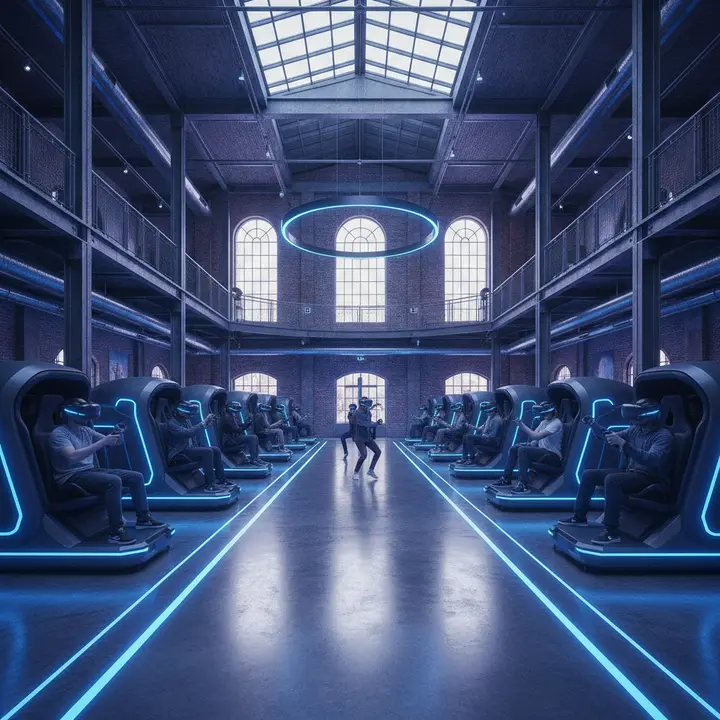
Playing at home and playing in an arcade share the same fundamentals: a clear space, a comfortable headset fit, and games that match your goals. If you’re visiting a VR arcade, you’ll typically be assigned a pod or play area and a headset with hand controllers. Staff can help you get oriented; after that, your job is to pick experiences that suit your group and time window.
- Have a plan: Decide on 2–4 genres before you arrive. This saves time at the kiosk/library and ensures everyone gets a turn with a favorite style.
- Sort by comfort: Start with seated, room-scale, or teleport-friendly games for the first round.
- Set a rotation: For parties, use a timer or level count to keep play moving. Spectators can track scores, spot clues, or handle music.
- Keep it clean: Use provided face covers or wipes between turns to keep the headset comfortable for everyone.
- Ask for suggestions: Staff can point you to beginner-friendly picks, co-op options, or titles that match your group size.
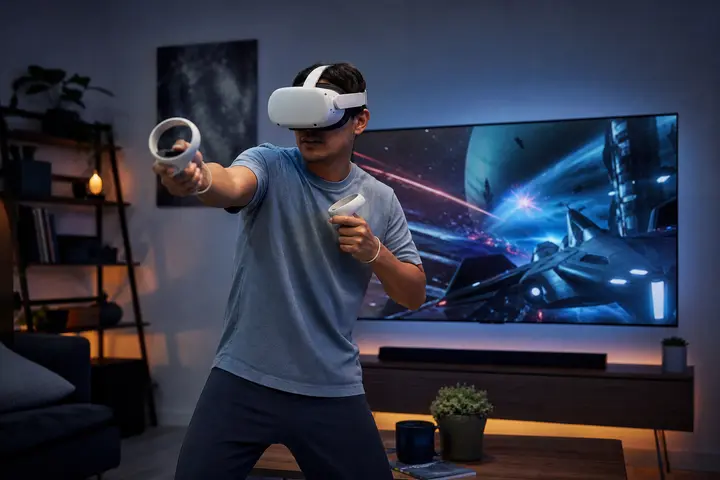
If you’re at home, mirror the display to a TV so the room can watch and help. Clear furniture from the play space, check your boundary, and do a quick mic test before jumping into multiplayer.
Choosing games for groups
Picking cool VR games for a group isn’t just about tastes—it’s also about pacing, clarity, and inclusion. Here’s a process that works for mixed ages and skill levels:
- Calibrate with an easy win: Start with a confidence-building game that uses natural hand motions (blocking, tossing, painting). Keep the first session short.
- Layer in teamwork: Move to a co-op puzzle or mission where players communicate and divide tasks. This gets the room talking and cheering.
- Offer an optional challenge lane: For experienced players, have a harder title queued up so they can push their skills while others chill.
- Rotate roles: Let each person try different responsibilities—navigator, clue solver, defender, or score chaser.
- Finish with a shared highlight: End on something upbeat and spectator-friendly, like a rhythm finale or casual sport.
When in doubt, choose games with short, replayable rounds. They make it easy to balance the schedule and keep momentum high.
Quick picks by mood (what to look for)
Instead of listing specific titles, use these search cues to find cool VR games that fit your vibe:
- High-energy workout: Search for “music rhythm” or “boxing/striking” with adjustable difficulty and leaderboards.
- Cozy creativity: Look for “3D painting,” “sculpting,” or “build and decorate” with an autosave and easy sharing.
- Brainy collaboration: Try “VR escape,” “co-op puzzle,” or “asymmetric teamwork” with session durations of 30–60 minutes.
- Family-friendly laughs: Find “party mini-games,” “physics sandbox,” or “casual sports” with fast rounds and simple controls.
- Showpiece spectacle: Search for “cinematic adventure,” “guided tour,” or “immersive story” with comfort mode options.
- Skill climb and mastery: Look for “arcade challenge,” “score attack,” or “time trial” with global or local leaderboards.
Pair these cues with your comfort preferences (teleport, snap turns, seated) to quickly shortlist options that will land with your group.
Troubleshooting common hiccups
Even the coolest sessions can stumble on small issues. Keep these fixes handy:
- Drifting or misalignment: Re-center your view in the game menu. If that fails, step back to the play area’s center and face your tracking sensors or base stations.
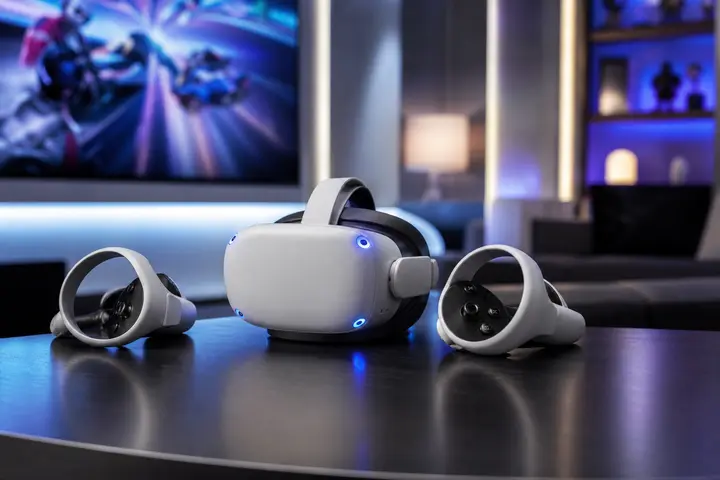
- Controllers not responding: Check battery or charge status, then re-pair if needed. Make sure nothing is blocking the tracking rings.
- Foggy lenses: Give the headset a minute to equalize to room temperature. Use a clean microfiber cloth; avoid pressure.
- Glasses fit: Use a spacer if available and angle the headset slightly, then tighten evenly to reduce nose or cheek pressure.
- Audio too quiet: Confirm the in-game volume, then the system volume. If sharing a room, consider on-ear headphones for clarity.
Most issues have quick fixes. A short pause can reset comfort and restore the wow factor.
FAQ
What are the best types of cool VR games for first-timers?
Start with rhythm, casual sports, or creative sandboxes. They use natural motions, have minimal button complexity, and deliver instant feedback that feels magical even in short sessions. Look for games with teleport or seated modes, clear tutorials, and short levels so players can rotate easily.
How do I pick multiplayer VR games for a mixed-skill group?
Choose cooperative experiences with distinct roles and bite-sized objectives. Prioritize titles that let you adjust difficulty quickly and that display a spectator-friendly view on a TV. Plan 5–15 minute rounds, rotate players often, and keep one “challenge” option ready for skilled guests who want a tougher run.
What if someone in the group is sensitive to motion?
Begin with room-scale or seated games, enable teleport locomotion and snap turning, and keep the first plays short (10–15 minutes). Encourage breaks, use airflow to stay cool, and pick tasks that anchor the view (aiming, near-hand work, or fixed cockpit-style perspectives). Let each person control the comfort settings.
How long should a typical VR session last?
For newcomers, 10–15 minutes per title is a sweet spot. Experienced players can comfortably extend sessions, but regular breaks help everyone maintain comfort and enthusiasm. In parties, cycling players through short rounds keeps energy high and reduces wait times.
Is VR fun if I’m not a “gamer”?
Yes. Many cool VR games are designed around natural motions and simple goals—painting in 3D, blocking to a beat, tossing objects, or solving tactile puzzles. These experiences are intuitive and social, making them great for families, school groups, and corporate teams.