
If you’re comparing options for a virtual reality game center, the choices can look similar at first glance—headsets, game lists, and session times. The differences that matter most usually come down to the quality of the equipment, how the play areas are designed, the variety of experiences (including multiplayer and VR escape rooms), and how easy it is to book for individuals or groups. This practical checklist walks you through the essentials so you can pick a spot that fits your plans, whether you’re dropping in for a solo session, planning a birthday, organizing team building, or hosting a school group.
How a virtual reality game center works
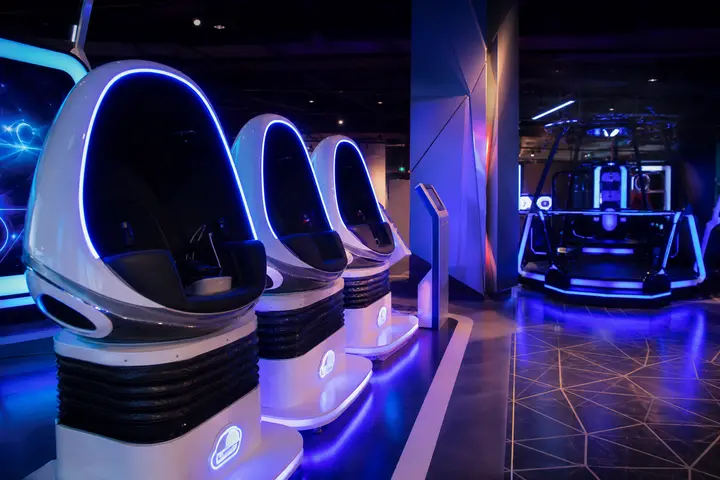
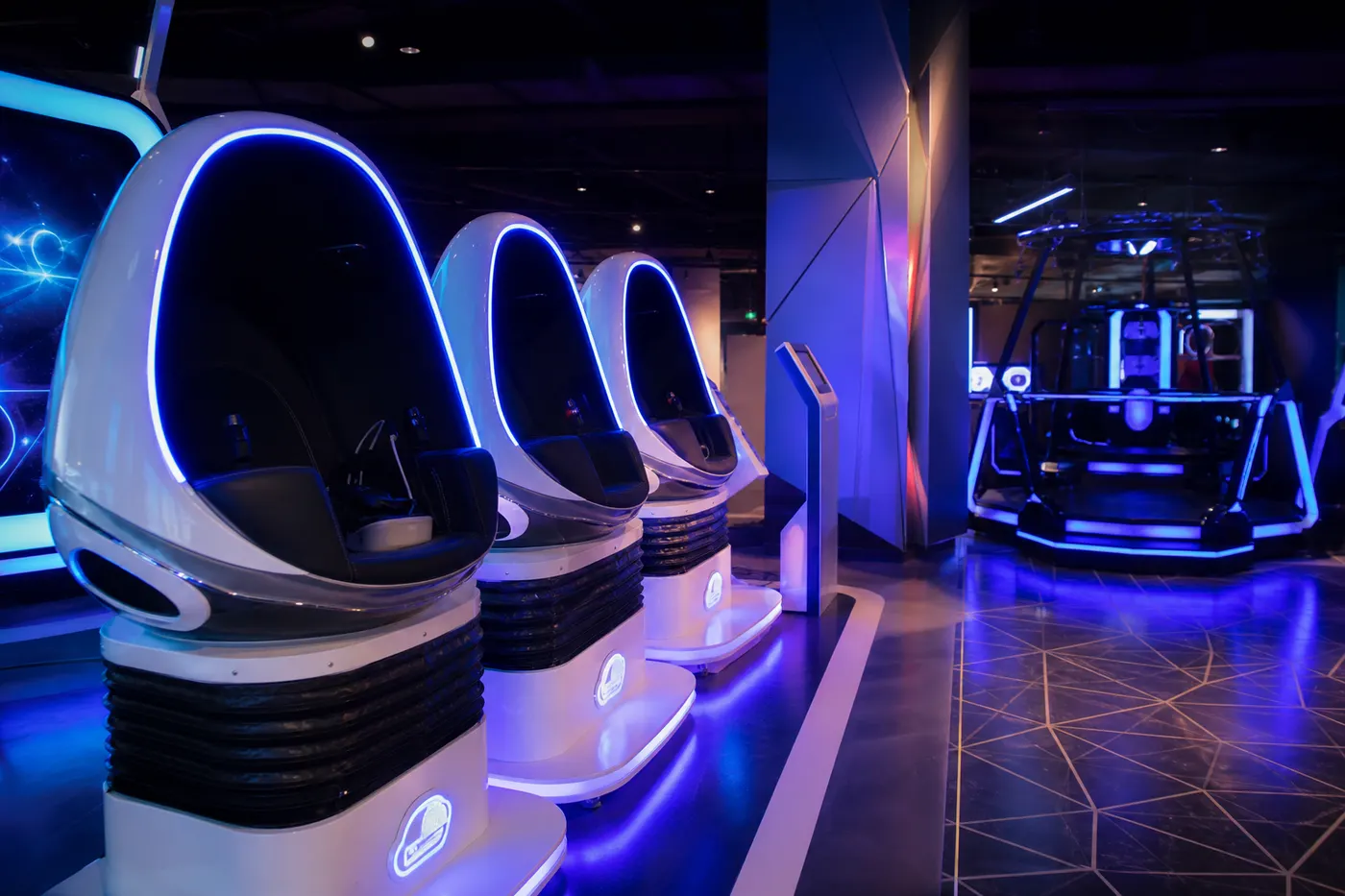
Most locations organize play around individual stations or “pods” equipped with a VR headset and motion controllers. You book time, step into your designated square of floor space, put on the headset, and the staff select or load games from a library that can include action, creative, educational, and multiplayer titles. Because sessions are time-based, you’ll typically choose 30-minute or 1-hour blocks for casual play; dedicated experiences like VR escape rooms are commonly booked in fixed slots sized for their scenarios.
- Pods: Personal play areas sized to give you room to move safely.
- Headsets and controllers: Track your head and hand movements for room-scale interaction.
- Content library: A curated list of games and experiences across genres and skill levels.
- Staff support: Help with setup, game selection, and getting your session started smoothly.
Equipment that makes a difference
Hardware matters in VR because it affects comfort, clarity, and tracking. One example you may encounter is the HTC Vive Pro headset, which supports room-scale tracking and motion controllers. Room-scale setups let you physically move within a defined space while the system tracks your position in 3D. Combined with motion-tracked controllers, this setup enables natural interactions like reaching, grabbing, drawing, or swinging—key to immersion.
- Room-scale tracking: Designed for moving around a mapped play area.
- Motion controllers: Translate your hand movements into the virtual world.
- Stable tracking: Helps maintain presence and reduces interruptions from drift or loss of tracking.
- Fit and comfort: A properly adjusted headset improves clarity and reduces distractions.
When you compare centers, ask what headsets they use and whether their play areas are sized for room-scale VR. Also check whether they provide guidance on adjusting the headset and controllers so first-timers can get comfortable quickly.
Experiences to look for
Good game centers organize their libraries to cover different ages, interests, and comfort levels. As you evaluate options, look for variety across the following categories:
- Action and adventure: Ranging from arcade-style wave shooters to narrative missions.
- Creative and artistic: Painting or sculpting in 3D space, world-building, and design tools.
- Educational and discovery: Interactive simulations and explorations.
- Multiplayer: Cooperative or competitive modes that let friends share an experience across multiple pods.
- VR escape rooms: Story-driven challenges for 1–6 players that combine puzzles with immersive environments.
If your group includes mixed experience levels, ask the venue to recommend titles with simple controls and a short learning curve, then layer in more advanced games for returning players. For multiplayer, confirm your party can be placed in nearby pods so it’s easy to communicate face-to-face between rounds.
Booking for individuals and groups
Clear booking and scheduling make visits smoother. Many centers let you reserve online and choose pod time, the number of players, and dedicated experiences like VR escape rooms. For groups, a private room can turn gameplay into an event, giving spectators a place to relax and watch the action on wall-mounted TVs while players rotate through pods.
- Individuals and pairs: Reserve one or two pods for solo play or side-by-side sessions.
- Small groups: Book multiple pods and pick multiplayer titles you can learn fast together.
- Parties: Look for a private party room with lounge-style seating and shared screens.
- Corporate teams: Ask about team-building formats and multiplayer experiences tailored for groups.
- School groups: Inquire about age-appropriate, educational experiences and group scheduling.
Tip: If the venue uses an online reservation platform, you’ll typically see real-time availability. That’s useful when coordinating pods and escape rooms to start close together.
Sizing up the play space
Space planning is central to comfort and safety. Personal pods are often laid out to give each player a clear 360-degree area to move without bumping into anything. The larger the overall facility, the easier it is to host many players at once without crowding.
- Pod dimensions: Look for clearly marked boundaries and enough room for arm movements.
- Pod count: More pods can help larger groups play at the same time.
- Layout: Logical pod placement makes it easier for friends to talk and for staff to assist.
- Viewing areas: Screens outside the pods let spectators follow along.
Comfort, safety, and accessibility
VR is active and immersive, so plan with comfort in mind. Wear comfortable shoes, keep hydration handy between rounds, and take short breaks as needed. If anyone in your group is sensitive to motion, start with stationary or teleport-based movement and slower-paced activities such as creative or puzzle experiences.
- Briefing: A quick orientation helps first-timers understand boundaries and basic controls.
- Headset fit: Proper adjustments improve clarity and reduce eye strain.
- Game selection: Choose titles that match players’ comfort levels and goals.
- Breaks and pacing: Short rests between sessions help maintain comfort and focus.
If you’re organizing a school visit or multi-age party, ask about content guidance and how staff support mixed skill levels. For teams, choose cooperative experiences that encourage communication and shared problem-solving, such as VR escape rooms.
Making the most of your session
A little preparation goes a long way. Before you arrive, skim the venue’s game list and pick a few must-try titles. Decide whether you want a progression—from beginner-friendly warm-ups to more intense challenges—or to focus on a theme like art, exploration, or puzzles. If you’re doing multiplayer, agree on a short list so you can switch quickly without debate eating into your time.
- Arrive early: Getting set up and oriented is smoother when you’re not rushing.
- Start simple: Let new players master the basics, then ramp up difficulty.
- Mix modes: Alternate action games with slower creative or puzzle breaks.
- Capture highlights: If there are spectator screens, designate someone to queue the next game and cheerlead.
Event planning checklist
Turning a visit into an event? Use this quick list to organize the essentials without overthinking it.
- Headcount: Confirm how many players you’ll have at once and whether spectators will attend.
- Pods: Reserve enough pods for simultaneous play, especially if you’re running multiplayer matches.
- Escape rooms: Book slots for 1–6 players per room if you’re planning a puzzle-focused session.
- Private room: Request a party room with lounge seating and TVs for shared viewing if available.
- Schedule: Stagger start times slightly for smooth rotations and breaks.
- Game plan: Pre-pick titles for warm-up, feature play, and a cooldown activity.
- Support: Ask about staff assistance for setup and quick game changes between rounds.
Questions to ask before you book
These prompts help you compare centers and align expectations with your group’s goals:
- What VR headsets are used, and do they support room-scale tracking with motion controllers?
- How many pods are available at the time I want to book?
- What multiplayer options and VR escape rooms are offered, and how many players do they support?
- Is there a private party room with lounge seating and TVs for spectators?
- Can I reserve online and see real-time availability for pods and escape rooms?
- Are there recommendations for first-time players or mixed-skill groups?
- What is the process for switching games during a session?
FAQ
What should first-timers know before visiting a VR center?
Plan a short introductory game to learn the controls, then move to longer experiences. Wear comfortable, secure footwear and adjust the headset for a snug but not tight fit. If you’re unsure about which games to pick, ask for a quick recommendation that matches your comfort level and interests.
How do VR escape rooms differ from regular VR games?
VR escape rooms are guided, story-driven scenarios designed for small teams—often 1–6 players—who collaborate to solve puzzles and complete objectives within a set time. They emphasize communication and coordination, making them popular for parties, school outings, and team-building sessions.
Can spectators watch while others play?
Many centers provide external displays so family, friends, or teammates can see what the player is experiencing in real time. If you’re hosting a group event, look for a private room with lounge seating and large TVs so everyone can share in the fun between turns.
What kinds of games work best for mixed ages and skill levels?
Short, easy-to-learn titles with simple controls are ideal for onboarding. Creative tools and puzzle experiences help build confidence without fast motion. For groups, lightweight multiplayer modes keep everyone engaged while you rotate players through pods.
Is VR suitable for school groups or team-building?
Yes. A wide range of content spans educational simulations, creative exploration, and cooperative challenges. When booking, share your goals—learning outcomes, collaboration, or just celebration—so staff can suggest appropriate titles and formats.


