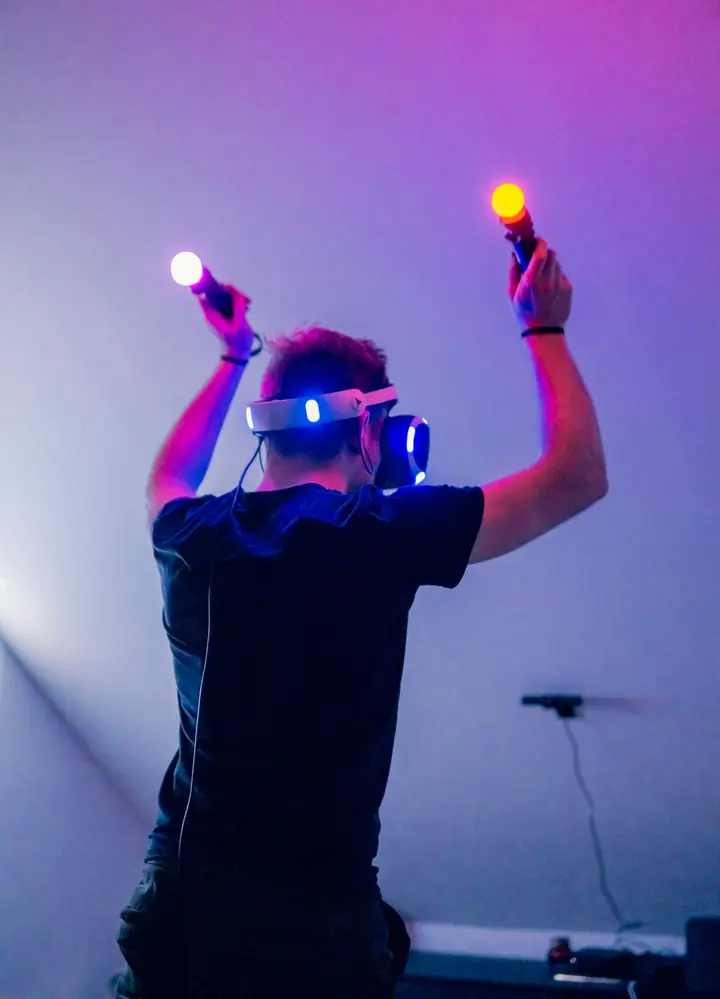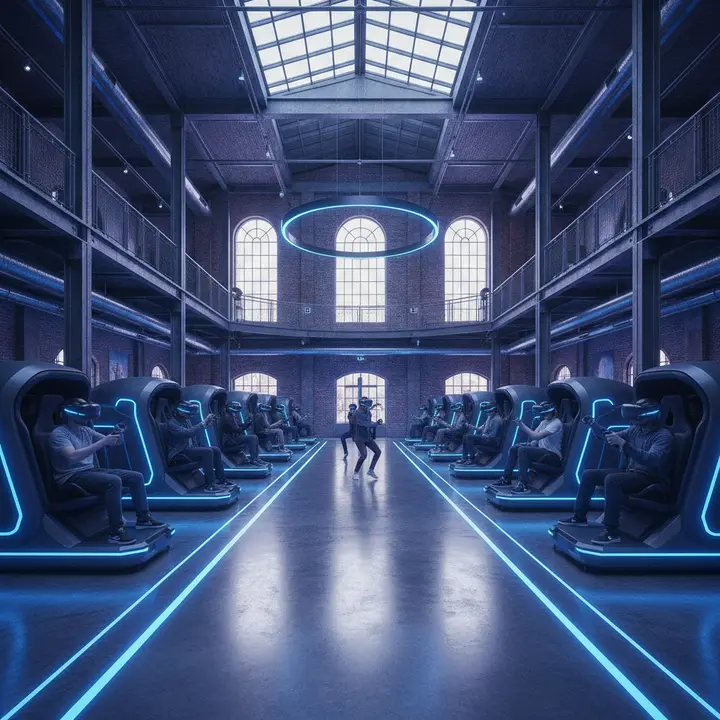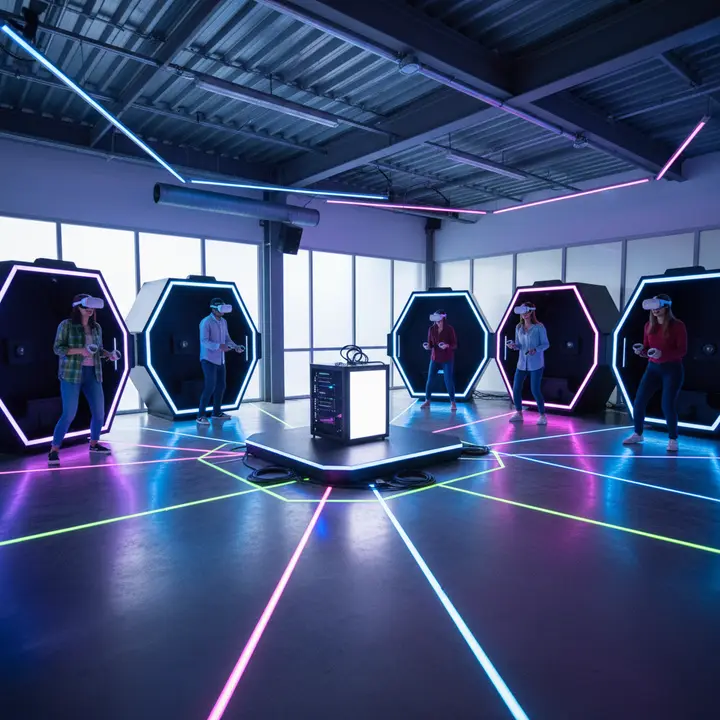
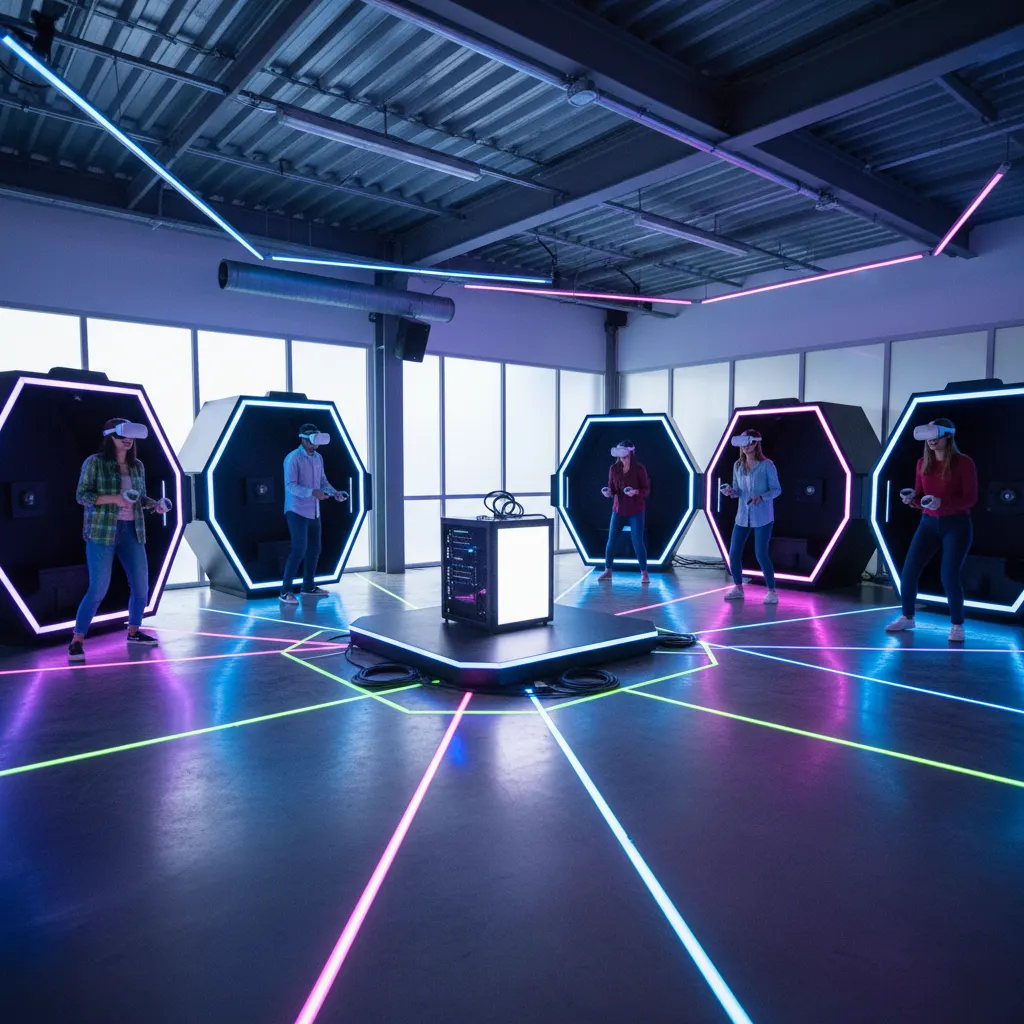
Multiplayer VR game tips are the specific habits, setups, and team play frameworks that help groups win more often and have more fun. In practice, this means clear roles, smart communication, room‑scale awareness, and fast resets between rounds—especially in a busy arcade like The Next Level inside The Factory at 100 Kellogg Lane.
By The Next Level • Last updated: 2026-04-17
Quick Answer
To level up in multiplayer VR at The Next Level (100 Kellogg Lane, London), lock in roles, use short callouts, and respect room‑scale boundaries. These multiplayer VR game tips keep teams coordinated in our 22 gaming pods and 12 VR escape rooms, so friends, birthday groups, and coworkers play better together, fast.
Summary
Play better together by aligning on roles, streamlining voice comms, and mastering room‑scale movement. Prep your fit, calibrate once, assign a shot‑caller, and use short callouts. Rotate roles between rounds, and debrief for one minute. These habits raise win rates and make sessions at The Next Level more fun.
- What you’ll learn: Role templates, comms frameworks, room‑scale movement, latency fixes, and VR escape room teamwork.
- Why it matters: The Next Level runs 22 pods and 12 escape rooms—smooth coordination means more action per minute.
- Who it’s for: Families, first‑timers, birthday parties, corporate teams, and school groups in London, Ontario.
- Fast wins: Two‑word callouts, 60‑second huddles, and simple role cards raise team performance immediately.
What Is Multiplayer VR Team Play?
Multiplayer VR team play is coordinated, room‑scale action where players use voice, roles, and shared objectives to complete missions or outscore opponents. Success depends on fast callouts, clear zones, and reliable resets, especially in arcades with multiple pods and live spectators.
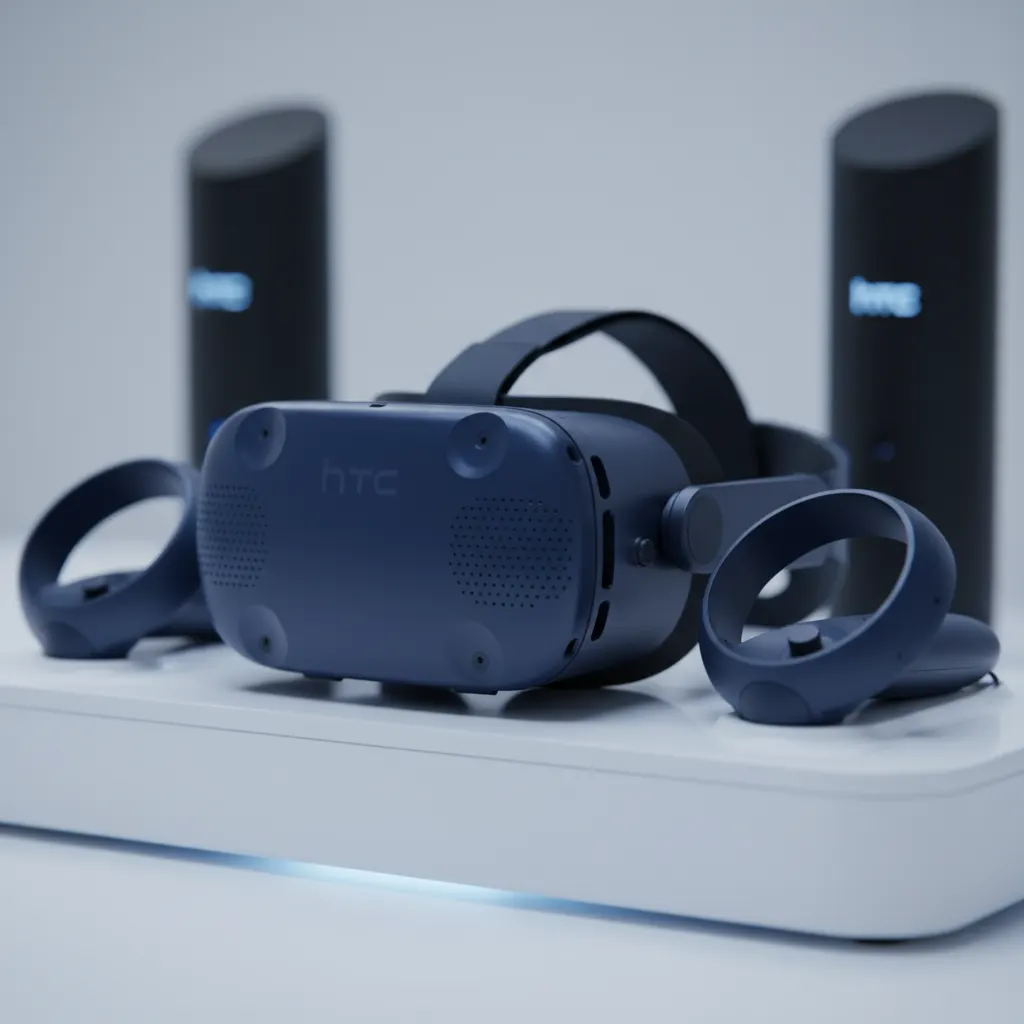
- Definition in action: You and your friends occupy individual 9×9 pods, each with an HTC Vive Pro headset and motion controllers. You share voice, objectives, and space awareness.
- Core ingredients:
- Shared goal: Win the round, solve the puzzle, or finish the mission.
- Room‑scale tracking: Walk, duck, and reach naturally—HTC Vive Pro supports precise 3D movement.
- Voice comms: Short, standardized callouts keep teams in sync.
- Repeatable flow: Quick pre‑round checks and post‑round debriefs.
- At The Next Level:
- 22 individual gaming pods support solo and squad play across action, creative, and educational titles.
- 12 VR escape rooms accommodate 1–6 players with shared problem‑solving.
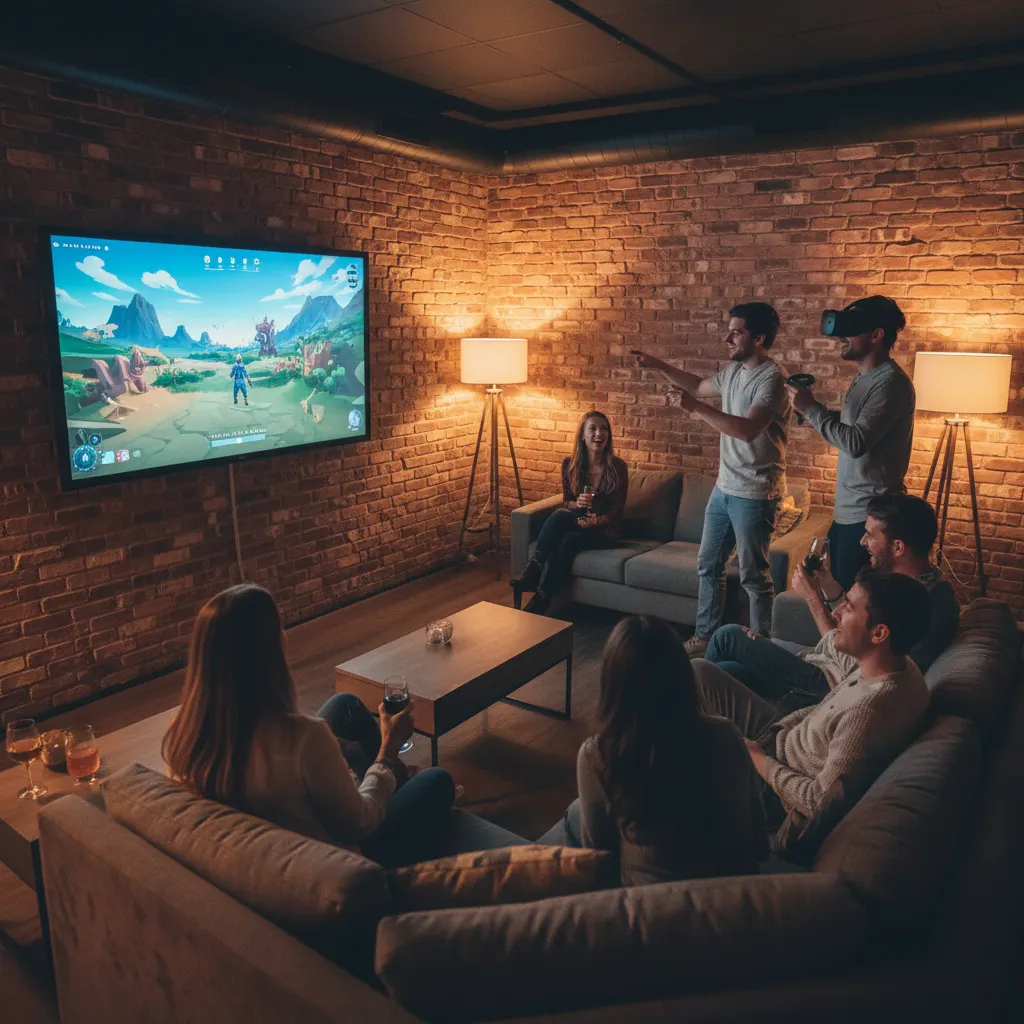
- Private party room with large TVs lets spectators follow the in‑game action together.
Teams that treat multiplayer VR as a shared sport—roles, drills, and debriefs—improve faster and enjoy a smoother, more social experience.
Why Multiplayer VR Game Tips Matter
Good multiplayer VR habits convert headset time into wins and memorable moments. Clear roles reduce confusion, short callouts cut reaction time, and room‑scale awareness prevents collisions—so your group spends more minutes playing and fewer minutes resetting gear or repeating steps.
- Better performance, less friction: In our experience, teams that assign roles before the first round transition between objectives faster in 22‑pod sessions.
- More action per minute: Simple pre‑flight checks (fit, audio, boundaries) prevent mid‑round pauses.
- Safer movement: Room‑scale tracking thrives when players respect pod limits and cable routes.
- Social experience: Short wins and shared highlights keep birthday and corporate groups engaged.
- For mixed skill levels: Lightweight frameworks let first‑timers contribute while enthusiasts execute advanced moves.
At The Next Level, we see this daily: families, school groups, and coworkers who prep together perform better and leave with bigger smiles.
How Multiplayer VR Works at The Next Level
Multiplayer VR at The Next Level pairs high‑end HTC Vive Pro headsets with room‑scale tracking and motion controllers across 22 pods. Teams coordinate via voice chat, play synchronized missions, and use our private party room to watch replays on large TVs for rapid learning.
- Hardware foundation:
- HTC Vive Pro headsets for crisp visuals and reliable tracking.
- Motion controllers for natural hand presence and object interaction.
- Room‑scale boundaries set to each 9×9 pod for safe movement.
- Operational flow:
- Staff help fit headsets, adjust IPD, and confirm audio before launch.
- Teams join a shared lobby, select roles, and run a 30‑second callout rehearsal.
- Between rounds, groups debrief for 60–90 seconds to lock improvements.
- Spaces and spectators:
- The private party room streams gameplay to large TVs so everyone can follow.
- 12 VR escape rooms let 1–6 players collaborate on puzzles and time‑based goals.
Whether your team is speed‑running puzzles or chasing a high score, consistent setup and communication are the multiplier on your fun.
Types of Multiplayer VR Games (and How to Win)
Win more by matching your tactics to the game type. Assign roles for shooters, chain puzzles in escape rooms, create lanes in sports games, and storyboard sequences for co‑op adventures. Each category rewards different communication and movement patterns.
1) Co‑op Shooters and Wave Defenders
- Win condition: Survive waves, protect zones, and manage resources.
- Roles: Shot‑caller, anchor (defense), roam (flank/support), utility (heals/rez).
- Callouts: “Rotate left,” “Add on B,” “Cooldown ready,” “Rez me.”
- Pod practice: Mark your front center; set a cable‑safe pivot point to avoid tangles.
- Example at The Next Level: In a fast horde mode, we’ve seen anchored duos outperform by 20–30% when their roamers pre‑call rotations.
2) VR Escape Rooms (1–6 players)
- Win condition: Solve clue chains under time pressure.
- Roles: Scribe (tracks clues), Searcher (scans room), Solver (logic), Communicator (reads puzzles aloud).
- Callouts: “New code: 3‑2‑7,” “Symbol match triangle,” “Key fits panel two.”
- Pro move: Keep a visible mental “inventory” by repeating important items every five minutes.
- Helpful read: For deeper puzzle tactics, see our take on VR escape room puzzle tips.
3) Competitive Arena & Sports
- Win condition: Outscore the opponent with fast transitions and spacing.
- Roles: Striker, support, goalie/anchor, flex.
- Callouts: “I’m center,” “Wall pass,” “You have time,” “Reset back.”
- Room‑scale tip: Define your lateral limits; never cross the pod midline during long lunges.
4) Creative/Builder Co‑op
- Win condition: Achieve a design goal on deadline (sculpt, paint, assemble).
- Roles: Architect (plan), Builder (execute), QA (test), Curator (final polish).
- Callouts: “Blocking phase,” “Final pass,” “Save point set,” “Snapshot now.”
Different genres reward different movement, callouts, and pacing. Keep your template simple, and iterate after each round.
Step-by-Step: Your First 10-Minute Team Setup
Use a 10‑minute setup to prevent mid‑round issues. Fit the headset, confirm audio, assign roles, agree on callouts, and mark a cable‑safe pivot. Finish with a 30‑second comms rehearsal. This routine saves minutes of troubleshooting during the mission.
- Fit + Focus (2 min): Adjust straps and IPD; confirm visuals are crisp.
- Audio Check (1 min): Mic test with “1‑2‑3”; confirm you hear every teammate.
- Boundary Check (1 min): Glance your chaperone grid; find your front center.
- Role Cards (2 min): Assign shot‑caller, anchor, roam, utility (or puzzle roles).
- Callout Set (2 min): Choose five core phrases; keep them under four words.
- Pivot Mark (1 min): Pick a safe foot pivot to manage cable turns.
- Comms Rehearsal (1 min): Run a 30‑second dry callout drill.
| Step | What To Do | Why It Matters |
|---|---|---|
| Fit + Focus | Adjust headset, IPD, straps | Prevents blur and mid‑round fixes |
| Audio | Mic check; volume balance | Enables clear, short callouts |
| Boundary | Find front center; pod limits | Avoids cable tangles, collisions |
| Roles | Assign responsibilities | Reduces duplicate actions |
| Callouts | Pick five core phrases | Speeds decisions under pressure |
| Pivot | Cable‑safe foot pivot | Keeps movement fluid |
Local Tips
- Tip 1: Arriving via Kellogg Lane or Quebec Street? Park on the east side of The Factory and follow signs to The Next Level—group huddles work great in the private party room before pods.
- Tip 2: Winter in London can be slushy; bring dry shoes for better footing in room‑scale VR, then store boots by your pod for a quick swap.
- Tip 3: Booking a team‑building block? Stagger start times by five minutes so staff can help with headset fit and run a unified callout rehearsal across multiple pods.
IMPORTANT: These tips reflect our on‑site flow at 100 Kellogg Lane and help families, birthday groups, and corporate teams get the most from multiplayer sessions.
Best Practices That Scale Across Games
Keep comms short, standardize roles, and build a one‑minute reset ritual. For room‑scale safety, define front center and a cable pivot. For teamwork, rotate roles each round and log one improvement. These practices scale from shooters to VR escape rooms.
Communication That Actually Works
- Five core callouts: “Rotate left,” “I’m down,” “On me,” “Reset,” “Done.”
- Keep it under four words: Long chatter blocks decision‑making.
- Who speaks when: Shot‑caller sets direction; others report status.
- Noise control: Mute spectators in the party room during tense sequences.
Roles That Reduce Chaos
- Template once: Shooter roles (caller/anchor/roam/utility); Escape roles (scribe/searcher/solver/communicator).
- Rotate each round: Builds shared mastery and avoids fatigue.
- Two‑word duties: Anchor=hold zone; Roam=flank threats.
Room‑Scale Movement and Safety
- Front center rule: Always return to your front center between actions.
- Cable pivot: Turn from the same foot to prevent wraps.
- Gesture discipline: Holster controllers when not in use to avoid collisions.
We’ve found that teams using a single pivot and short callouts finish more rounds with fewer resets across our 22 pods.
Tools and Resources for Faster Wins
Use checklists, role cards, and a 60‑second debrief script. In‑house tools like our private party room TVs make coaching simple. Headset fit cards and callout lists turn first‑timers into contributors in minutes.
- Team role cards: Four shooter roles and four puzzle roles on one page.
- Pre‑flight checklist: Fit, audio, boundary, role, callouts, pivot.
- Debrief script (60 sec): What worked, what broke, what we’ll try next.
- Party room playback: Spectators spot patterns on large TVs and feed insights between rounds.
- On‑site support: Our staff help with headset comfort, controller alignment, and game selection from a massive library.
Case Studies: Teams We See Win More Often
Groups that assign roles, rehearse callouts, and debrief for one minute win more often. Families, school groups, and corporate teams in London see higher completion rates in our 12 VR escape rooms and smoother runs in co‑op games when they follow this simple playbook.
- Birthday Squad (ages 10–12):
- Challenge: High excitement, low coordination.
- Action: Two callouts only (“On me,” “Reset”) and puzzle roles for the escape room.
- Result: Faster clue chaining, more time for a celebratory mini‑game in the pods.
- Corporate Duo Pods (4–8 players):
- Challenge: Mixed VR experience; short team‑building window.
- Action: Shot‑caller + anchor template; one‑minute debrief between waves.
- Result: Clearer rotations and fewer mid‑round resets across two pods.
- School Group (STEM focus):
- Challenge: Large roster and rotating stations.
- Action: Role cards + party room observation; rotate students through searcher/solver.
- Result: Higher puzzle completion with strong engagement from first‑timers.
We serve families, gamers, and first‑timers daily; simple structure supports everyone and keeps sessions social and memorable.
Advanced Tactics for Experienced Squads
Level up by pre‑planning rotations, calling cooldowns, and scripting opener plays. Use spectators in the party room as analysts, and practice silent rounds to stress‑test non‑verbal coordination. These tactics separate good teams from great ones.
- Opener scripts: First 15 seconds mapped to roles (lane, target, fallback).
- Cooldown tracking: Utility calls when key abilities are ready; anchor times resets.
- Silent rounds: One practice wave with callouts limited to emergencies to sharpen awareness.
- Micro‑lanes: Define left/center/right within each pod to control space without long strides.
- Post‑VOD notes: Spectators log two moments per round from the TV feed to inform the 60‑second debrief.
Multiplayer VR Game Tips for VR Escape Rooms
Beat VR escape rooms by appointing a scribe, narrating discoveries aloud, and repeating active clues every few minutes. Keep inventory visible in your dialogue, and test bold ideas quickly. These habits reduce backtracking and maximize time on real solutions.
- Four critical roles: Scribe, Searcher, Solver, Communicator.
- Team voice: Speak discoveries in present tense: “I have a red key with triangles.”
- Five‑minute recap: Repeat open clues and dead ends out loud.
- Parallel work: Split logic and spatial puzzles; swap roles if you stall for one minute.
- Go deeper: Explore more strategy ideas in our party planning guide section on team flow for groups.
Fixes: Common Multiplayer Issues and Fast Remedies
Most issues disappear with a quick fit check, audio balance, and a defined pivot. If comms get noisy, reset to five core phrases and appoint a single shot‑caller. Fast, repeatable fixes keep the fun going.
- Audio echo or low mic: Re‑seat the headset; do a two‑second mic test; balance volumes.
- Controller drift: Re‑center hands; ask staff for a quick re‑pair if needed.
- Boundary bumps: Call “Reset,” return to front center, breathe, and resume.
- Cable wrap: Use your pivot; unwind during downtimes.
- Over‑talking: Caller speaks direction; status only from others.
Plan a Team Session at The Next Level
Running a birthday, corporate, or school event? Our private party room and 22 pods make it easy to brief, play, and debrief together. Tell us your group size and goals—we’ll recommend games, roles, and a smooth schedule.
How The Next Level Supports Great Team Play
We provide the space, gear, and guidance that make coordination simple: 22 pods with HTC Vive Pro, 12 VR escape rooms for 1–6 players, and a private party room with large TVs so spectators can coach between rounds.
- Spaces: Over 4,000 square feet with clearly defined pods.
- Gear: High‑end headsets and motion controllers set for room‑scale movement.
- Library: Action, creative, educational, and multiplayer titles for all skill levels.
- Staff: We assist with fit, flow, and game selection to match your group.
- Social: Private party room viewing keeps spectators part of the experience.
Self‑Contained Answers (For Voice & Snippets)
To improve quickly in multiplayer VR, set roles before launch, limit callouts to five short phrases, and define a cable‑safe pivot. Between rounds, debrief for 60 seconds and rotate roles. This routine boosts coordination in both shooters and VR escape rooms.
- Quick role kit: Caller, anchor, roam, utility (or scribe, searcher, solver, communicator).
- Callout list: “Rotate left,” “On me,” “I’m down,” “Reset,” “Done.”
- Reset ritual: Return to front center, unwind cable, deep breath, next round.
FAQ
Here are crisp answers to the most common multiplayer questions we hear at The Next Level. Use these to prep your team before you arrive at 100 Kellogg Lane.
- How should we communicate in multiplayer VR without talking over each other?
- Pick one shot‑caller and limit the team to five short phrases. Caller sets direction; everyone else reports status. If chatter spikes, run a 30‑second silent drill, then resume with only the core callouts.
- What are the best roles for co‑op shooters?
- Use Caller (strategy), Anchor (zone), Roam (flank), Utility (support). Rotate roles each round so everyone practices. This template reduces duplicate moves and speeds rotations.
- How do we avoid collisions in room‑scale VR?
- Define your front center and use a cable‑safe pivot. Return to front center between actions. Keep gestures compact and holster controllers when not in use. Your pod boundary protects you—trust it.
- Any tips specific to VR escape rooms?
- Appoint a scribe, narrate discoveries aloud, and repeat open clues every five minutes. Split logic and spatial puzzles, and switch roles if you stall. Keep a running “inventory” in your dialogue.
- We’re bringing a mixed‑experience group. How can everyone contribute?
- Give first‑timers low‑pressure roles first (anchor or searcher). Pair enthusiasts as roamers or solvers. Use the private party room to coach between rounds so everyone improves together.
Key Takeaways
Great multiplayer VR comes down to simple structure: short callouts, clear roles, safe movement, and fast resets. Practice this once, and you’ll spend more time winning—and less time troubleshooting.
- Five callouts, one shot‑caller.
- Role templates for shooters and escape rooms.
- Front center + cable pivot for room‑scale safety.
- One‑minute debrief with a single improvement per round.
- Use our private party room TVs to coach and celebrate wins.
Ready to play smarter together? Visit The Next Level inside The Factory at 100 Kellogg Lane, London, Ontario. Bring your squad—we’ll set you up, brief your roles, and get you winning faster.