Vive Pro 2 is HTC’s high-resolution, PC‑tethered VR headset built for SteamVR tracking. As of June 2026, it is not discontinued; it remains supported and widely used at The Next Level inside The Factory at 100 Kellogg Lane in London, Ontario. Expect sharp visuals and dependable room‑scale performance.
By The Next Level Team
Last updated: 2026-06-09
Overview: Vive Pro 2 in 2026
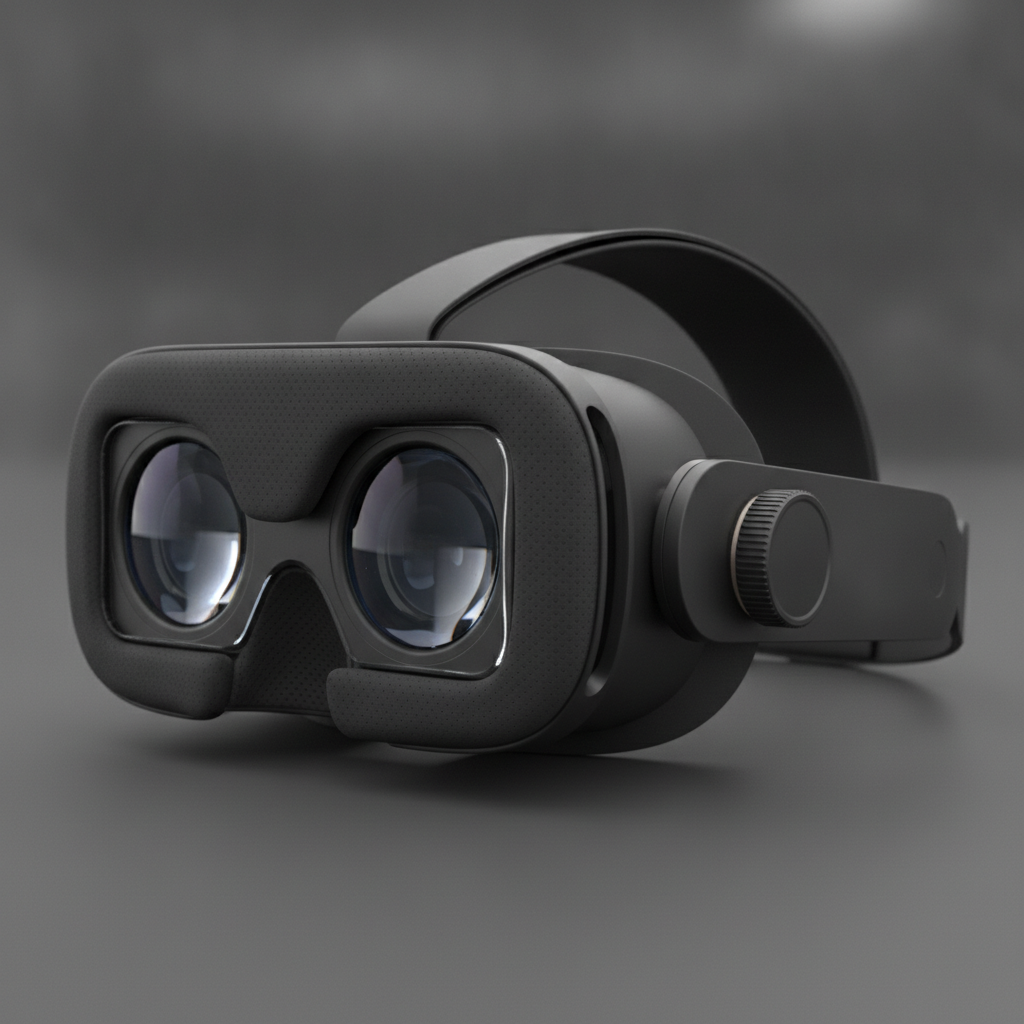
Vive Pro 2 remains an actively supported, high‑fidelity PC VR headset in 2026. It delivers 4896×2448 combined resolution, up to 120 Hz refresh, and precise SteamVR tracking—ideal for arcades and teams. At The Next Level in London, Ontario, dozens of headsets run daily with consistent uptime and comfort.
If you’ve heard rumors about discontinuation, here’s the reality: product lines evolve, but Vive Pro 2 continues to receive software support and is still a top pick for location‑based entertainment. Our 22 gaming pods, 12 VR escape rooms, and private party room all rely on dependable headsets and controllers.
In this guide, we’ll explain the core specs, how tracking works, where Vive Pro 2 shines, and the best practices we use so you get a smooth, immersive session on your first try.
What Is Vive Pro 2?
Vive Pro 2 is HTC’s second‑generation professional PC VR headset. It pairs dual LCD panels (2448×2448 per eye) with wide‑FOV optics, 120 Hz refresh, and SteamVR “lighthouse” tracking. Paired motion controllers enable accurate 6‑DoF interaction for gaming, creative tools, training, and multiuser arcade play.
Vive Pro 2 focuses on visual clarity and precise motion. The pixel density helps you read fine text, spot distant enemies, and appreciate art and design details. SteamVR tracking offers sub‑millimeter accuracy in room‑scale play, while the balanced head strap and dial fit help with longer sessions.
- Resolution and refresh: 2448×2448 per eye, up to 120 Hz for smooth motion.
- Tracking system: External base stations (lighthouses) coordinate headset and controller position.
- Comfort: Adjustable dial, IPD, and face interface for a secure, repeatable fit across players.
- Use cases: Competitive rhythm and shooting games, 3D creation, exploration, and VR escape rooms.
At The Next Level, we operate 24–25 HTC Vive Pro‑series headsets across 4,000+ square feet. That scale matters when you bring a birthday party, a school group, or a corporate team: everyone plays, rotates, and spectates without bottlenecks.
Why Vive Pro 2 Matters for Arcades, Teams, and Schools
Vive Pro 2 matters because it balances clarity, tracking precision, and comfort—key for arcades, events, and classrooms. In London’s Old East Village, Middlesex County, our guests get consistent, low‑latency tracking, clear text, and stable frame delivery that reduce discomfort and keep groups engaged.
When you’re sharing VR with friends, coworkers, or students, reliability is everything. The headset has to fit different faces, maintain stable framerates, and hold calibration across sessions. Vive Pro 2’s SteamVR tracking and mature software stack help us achieve that—day in, day out.
- Group readiness: 22 individual gaming pods let parties and teams start simultaneously.
- Social viewing: Our private party room’s large wall‑mounted TVs let spectators follow the action.
- Content breadth: From co‑op shooters to creative apps and educational simulations, our library stays fresh.
- Operational uptime: With proactive maintenance, we keep pods running so rotations don’t stall.
If you’re comparing platforms for a team‑building event, remember that smooth onboarding and clear visuals reduce hesitation. We guide first‑timers through a quick fit and safety briefing, so they hit their stride fast and feel confident tackling multiplayer challenges.
How Vive Pro 2 Works: Tracking, Optics, and Runtime
Vive Pro 2 works by combining high‑resolution panels and wide‑FOV optics with SteamVR “lighthouse” tracking. Infrared base stations sweep structured light; headset and controller sensors sync to compute precise 6‑DoF pose, while a gaming PC renders frames that SteamVR coordinates in real time.
Here’s the plain‑English breakdown for players and organizers who want predictable results:
- Panels + lenses: Dual LCDs at 2448×2448 per eye feed a lens stack designed for a wide field of view and a usable “sweet spot.”
- External tracking: Lighthouse base stations emit sweeping IR patterns; the HMD and controllers detect these to triangulate where you are dozens of times each second.
- 6‑DoF controllers: Motion controllers blend IMU data with optical sync for precise hand pose and haptics.
- PC + runtime: A gaming PC renders at high refresh while SteamVR handles reprojection, boundary chaperones, and device firmware.
Because tracking is external, you get consistent performance across our pods—even during fast turns or full‑arm swings. That consistency is a big reason Vive Pro 2 excels in competitive games, archery, and rhythm titles that push timing and accuracy.
Types of Experiences That Shine on Vive Pro 2
Vive Pro 2 excels in high‑motion, high‑precision genres. Fast rhythm games benefit from 120 Hz. Archery and shooters leverage accurate two‑hand poses. Creative tools feel natural with precise 6‑DoF. And our 1–6 player VR escape rooms use spatial puzzles that reward clear visuals and tracking.
Arcade‑friendly crowd pleasers
- Competitive rhythm: Timing windows feel fair at high refresh, helping parties run impromptu tournaments.
- Co‑op shooters: Team up across pods for waves or missions with spectator hype in the party room.
- Archery challenges: Two‑hand poses and haptics elevate realism for newcomers and enthusiasts alike.
Creative and educational use
- 3D painting and sculpting: High pixel density helps you see brush edges and surfaces clearly.
- Interactive simulations: Explore science, history, or travel experiences that encourage discussion.
- School group goals: We aim for communication, sequencing, and problem‑solving in shared tasks.
VR escape rooms for 1–6 players
- Spatial logic: Solve environment‑based puzzles where precise reach and alignment matter.
- Role rotation: Swap navigator, puzzle‑solver, and communicator roles to keep everyone engaged.
- Session pacing: We help groups structure attempts and debrief to maximize learning and fun.
Want a deeper dive into performance and ergonomics? Our in‑house breakdown of features covers clarity, sweet spot, and comfort recommendations in detail. See our Vive Pro feature guide.
Best Practices We Use at The Next Level
Our playbook focuses on fit, hygiene, and onboarding. Dial the strap, set IPD, and check lens clearance before launching content. We sanitize between sessions, rotate cushions on a schedule, and give first‑timers a 90‑second tutorial that cuts early motion issues and boosts confidence.
- Fit first: Adjust the rear dial and tighten just enough for stability. Set your interpupillary distance (IPD) for a sharp center view.
- Lens clearance: A small gap (2–3 mm) helps reduce fogging during intense movement.
- Hygiene flow: Staff use medical‑grade wipes between sessions, with planned face‑interface swaps to keep cushions fresh.
- Cable management: Ceiling retractors and hourly checks keep play uncluttered and safer.
- Calibration quick‑check: We verify chaperone boundaries and controller alignment before competitive heats.
- Onboarding in under two minutes: Safety, boundaries, and controller basics so new players start strong.
These steps are why rotations stay smooth during busy birthday parties, corporate team‑building, and school visits. For more on planning games by skill level and energy, explore our VR arcade gaming guide.
Tools and Resources for Smoother Sessions
Use SteamVR Room Setup to define safe boundaries, Vive Console for firmware and reprojection settings, and in‑venue checklists for hygiene and rotation. Guests benefit from quick tutorials, while organizers use our run‑of‑show templates to keep events on time and energized.
- SteamVR Room Setup: Guides you through safe play areas and chaperone boundaries.
- Vive Console profiles: Manage refresh rate and motion smoothing to match content demands.
- Run‑of‑show templates: Keep team heats on schedule with 5–10 minute blocks and short debriefs.
- Sanitation checklist: Between‑session wipe‑downs plus scheduled face‑interface rotations.
For guests who want to prep at home, our first‑time VR guide explains comfort basics and controller etiquette. If you’re curious whether Pro‑series headsets are still a smart choice, read our perspective in Is HTC Vive Pro still worth it?
Vive Pro 2 vs. Standalone and Other PC VR
Compared with standalone VR, Vive Pro 2 offers higher sustained clarity, robust external tracking, and 120 Hz support, which matter for precision games and multiuser arcades. Versus other PC VR, it competes on resolution and proven SteamVR ecosystems that scale reliably across pods.
Here’s a quick comparison to frame expectations for groups and enthusiasts:
| Feature | Vive Pro 2 (PC VR) | Standalone VR | Other PC VR |
|---|---|---|---|
| Tracking | External lighthouses; precise in room‑scale | Inside‑out; convenient but can drift in fast motion | Varies; some use inside‑out, some external |
| Visual clarity | High pixel density; sharp text | Good to very good; panel size varies | Competitive; model‑dependent |
| Refresh rate | Up to 120 Hz | Typically 90–120 Hz | 90–120 Hz; model‑dependent |
| Arcade scaling | Proven across multi‑pod venues | Great for mobility; mixed for precision games | Good; depends on ecosystem and tools |
| Best for | Precision aim, co‑op, creation, escape rooms | Portable demos, casual solo play | Enthusiasts; creator workflows |
If you’re choosing games for mixed experience levels, we’ve outlined recommendations by intensity and coordination in our immersive VR experiences guide.
Case Studies and Real Examples
We host rotating birthday parties, corporate teams, and school groups every week. Vive Pro 2’s clarity and tracking help us run smooth brackets, balanced co‑op squads, and puzzle‑first escape rooms. Below are quick snapshots you can model for your next visit or event.
Birthday party: arcade tournament flow
- Setup: 8–12 guests split across pods for rhythm and archery heats.
- Spectator view: Party room TVs let everyone track scores and cheer.
- Rotation: Short heats keep energy high and ensure equal turns.
Corporate team‑building: co‑op and competition
- Pods in sync: We coordinate 4–6 pods on the same mission.
- Bracket design: Groups climb a seeded ladder with clear win conditions.
- Debrief: 5‑minute wrap‑ups reinforce communication and role clarity.
School visit: puzzle‑first learning
- 1–6 player escape rooms: Spatial puzzles reward sequencing and collaboration.
- Role rotation: Navigator, solver, communicator roles foster inclusion.
- Teacher goals: We align with communication, problem‑solving, and observation outcomes.
For broader context on how interactive tech supports planning and engagement across events, see these insights on virtual event tour technology and virtual venue tour benefits.
Plan Your Visit and Logistics
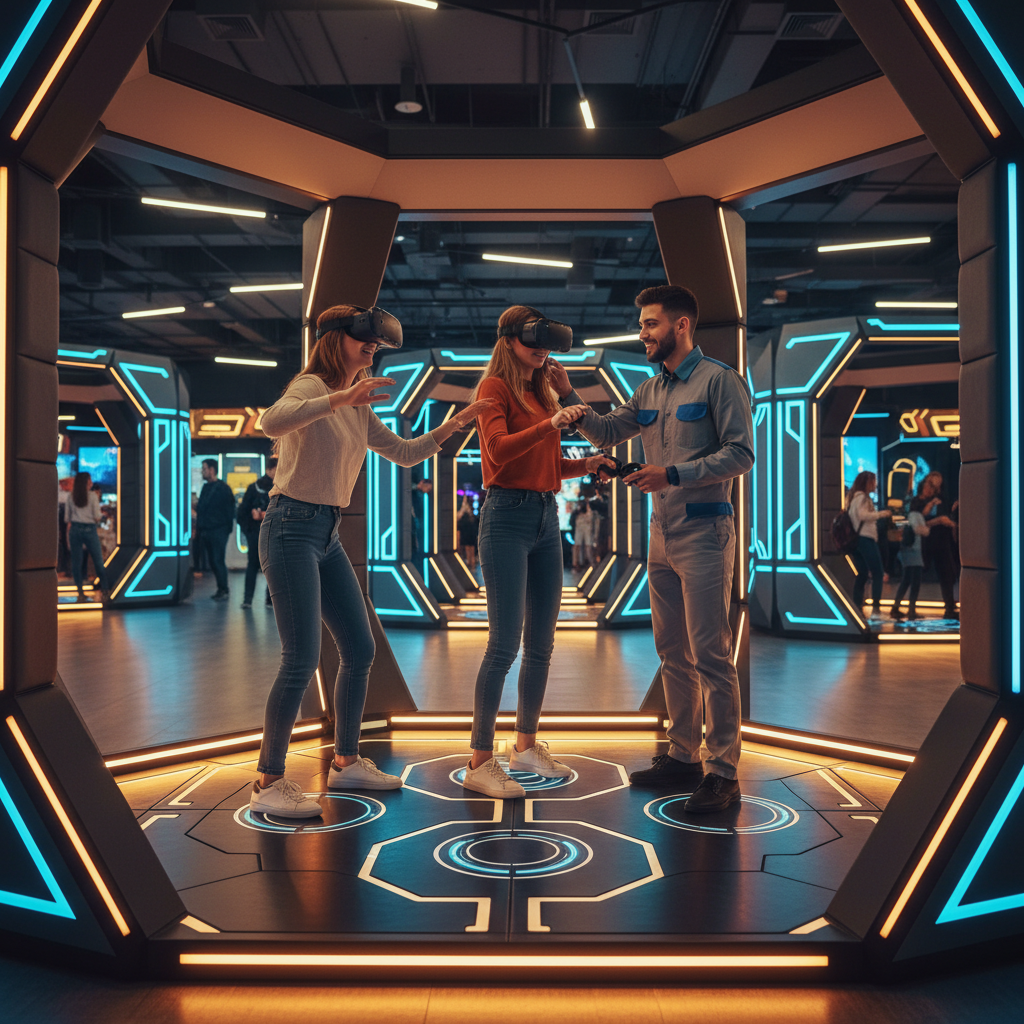
We’re located inside The Factory at 100 Kellogg Lane with 22 pods, a private party room, and 12 VR escape rooms. Book ahead for peak evenings and weekends, arrive 10 minutes early for onboarding, and invite spectators—they can watch on large TVs while you play.
- Pods and space: Individual 9×9 pods maximize movement and safety during room‑scale play.
- Party room: Lounge seating and big screens make shared viewing part of the fun.
- Games library: Action, creative, educational, and multiplayer titles for mixed groups.
- Open 7 days: Sessions run throughout the week with smooth rotations and guided onboarding.
Local considerations for Old East Village
- Combine your visit with a stop at the nearby London Children’s Museum for a full family day.
- Evenings can be busy; consider weekday afternoons in winter months for quieter pods and more flexibility.
- For team outings, plan a quick regroup in the party room between heats to capture lessons while the energy is high.
New to VR? Prep with our virtual reality pod guide and our first‑time experience checklist. If you’re comparing options across the city, this VR arcade overview in London helps frame the landscape.
FAQ: Vive Pro 2 and Your Visit
Here are quick answers to common questions about Vive Pro 2 and visiting The Next Level. We cover comfort, play space, glasses, motion concerns, and how Pro‑series tracking compares to standalone headsets for groups and competitive play.
Is Vive Pro 2 discontinued in 2026?
No. While retail channels shift over time, Vive Pro 2 remains supported and widely deployed in commercial venues. We operate Pro‑series headsets every day with reliable uptime, software updates, and available replacement parts.
How big is each play space at The Next Level?
Our individual pods are designed for room‑scale movement with clear boundaries. You’ll have enough space for full‑arm swings, quick turns, and comfortable repositioning. Staff set chaperone limits and do a fast safety check before you start.
Can I wear glasses with the headset?
Yes. Most frames fit inside the face interface. We help you dial the strap and set IPD so the lenses sit correctly. If you prefer, you can remove glasses and use the headset’s focus and fit adjustments to find a clear center view.
Is standalone VR better for parties?
Standalone VR is convenient and portable, but for precision games, co‑op shooters, and escape rooms, external SteamVR tracking on Vive Pro 2 provides more consistent performance across multiple pods. That consistency keeps brackets fair and teamwork tight.
Wrap‑Up and Next Steps
Vive Pro 2 isn’t discontinued in 2026, and it remains a strong choice for precision‑focused, multiuser VR. At The Next Level, Pro‑series headsets power 22 pods, 12 escape rooms, and a party room so groups of all kinds can play smoothly, spectate easily, and create shared memories.
Key takeaways
- Vive Pro 2 continues to be supported and reliable for arcades and teams.
- High resolution, 120 Hz, and lighthouse tracking deliver clarity and precision.
- Our fit, hygiene, and onboarding workflow speeds up first‑time success.
- 22 pods and a private party room keep groups moving and engaged.
Planning a birthday, school trip, or team‑building day? Use our arcade planning guide and this resource on Pro‑series features, then lock in a time that fits your crew. For party‑specific tips, skim this practical rundown on planning a VR birthday party.