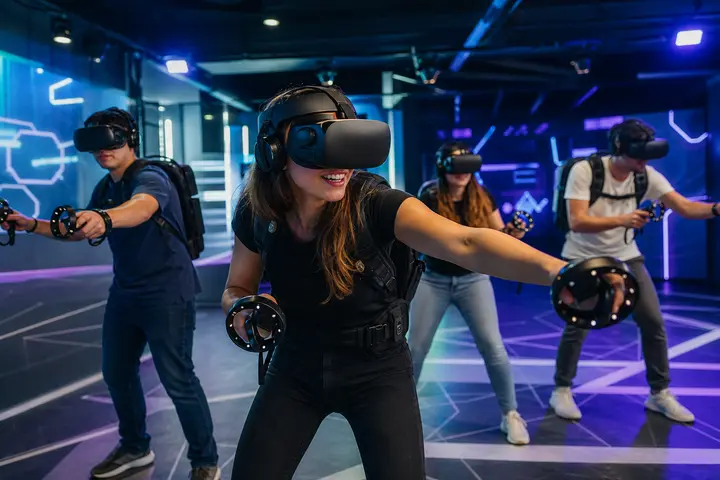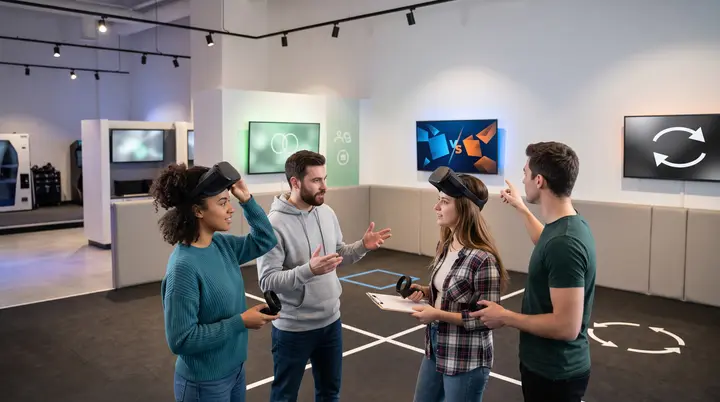
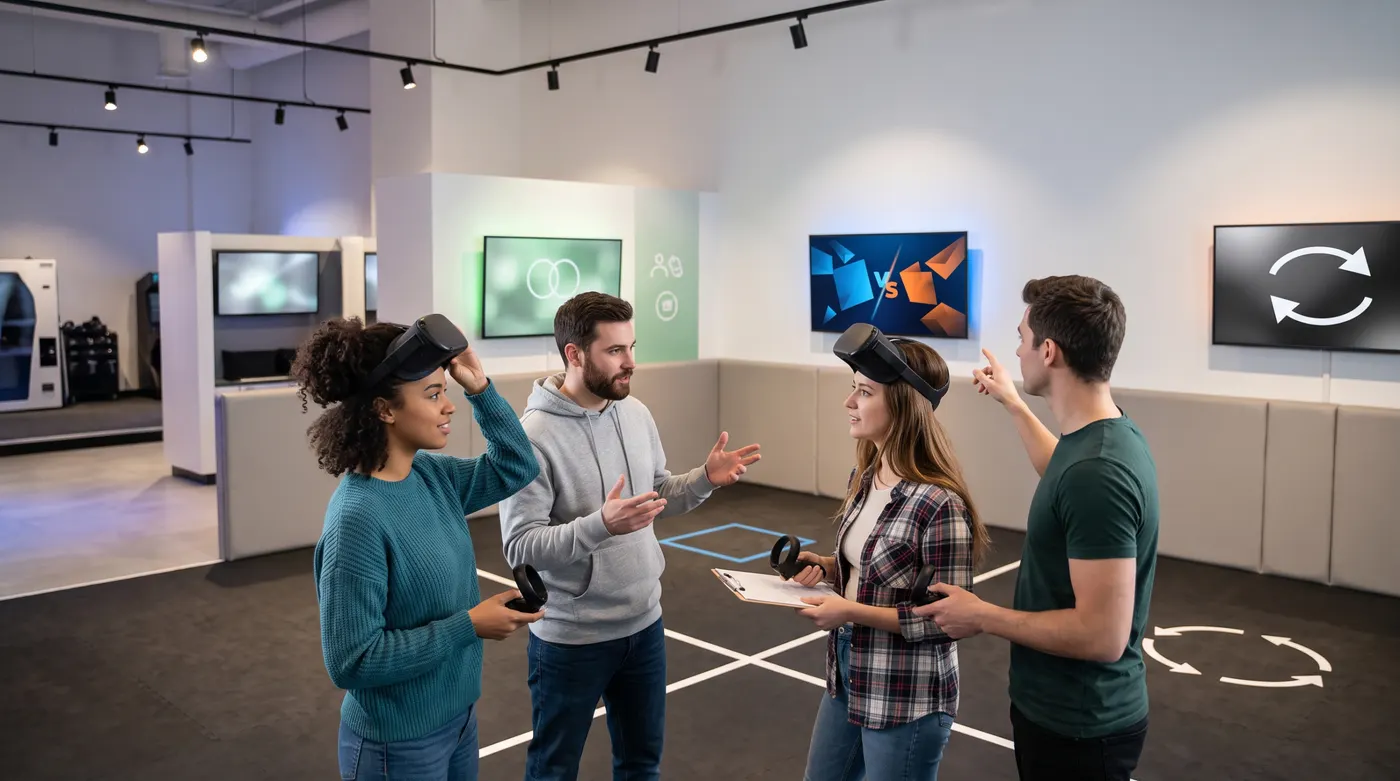
A good multiplayer VR game is not simply a famous title or the game with the most action. It is an experience a particular group can understand, tolerate and enjoy together.
This explainer uses selection criteria and scenarios instead of another fixed “best games” list. The Next Level’s catalogue and booking fit can change, so no title in an old article should be treated as current inventory.
Six criteria explain whether a VR game fits
- Simultaneous player count: determine how many people can share the same game, not just how many attend.
- Cooperation or competition: decide whether the group wants a shared objective, individual scores or team rounds.
- Learning time: a clear objective and short tutorial help first-time users reach meaningful play sooner.
- Movement and comfort: turning, artificial movement, height, visual speed, surprise and horror affect people differently.
- Session structure: game length and natural stopping points shape rotation and spectator time.
- Content fit: age guidance, themes and online interaction should fit the actual players.
A title may score well on one criterion and poorly on another. Fast movement can feel exciting to an experienced player while overwhelming a first-time guest. A deep cooperative puzzle may be memorable for friends but frustrating when the group wants quick rounds and a visible winner.
Multiplayer VR game types at a glance
| Game type | Often fits | Confirm before choosing |
|---|---|---|
| Cooperative puzzle or escape | Groups that like communication and shared discovery | Difficulty, hint system, reading, session length and player support |
| Wave defence or survival | Teams wanting action with a common objective | Intensity, aiming controls, theme and comfort options |
| Rhythm or score challenge | Mixed groups that enjoy short turns and visible progress | Rotation format, physical effort and whether players compete together |
| Sports or arena competition | Groups wanting quick rounds and a winner | Rules, movement, play-space boundaries and spectator flow |
| Creative or social sandbox | Casual groups valuing exploration over winning | Objectives, communication tools and onboarding time |
| Asymmetric party play | Groups where headset and non-headset roles work together | Required devices, rotation, accessibility and venue support |
This table describes formats, not The Next Level’s current inventory. Use the venue’s live game catalogue and confirm the exact title, player count and session fit directly.
Match the game to the group’s real scenario
First-time adult group
Prioritize clear controls, stable movement, visible objectives and a quick early win. Choose a backup with a different movement style in case the first option feels uncomfortable.
Mixed-skill family
Look for roles that let experienced players help without taking over. Short rounds, adjustable difficulty or cooperative objectives can keep the skill gap from defining the visit. Parents should verify current content and venue rules for each child.
Birthday or social outing
Decide whether the group wants everyone talking around a shared objective or cheering through competitive rotations. Natural stopping points matter because they reduce confusion when players switch.
Team outing
A game can encourage communication, but it does not prove teamwork or create a business outcome. Choose the experience for enjoyment and accessibility first. If the group wants a debrief, keep it light and avoid treating game performance as employee assessment.
Experienced players
Ask whether the group wants complexity, movement intensity, longer objectives or close competition. Even experienced players can differ in comfort, content preferences and familiarity with a specific control system.
Comfort, content and play-space safety are part of fit
Ask about movement type before the headset goes on. Teleport movement, smooth movement, turning style, height effects and visual speed can feel different. Start with a lower-intensity option when the group is unsure, follow staff instructions and stop promptly if someone feels unwell.
Meta’s Quest Safety Center provides manufacturer guidance on preparing the user and activity space, following warnings, using boundaries and taking breaks. The specific hardware and venue setup may differ, so follow the instructions for the equipment actually in use.
For content, the ESRB Ratings Guide explains rating categories, content descriptors and interactive elements such as users interacting. A rating is one input, not a substitute for the venue’s age rules, parent judgment or game-specific discussion.
Plan rotation and a different backup option
If the group is larger than the simultaneous player count, decide whether people rotate through one station, split into teams or use different experiences. Record round length, handoff point and who tracks the next turn. Avoid making the least experienced person organize the rotation while others play.
Choose a backup that solves a different problem. If the first option uses artificial movement, choose a stable backup. If the first is complex co-op, choose a quick-round alternative. If content intensity is uncertain, keep a lower-intensity option available.
The Next Level’s group booking guide can provide same-business planning context, but the venue still needs the date, group size, player profile and current catalogue before recommending a live option.
Send these questions before the visit
- How many people can play this title simultaneously?
- Is the main objective cooperative, competitive or individual?
- How long does onboarding usually take for first-time users?
- What movement, intensity, height or horror elements should players know?
- What current content rating and venue age rules apply?
- How does rotation work for the booked group size?
- What accessible or lower-intensity alternatives are available?
- What backup game would fit if the first choice is unavailable or uncomfortable?
These questions help venue staff make a current recommendation. They do not reserve a title or prove inventory. The booking confirmation should identify what the venue can actually provide.
Common multiplayer VR selection mistakes
- Using a universal top-ten list: it ignores group size, comfort and live availability.
- Choosing before counting simultaneous players: attendance and active-player capacity are different.
- Assuming co-op means beginner-friendly: complexity and movement still matter.
- Ignoring content and interaction: check ratings, themes and online features.
- No rotation plan: long waits can make a good title a poor group experience.
- No backup: availability or comfort may change the plan.
- Treating discomfort as something to push through: stop and follow equipment and venue guidance.
Frequently asked questions
What is a good multiplayer VR game for beginners?
Look for a clear objective, short tutorial, stable movement and quick meaningful interaction. Select the exact title from the venue’s current catalogue.
Are co-op games better than competitive games?
Neither is universally better. Co-op suits shared problem-solving; competition suits groups energized by scores and quick rounds.
Can mixed-skill players participate together?
Often, depending on the game. Cooperative roles, teams, short rounds and an accessible opening experience can reduce the gap.
How many games should a group plan?
Choose one primary style and one meaningfully different backup, then confirm what fits the actual booking.
Pick the group first and the title second
Good multiplayer VR games align with the group’s size, objective, experience, comfort and rotation needs. A live recommendation is more useful than an old inventory list.
Authoritative sources reviewed
- The Next Level game catalogue, group guide and homepage — first-party planning and inquiry context, not a frozen inventory promise.
- Meta Quest Safety Center — manufacturer safety and comfort context; actual venue hardware may differ.
- ESRB Ratings Guide — rating, content descriptor and interactive-element context.