

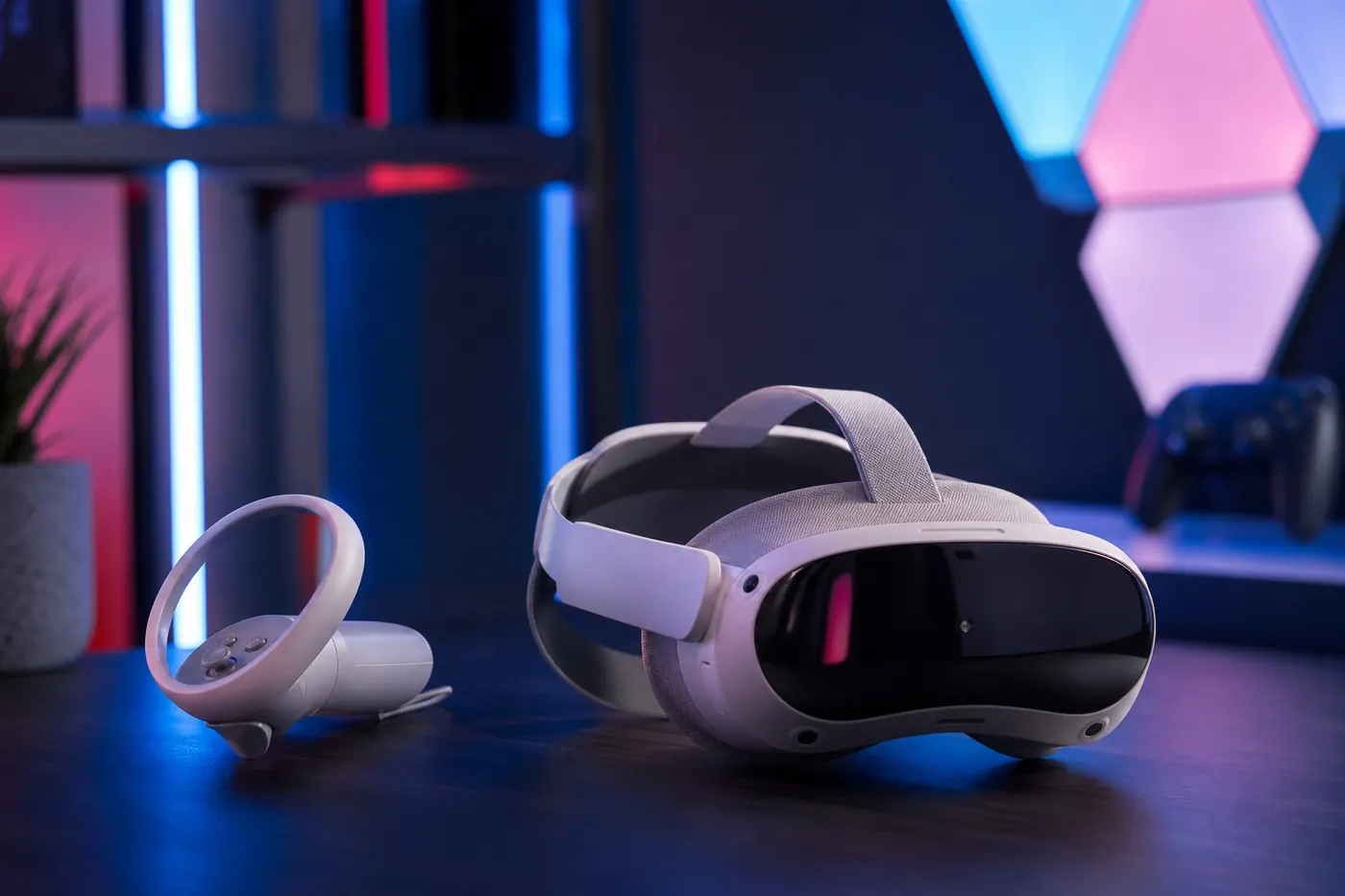
VR is uniquely immersive, which makes reviews both more subjective and more complex than in traditional gaming. If you have ever wondered why one person calls a virtual reality title “life-changing” while another finds it “unplayable,” this guide will help you decode the differences. Whether you are choosing a headset, deciding which games to try next, or comparing location‑based VR experiences, here is a practical framework for reading, comparing, and writing vr gaming reviews with confidence.
Why vr gaming reviews matter
VR blends hardware, software, ergonomics, and human factors like comfort and tolerance for motion. A single weak link—tracking instability, poor onboarding, or uncomfortable locomotion—can break the experience. Good reviews surface these variables clearly so you can predict fit for your needs and preferences.
- Purchasing decisions: Headsets and PCs are significant investments; strong reviews reduce risk.
- Time value: VR sessions can be shorter but more intense; reviews help you pick games that respect your time.
- Personalization: Comfort, play space, and mobility vary by player. Reviews guide you toward options that match your setup and tolerance.
How to evaluate hardware in vr gaming reviews
Even when a review focuses on a game, pay attention to the hardware context—it shapes what the reviewer experienced. Look for these specifics and how they are measured or described.
- Tracking stability: Does the review mention room‑scale tracking accuracy, controller occlusion, or drift? Are quick head turns and hand‑over‑hand movements stable and 1:1?
- Image clarity: Note display resolution, lens clarity, sweet spot size, and any chromatic aberration or glare. Are fine UI elements readable?
- Comfort and fit: How does the head strap distribute weight? Is there pressure on cheeks or forehead after 30–45 minutes? Does the reviewer describe adjustments or counterweights?
- Controller ergonomics: Can you locate buttons by feel? Do triggers and grips register without accidental inputs? Any hand fatigue after longer sessions?
- Audio: On‑ear vs. off‑ear, isolation, spatial accuracy, and speech clarity for multiplayer.
- Cable vs. wireless: If tethered, how noticeable is cable drag? If wireless, are there compression artifacts or latency?
- Performance context: PC specs, console mode, or standalone processing. Frame pacing and reprojection comments are key signals for comfort.
Tip: If the review omits the test setup (play area size, lighting conditions, or PC specs when relevant), treat strong conclusions with caution. Hardware‑dependent experiences vary widely when conditions change.
How to evaluate games in vr gaming reviews
VR game design lives at the intersection of interaction fidelity and player comfort. Look for coverage in the following areas and weigh them according to your priorities.
- Onboarding and tutorials: Does the game teach core mechanics in VR rather than via 2D pop‑ups? Are comfort settings explained and easy to change?
- Locomotion and comfort options: Teleport, smooth locomotion, arm‑swinging, vehicles, and climb systems each imply different comfort profiles. Good reviews call out vignetting, snap turn vs. smooth turn, and seated vs. standing modes.
- Interaction model: Are hands physics‑based? Do objects have believable weight and collision? Is there reliable two‑handed interaction for rifles, bows, or tools?
- Haptics and feedback: Controller haptics and audio cues that confirm actions reduce confusion and motion discomfort.
- Level design and presence: How does scale feel? Are spaces built for VR (readable affordances, reachable surfaces) or ported from flatscreen design?
- Content depth and pacing: Campaign length, replayable challenges, procedural content, and difficulty curves. Do sessions respect the natural VR fatigue window?
- Multiplayer usability: Voice chat clarity, lobby flow, friend invites, and session recovery after disconnects.
- Accessibility: Left‑hand support, color labeling beyond color alone, subtitles, height calibration, one‑handed options, and comfort presets.
- Stability and polish: Crash frequency, soft‑locks, UI alignment, and hand or head clipping through geometry.
When a review praises “immersion,” scan for the specific ingredients behind that praise: precise hand presence, consistent physics, diegetic UI, convincing spatial audio, and stable frame times. These building blocks predict whether that same magic will land for you.
How to read reviews of location‑based VR and arcades
Reviews for arcades or location‑based VR combine all the usual VR factors with venue‑specific details. Use the following checklist to benchmark impressions.
- Session flow: Booking clarity, check‑in speed, gear fitting, and how quickly you start playing after arrival.
- Hygiene and equipment upkeep: Visible cleaning routines, fresh face covers, and intact controllers and straps.
- Staff guidance: How well attendants calibrate height, IPD (if adjustable), and comfort options. Do they assist with game setup and mid‑session issues?
- Space design: Size of individual play areas, obstacle avoidance, cable management, and spectator visibility.
- Game library breadth: Variety across action, creative, educational, and multiplayer genres, plus VR escape room options if applicable.
- Group support: Private rooms, viewing screens for spectators, and coordination for birthdays, school visits, or team events.
- Transparency: Clear session lengths and what “time” includes (setup, tutorial, gameplay) so expectations align.
Weight the above by your goal. If you are hosting a group, prioritize coordination and spectator experience. For enthusiasts, place extra emphasis on tracking reliability, quick troubleshooting, and access to advanced content.
How to compare vr gaming reviews from different sources
Because tolerance for motion, heat, and fit varies, assemble a composite view before making decisions.
- Normalize test conditions: Note play space size, lighting, seated vs. room‑scale, and hardware specs. Filter out conclusions that mix unlike conditions.
- Map priorities: Make a short list of must‑haves (e.g., teleport only, left‑handed support, wireless) and score each review’s comments against that list.
- Seek repeatable signals: If multiple reviewers mention hand occlusion when reloading or comfort issues in vehicle sections, treat that as a trend.
- Watch for version drift: VR titles update frequently. Prefer reviews that note patch versions and dates or provide updated impressions.
- Adjust for experience level: Veteran VR users may tolerate artificial locomotion better and demand more precise hand physics. Newcomers may prioritize onboarding clarity.
Red flags and missing information in vr gaming reviews
Even well‑intentioned reviews can omit key variables. Proceed carefully when you see these gaps.
- No mention of comfort settings or locomotion options.
- Vague “motion sickness” comments without context on movement mode, frame rate, or mitigation tools.
- Lack of hardware context for performance claims.
- Single‑session impressions for systems that typically require calibration or learning (e.g., advanced hand interactions).
- Overreliance on non‑VR metrics like raw resolution while ignoring optics, tracking, and interaction fidelity.
- Hyperbolic verdicts without measurable examples (e.g., “amazing physics” without tests like two‑handed leverage or object stacking).
A simple scoring checklist for your own vr gaming reviews
Use this light, repeatable rubric to write reviews others can trust. Score each category 1–5 and add short notes. Sharing your setup and comfort profile up front helps readers calibrate.
- Setup disclosure: Headset, controllers, play space size, seated/standing, PC/console/standalone. (Not scored, but required.)
- Comfort tools (1–5): Availability and clarity of options like teleport, snap turn, vignetting, seated mode, and height calibration.
- Tracking and input (1–5): Head/hand tracking stability, occlusion behavior, button ergonomics, and haptic feedback quality.
- Interaction design (1–5): Hand presence, physics consistency, two‑handed interactions, and diegetic UI.
- Performance and visuals (1–5): Frame pacing, clarity, readability of fine text, and spatial audio placement.
- Game design depth (1–5): Level variety, mission structure, replayability, progression, and pacing tuned for VR session lengths.
- Onboarding and accessibility (1–5): Tutorial quality, left‑hand support, subtitles, color‑safe design, and one‑hand options.
- Multiplayer UX (1–5, if applicable): Lobby flow, invites, voice chat clarity, reconnect behavior.
- Reliability (1–5): Crashes, soft‑locks, and bug frequency, with version/date noted.
Example summary: “Score 33/45. Great hand physics and level variety. Needs better vignetting defaults for new players. Tested on room‑scale setup with ample lighting.”
Match reviews to your preferences and constraints
Before you act on any vr gaming reviews, list your non‑negotiables and environment constraints. Then scan for alignment rather than absolute scores.
- Space: Do you have room‑scale clearance, a standing spot, or only seated space? Prefer games built for your available footprint.
- Session length: If you play in 20–30 minute bursts, prioritize games with snappy loops and quick resume.
- Comfort profile: Some players prefer teleport and snap turns; others enjoy smooth locomotion. Filter reviews through your baseline.
- Social goals: If you want to play with friends or host a group, put multiplayer UX and spectator visibility at the top of your list.
- Learning style: If you value hands‑on tutorials, look for reviews calling out in‑VR teaching and gradual skill ramps.
How to write clearer, more helpful vr gaming reviews
Helpful reviews make your experience portable to other readers. Structure yours to answer the most common questions up front.
- Start with context: Hardware, play space, experience level, and comfort profile (e.g., “teleport preferred, snap turn OK”).
- Describe what you did: Modes played, duration, and whether you finished a campaign or sampled levels.
- Use observable tests: “Two‑handed grip stayed aligned while reloading” beats “felt good.”
- Separate preference from fact: “I dislike smooth locomotion” vs. “Game offers smooth locomotion only.”
- Time‑stamp your version: List the date and patch number if shown on‑screen or in release notes.
- Offer a short buyer’s guide: Who would like this and why, stated in conditions rather than absolutes.
Ethics and disclosure in vr gaming reviews
Trust depends on transparency. If you received hardware, game keys, or session time at no cost, disclose it. If you have a professional or social connection to a developer or venue, disclose that too. In addition, avoid definitive health claims—comfort varies by individual, and reviews should not be treated as medical guidance.
FAQ: vr gaming reviews
What should I do if a review says a game causes motion discomfort?
Check the movement mode and comfort tools mentioned. Many games offer teleport, snap turn, or vignetting that can change your experience significantly. If alternatives are not available or not explained, consider whether that aligns with your comfort preferences before buying or booking.
Why do reviewers disagree so much on “immersion”?
Immersion is a bundle of factors: hand presence, stable tracking, clear audio, believable physics, and consistent frame pacing. Two reviewers can weigh these elements differently or test in different conditions, which leads to different outcomes. Look for concrete examples rather than broad labels.
How can I tell if a short review is trustworthy?
Scan for context clues: hardware used, play time, movement settings, and specific observations (e.g., “controller occludes when hands overlap”). Even a brief review can be useful if it anchors claims to observable details and states the version or date tested.
Do VR arcade reviews translate to home VR?
Partially. They can reveal how certain games feel and what interaction models work well, but equipment, tracking spaces, and supervision differ. Treat arcade reviews as directional for content taste and interaction feel, and home reviews as definitive for setup and performance.


