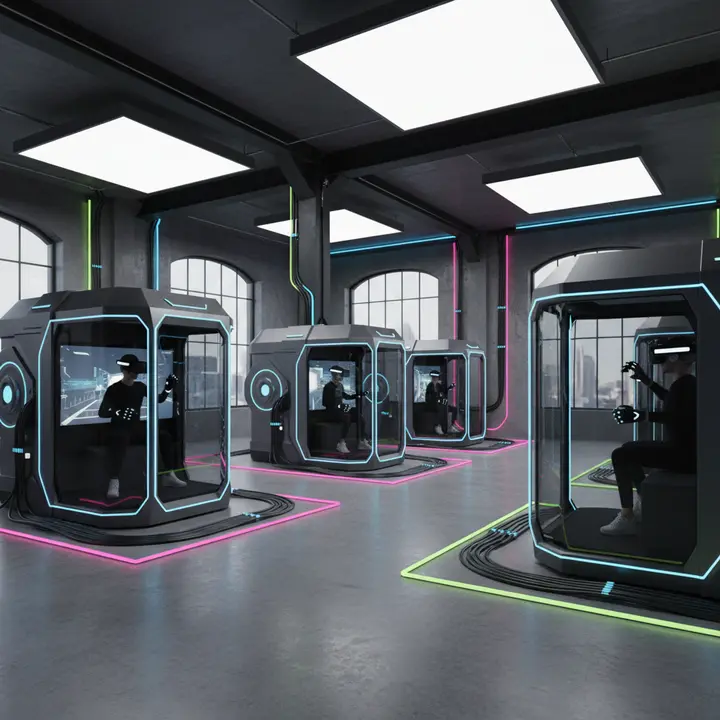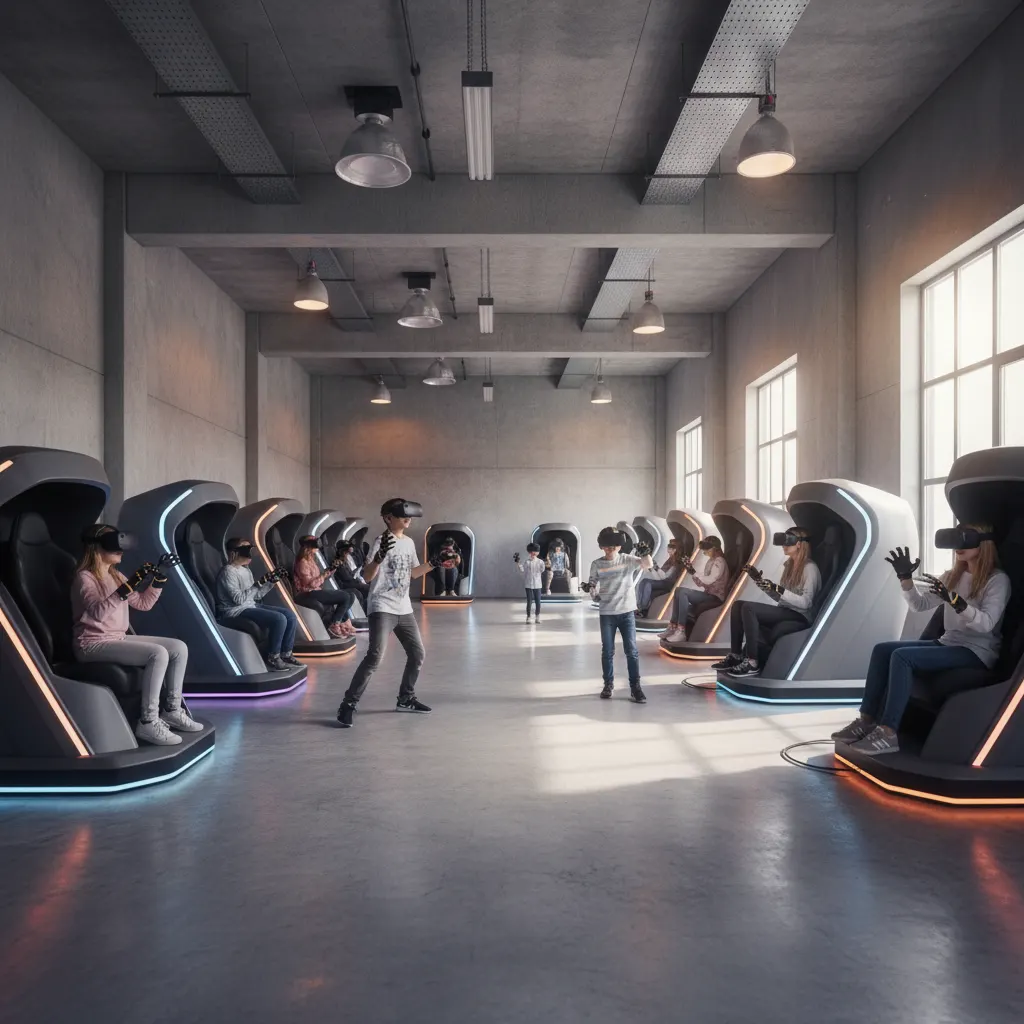
Virtual gaming is interactive digital play experienced through headsets, controllers, and tracked spaces that place you inside the game world. At The Next Level inside The Factory at 100 Kellogg Lane in London’s Old East Village, guests use room-scale VR to explore action, creative, educational, and multiplayer titles—no prior experience needed.
By The Next Level • Last updated: June 6, 2026
At a Glance
Virtual gaming at The Next Level means stepping into fully immersive worlds using HTC Vive Pro headsets and motion controllers across 22 gaming pods and 12 VR escape rooms. You’ll choose from a massive library, play solo or together, and enjoy a smooth, staff-guided setup that makes first-time visits easy for families, schools, and teams.
This complete guide shows you what virtual gaming is, why it’s compelling for different age groups, how the technology works on-site, and how to plan a smooth visit. Use it to pick experiences, brief your group, and set expectations for birthday parties, team-building, and school trips.
- What virtual gaming is and how it works
- Why kids, teens, and adults love it (and what to expect)
- Types of experiences: pods, multiplayer, VR escape rooms
- Best practices for first-timers, teachers, and organizers
- Planning checklist: booking, group setup, accessibility
What Is Virtual Gaming?
Virtual gaming is interactive gameplay delivered through virtual reality headsets, motion controllers, and tracked spaces that simulate 3D worlds. Players see and move naturally, interact with objects, and collaborate or compete. At location-based venues like The Next Level, staff guide setup so beginners can dive in within minutes.
In plain terms, you’re not staring at a flat screen—you’re inside the scene. Head movement, hand gestures, and room-scale tracking turn your actions into gameplay. That realism is why many families and first-time visitors in London say, “It feels like I’m really there.”
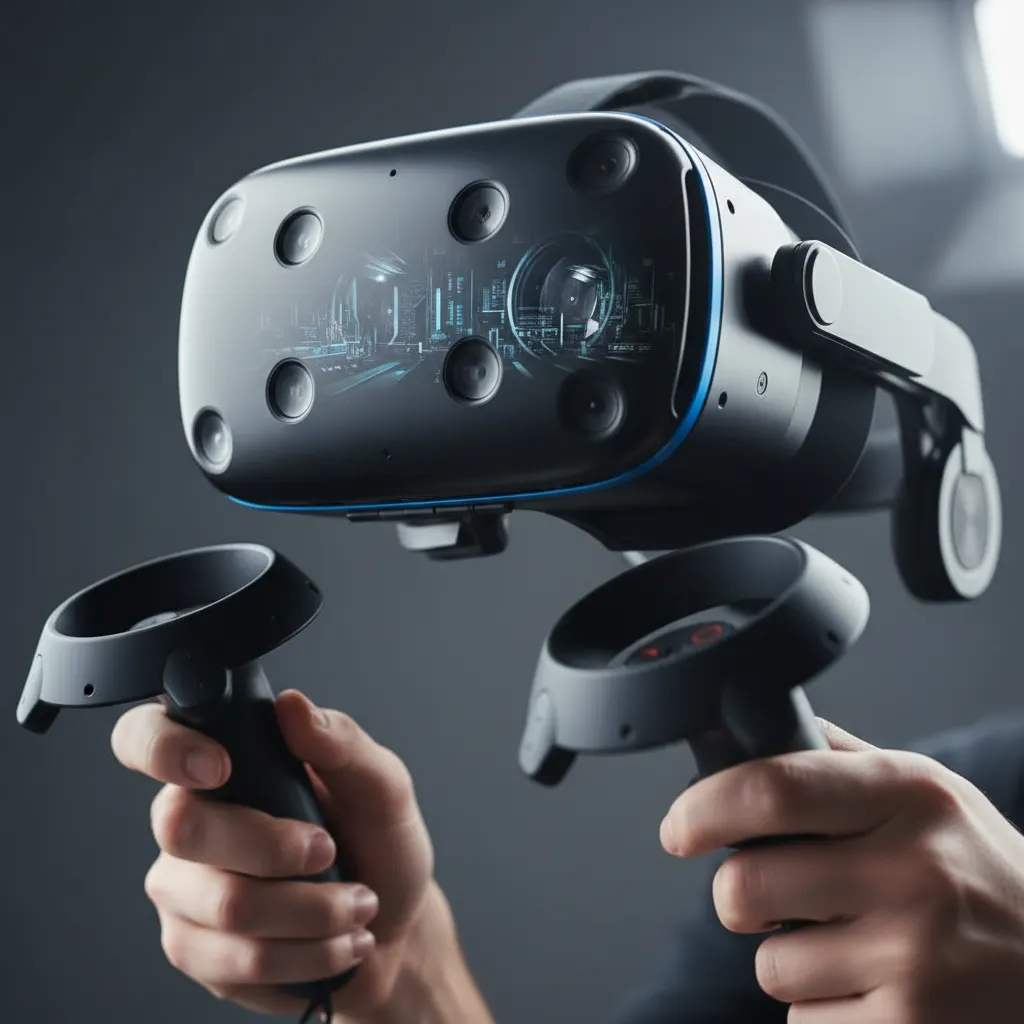
- Head-mounted display (HMD): A high-resolution headset places two screens near your eyes for true depth perception.
- Motion controllers: Your hands become tools—swords, paintbrushes, flashlights, or lab instruments.
- Room-scale tracking: Sensors map your position so walking, crouching, and leaning feel natural.
- Content variety: Action, puzzle, creative, and educational titles serve every skill level.
At The Next Level, 22 individual gaming pods and 12 VR escape rooms let you choose the right format. Whether it’s your child’s first try, a school challenge, or after-work team play, the format adapts to your group’s goals.
Why Virtual Gaming Matters for Families, Schools, and Teams
Virtual gaming builds confidence, collaboration, and curiosity by pairing immersive problem-solving with instant feedback. In Old East Village and across Middlesex County, The Next Level provides a social, guided setting where kids, teens, and adults safely explore challenges that feel real—without the risk of real-world consequences.
The draw isn’t just graphics; it’s agency. You decide, act, and see results. That loop keeps players engaged and teaches quick iteration. Families bond, classrooms reinforce concepts, and teams test communication—often inside a single session.
- For families: Share moments you can replay on wall-mounted TVs from the private party room. Kids love seeing parents try VR for the first time.
- For schools: Turn lessons into lived experiences—science labs, art creation, world exploration—without buses full of equipment.
- For teams: Time pressure in VR escape rooms spotlights leadership, listening, and trust in a low-stakes environment.
We’ve found groups benefit most when they set a simple goal—beat a level, solve three puzzles, or try two genres—then debrief for five minutes afterward. That’s where the learning and laughter lock in.
How Virtual Gaming Works at The Next Level
You book a pod or escape room, arrive a few minutes early, and our staff fit you with HTC Vive Pro headsets and motion controllers. With 22 pods and 12 escape rooms, we match titles to your group’s age and goals, guide comfort settings, and monitor gameplay for a seamless session.
Behind the scenes, room-scale tracking maps your 3D play area. The headset’s displays deliver crisp visuals while motion controllers translate your hands into tools. Staff oversee the experience from start to finish, including quick adjustments if someone wants to switch genres or needs a comfort break.
- Step 1 — Booking: Choose individual pods, a private party room, or VR escape rooms. Pick your time window and indicate group size.
- Step 2 — Arrival: Check in, stow personal items, and meet your attendant. First-timers get a quick orientation.
- Step 3 — Fit & setup: Staff adjust the headset, interpupillary distance, and straps; controllers are sanitized and ready.
- Step 4 — Title selection: We suggest options by age and intensity. You can swap games mid-session.
- Step 5 — Live support: We monitor play, help with comfort settings, and keep your group coordinated.
Capacity matters when you’re planning. The Next Level operates 24–25 HTC Vive Pro headsets across 4,000+ square feet, so groups can spread out and focus. For spectators, wall-mounted TVs in the private party room let everyone share the action.
Types of Virtual Gaming Experiences You Can Try
Choose personal gaming pods for solo play, multiplayer sessions for cooperative fun, or one of 12 VR escape rooms for puzzle-driven teamwork. Creative and educational titles round out the library, so mixed-skill groups can rotate between genres without missing out.
Not sure where to start? Tell our team who’s coming and what they like. We’ll match titles to your group’s vibe—fast-paced action, family-friendly creative, or head-scratching puzzles—and suggest a simple rotation plan so everyone gets a turn.
- Personal gaming pods (22 total): Room-scale play with a wide genre mix. Ideal for first-timers and flexible groups.
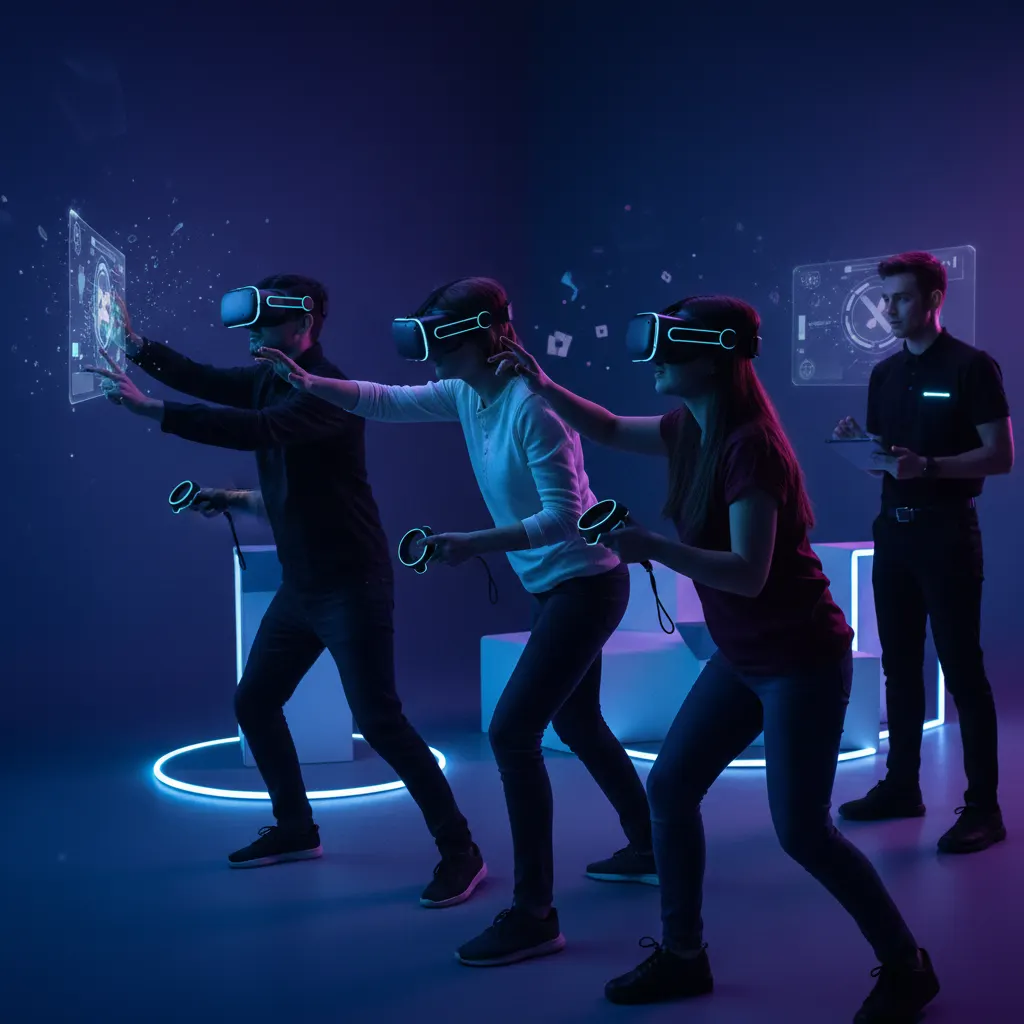
- Multiplayer arenas: Coordinate movements, share objectives, and celebrate wins together. Great for siblings and friends.
- VR escape rooms (12 rooms, 1–6 players): Solve environment-based puzzles, follow narrative clues, and beat the clock.
- Creative tools: Paint in 3D space, sculpt, or storyboard ideas—perfect for arts programs and open-ended play.
- Educational simulations: Explore ecosystems, physics, or world heritage sites to deepen classroom learning.
- Competitive challenges: Chase high scores and leaderboards for a quick, energizing format.
If your group wants variety, mix a 20-minute puzzle challenge with a 20-minute action title, then finish with a 10-minute creative sandbox. Short cycles keep energy high and include every skill level.
Best Practices for First-Timers, Teachers, and Organizers
Set clear roles, start with comfort-friendly titles, and rotate often. A quick 2–3 minute headset fit check and a brief goals chat—beat one level, solve three puzzles, or try two genres—make sessions smoother for kids, classrooms, and corporate teams.
We’ve guided thousands of first sessions. The magic happens when logistics fade and the game takes over. These practical habits make that happen fast.
- Right-size the challenge: Pick age-appropriate titles and avoid intense motion for new players.
- Assign light roles: Navigator reads clues, Operator holds controllers, Spotter tracks time and cheerleads.
- Rotate predictably: 10–15 minute turns keep lines moving and attention focused.
- Brief on safety: Heads up on boundaries, handoff protocol, and pausing when needed.
- Capture highlights: Use the party room TVs so spectators share the moment and learn faster.
For schools, create a one-page “mission” aligned to your lesson. For teams, ask members to rate communication after each puzzle. Small rituals create big takeaways without slowing the fun.
Tools and Resources You’ll Use On-Site
The Next Level equips HTC Vive Pro headsets, motion controllers, and room-scale tracking across 22 pods and 12 VR escape rooms. Staff curate the content library, guide comfort settings, and coordinate rotations so your group stays engaged, safe, and on-schedule throughout the visit.
Great gear is step one; great guidance is step two. Our attendants watch for fit, flow, and fairness so everyone gets time on the controls. If you’re planning an event, virtual previews of spaces can speed coordination and approvals.
- Headsets & controllers: High-fidelity visuals and precise hand tracking make actions feel natural.
- Curated content library: Action, creative, educational, and puzzle choices for every age and ability.
- Live facilitation: Staff pace rotations and help with comfort settings.
- Event planning aids: Virtual walk-throughs of venues can help organizers visualize layouts and guest flow—see how virtual event tours help planning and why virtual venue tours save time when coordinating stakeholders.
When you arrive, tell us your goals—birthday energy, curriculum tie-ins, or team-building themes. We’ll map a path that balances challenge and comfort across your time window.
Case Studies and Real-World Examples
From birthday cheers to corporate aha-moments, structured play turns VR sessions into stories your group retells. Here are real patterns we see: simple goals, short rotations, and a quick debrief at the end. Those habits consistently produce better teamwork and bigger smiles.
Birthday party: Mixed ages, big excitement
- Profile: 10 kids ages 8–12 plus two parents in the private party room.
- Approach: Start with friendly creative titles, then ramp to cooperative action. Rotate every 10 minutes.
- Result: Everyone tries two genres; spectators cheer via the big TVs; highlight reel during cake time.
Tip: Link your planning to our VR birthday party ideas for a smooth run-of-show and theme suggestions.
Corporate team: Communication under pressure
- Profile: 12 colleagues split into two VR escape rooms (1–6 players each).
- Approach: Assign roles (Navigator, Operator, Spotter). Timebox hints. Debrief after each puzzle.
- Result: Quicker decisions, better listening, and a shared win photoshoot at the end.
Planning a team event? Our VR arcade overview helps you scope pods vs. escape rooms for your agenda.
School group: Learning that sticks
- Profile: 24 students, four chaperones, rotating through pods.
- Approach: A/B rotation: creative art tools and environment exploration. Journaling prompt before departure.
- Result: Kids make connections faster; teachers get reflective writing with vivid details.
For curriculum-aligned activities, see our immersive experiences guide for genre ideas.
Family night: Easy first steps
- Profile: Parents plus two teens, first time in VR.
- Approach: One pod warm-up, then a light co-op challenge. Parents spectate on TV while teens play.
- Result: Everyone gets a win; parents try a creative title to finish.
New to VR? Our VR gaming guide shows how to choose beginner-friendly titles and pace the night.
Planning Your Visit and Booking Checklist
Decide your group goal, choose pods or escape rooms, and arrive a few minutes early for fittings. Assign light roles, plan 10–15 minute rotations, and save time to debrief. Staff will tailor titles and comfort settings so your group leaves energized and confident.
Here’s a simple, repeatable process we use with families, classrooms, and teams to keep everything on track.
- Pick your format: Personal pods for variety, VR escape rooms for teamwork, or add the private party room for spectators.
- Set a goal: Beat one level, solve three puzzles, or try two genres. Share the goal on arrival.
- Assign roles: Navigator, Operator, Spotter—light and flexible for fast rotations.
- Plan the rotation: 10–15 minutes per turn keeps players fresh and lines short.
- Note accessibility: Tell our team about glasses, mobility needs, or motion sensitivity so we can adapt.
- Debrief together: Capture one win and one lesson. That reflection cements the memory.
Want quick answers before you arrive? Browse our concise VR experience guide and check the escape room overview for team-size ideas.
| Experience | Players | Space | Ideal for | Time options | Highlights |
|---|---|---|---|---|---|
| Personal Gaming Pod | 1 player at a time; easy rotations for groups | One of 22 pods | First-timers, mixed interests, families | Flexible session windows | Huge library; quick genre swaps |
| Multiplayer Session | 2–4 active; others spectate and rotate | Adjacent pods | Friends, siblings, casual competition | Flexible session windows | Co-op objectives; shared wins |
| VR Escape Room | 1–6 per room (12 rooms total) | Dedicated themed space | Team building, classrooms, puzzle fans | Story-driven play | Role clarity; timed challenges |
| Private Party Room | Flexible group size | Lounge with TVs for spectators | Birthdays, milestones, mixed ages | Reserve in hour blocks | Central hub; shared viewing |
Local considerations for Old East Village
- Weekends fill fast—arrive a few minutes early to coordinate pods and roles before the action starts.
- Winter boots and rain gear? Use on-site storage so your play space stays dry and safe for quick movement.
- Making a full afternoon of it? Families often pair a visit with the nearby London Children’s Museum or an evening stop at Gateway Casinos London for adult groups.
Soft CTA: Ready to plan? Explore our VR arcade overview for booking details and quick tips that match your group size and goals.
Safety, Comfort, and Accessibility
Comfort comes first: we fine-tune headset fit, calibrate boundaries, and suggest motion-friendly titles for sensitive players. Glasses are welcome, attendants monitor for breaks, and clear floor space in 22 pods keeps movement safe and confidence high.
VR should feel empowering, not overwhelming. Tell us about glasses, mobility, or sensory needs at check-in. We’ll match titles and pacing so every player finds a win and wants to return for more.
- Fit and field of view: Proper strap tension and lens alignment reduce eye strain.
- Seated vs. standing: Choose what’s comfortable; many titles support both.
- Motion comfort: We start with low-intensity movement, then scale as desired.
- Clear boundaries: Room-scale chaperones keep you safely within play areas.
We maintain clean equipment, tidy pod floors, and attentive staffing. A calm start sets up a great session, especially for first-time kids and larger school groups.
Virtual Gaming vs. Traditional Gaming
Unlike traditional gaming, virtual gaming engages your whole body. Head turns, hand motions, and room-scale steps directly affect play. This full-sensory loop leads to faster learning, stronger memories, and shared moments families and teams still talk about after leaving the arcade.
Traditional formats are fantastic for convenience; VR is unbeatable for presence. Both coexist well—many families alternate between console nights at home and high-energy VR sessions on weekends for milestone moments.
- Presence: You feel “in” the scene, not in front of it.
- Social dynamics: Spectators cheer on big TVs; players coordinate in real-time.
- Learning by doing: Concepts click when your hands and eyes work together.
If you’re curious how a first visit flows, our first-time experience guide breaks it down minute by minute.
Frequently Asked Questions
Most first-timers are ready to play within minutes. Below, we answer the top questions families, teachers, and organizers ask about sessions, comfort, and group coordination—so your visit runs smoothly from check-in to high-fives.
How long does it take to get used to VR?
Most players feel comfortable within the first few minutes. We start with a low-intensity title, adjust headset fit, and explain boundaries. If anyone feels unsure, we switch to a seated or slower-paced experience and gradually build confidence.
What’s the best option for a birthday party?
For mixed ages, combine personal pods with the private party room so everyone can spectate on the big TVs. We suggest predictable 10–15 minute rotations, light roles (Navigator, Operator, Spotter), and one creative title to give new players an easy win.
How many people can play together in VR escape rooms?
Each VR escape room supports 1–6 players, and there are 12 rooms on-site. Assign roles, set a target number of puzzles, and debrief briefly after each checkpoint. Our attendants help with pacing and hints so your group stays on track and engaged.
Can kids wear glasses with the headset?
Yes. Many players wear glasses comfortably with the HTC Vive Pro. We adjust the straps and lens distance to reduce pressure. If needed, we can switch to seated or lower-intensity titles while you find the most comfortable fit.
Do I need gaming experience to enjoy VR?
No. VR is intuitive—look around, reach out, and interact. Our staff handle setup, suggest beginner-friendly titles, and stay close to support. Most first-timers are surprised by how quickly they feel at home in VR.
Key Takeaways and Next Steps
Pick a format, set a simple goal, and rotate predictably. With 22 pods, 12 VR escape rooms, and staff who love helping first-timers, The Next Level makes virtual gaming easy to plan and unforgettable to share.
- Virtual gaming blends presence and play for fast learning and big laughs.
- Pods, multiplayer, and escape rooms cover every age and skill level.
- Short rotations and light roles keep groups moving smoothly.
- Staff-guided comfort settings make first visits easy and enjoyable.
Want help planning the perfect experience? Scan our VR arcade planning page or jump into our immersive experiences guide. We’ll see you at The Factory, 100 Kellogg Lane—just bring your curiosity.