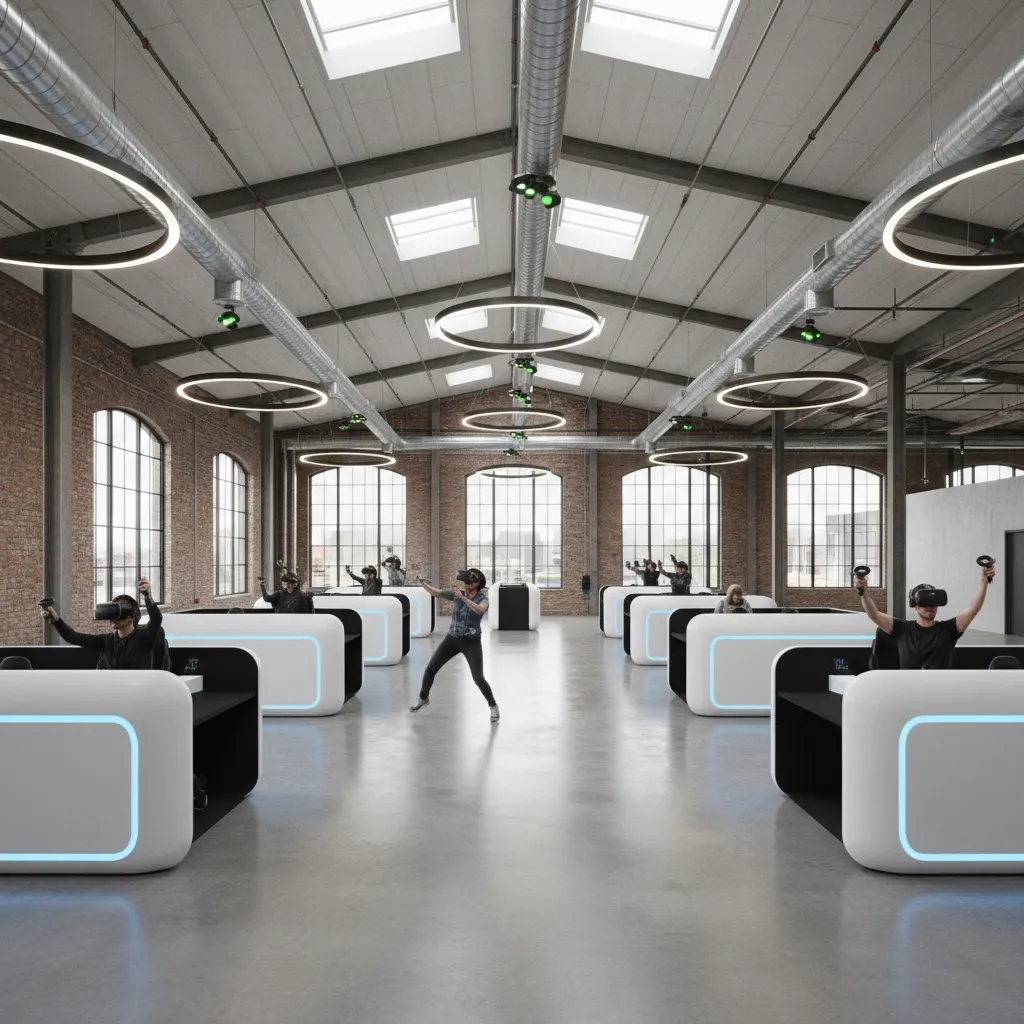
Motion tracking controllers are handheld VR devices that translate your real-world hand and finger movements into precise in-game actions. In practice, they fuse inertial sensors with spatial tracking so you can aim, grab, throw, draw, and interact naturally—boosting immersion, accuracy, and teamwork across arcade shooters, creative tools, and VR escape rooms.
By The Next Level • Last updated: April 15, 2026
Above the Fold: Hook, Overview, and Table of Contents
The fastest way to level up your VR play is to master motion tracking controllers. This complete guide explains what they are, why they matter, how they work, and the best ways to use them at an arcade. Jump to setup steps, controller types, pro tips, and real examples from London’s 100 Kellogg Lane.
- Quick Summary
- What Are Motion Tracking Controllers?
- Why Motion Tracking Controllers Matter
- How Motion Controllers Work
- Controller Types and Tracking Methods
- Step-by-Step: Your First 5 Minutes
- Best Practices: Accuracy, Comfort, Safety
- Tools and Resources
- Use Cases and Mini Case Studies
- Planning & Booking Considerations
- FAQ
- Conclusion and Key Takeaways
- Related Reading
Quick Answer
Motion tracking controllers let VR players use natural hand movements to interact with virtual worlds. At The Next Level inside The Factory at 100 Kellogg Lane, room-scale HTC Vive Pro systems pair with these controllers for precise, social gameplay in pods and VR escape rooms.
Local Tips
- Tip 1: Coming from Downtown London, take Dundas Street toward 100 Kellogg Lane and plan a few extra minutes for parking on weekends—pods and VR escape rooms fill fast.
- Tip 2: Winter gloves, bulky bracelets, and loose sleeves can interfere with wrist fit—store accessories before you gear up for the best controller tracking.
- Tip 3: For team building or school groups, ask staff to pre-load a warm-up tutorial so mixed-skill players learn controller basics together in under five minutes.
IMPORTANT: These tips align with our staffed pods, private party room, and 12 VR escape rooms—ideal for families, birthday parties, and corporate teams.
Quick Summary
Motion tracking controllers convert your hand motions into game inputs using sensors and spatial tracking. In an arcade like The Next Level, they enable intuitive actions—grabbing, aiming, and puzzle-solving—across 22 pods and 12 VR escape rooms. Master grip, trigger, and re-center moves first for the biggest performance gains.
Here’s the short version you can act on today.
- Core idea: Controllers mirror your hands in 3D, enabling natural interaction and faster learning.
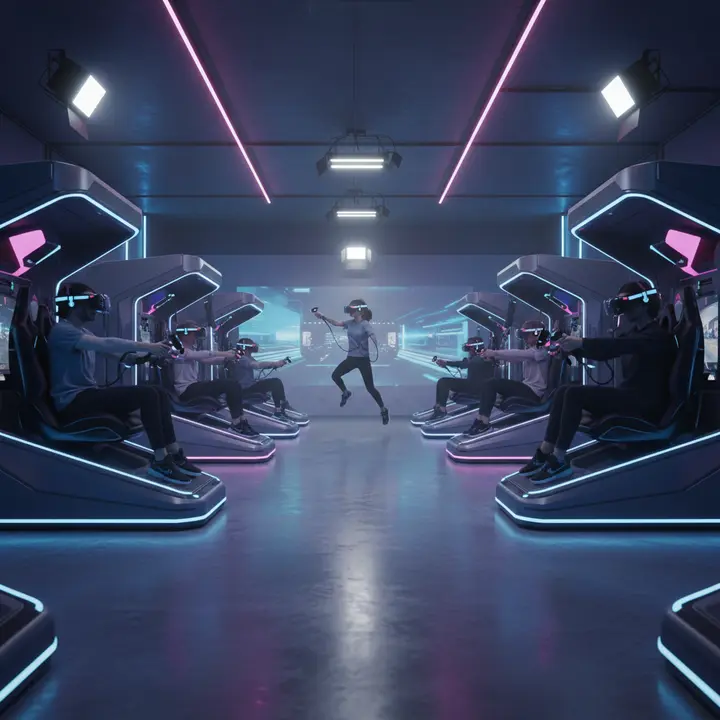
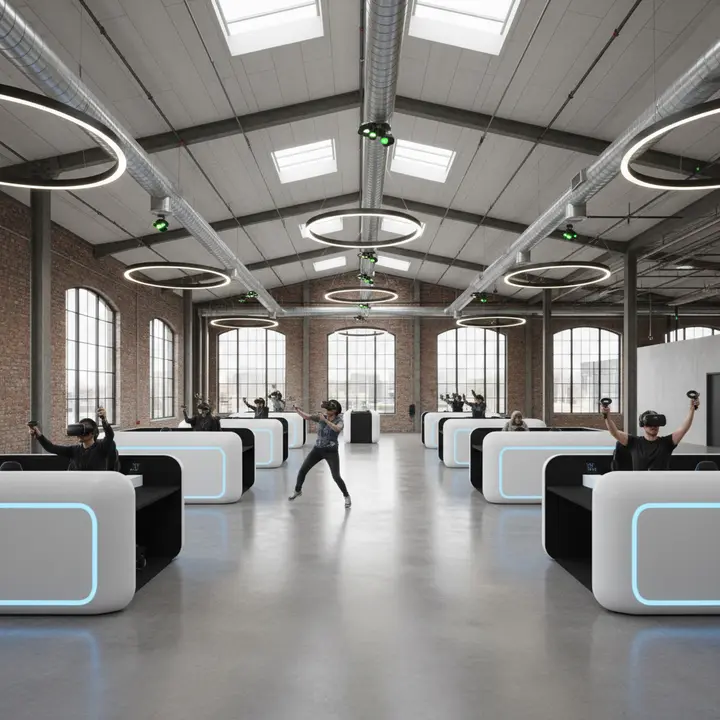
- At our venue: 4,000+ square feet of space, 22 pods, and HTC Vive Pro headsets support stable room-scale play.
- Who benefits: First-time visitors, families, school groups, birthday parties, and corporate teams building collaboration.
- Immediate wins: Faster onboarding, higher scores, and smoother teamwork in multiplayer and escape rooms.
- Next step: Practice the five-minute routine in the section below before your main game.
What Are Motion Tracking Controllers?
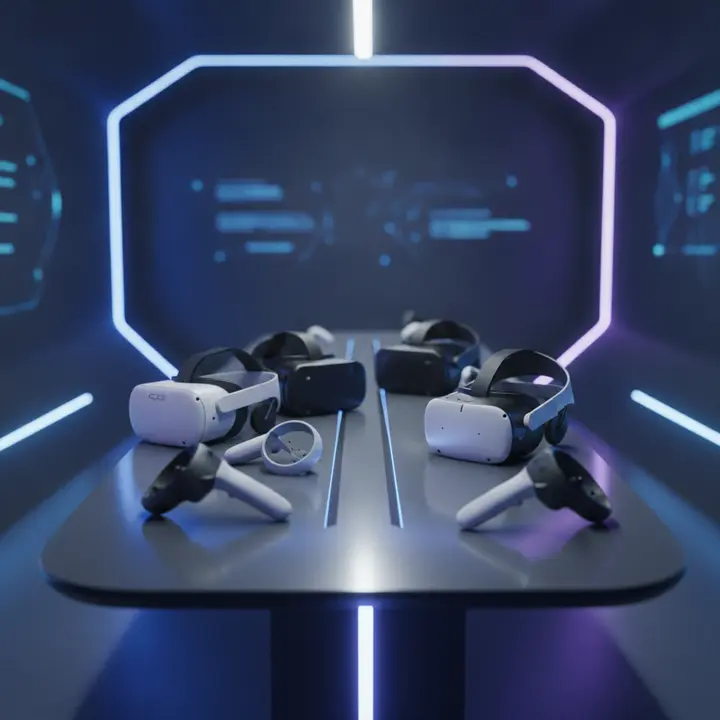
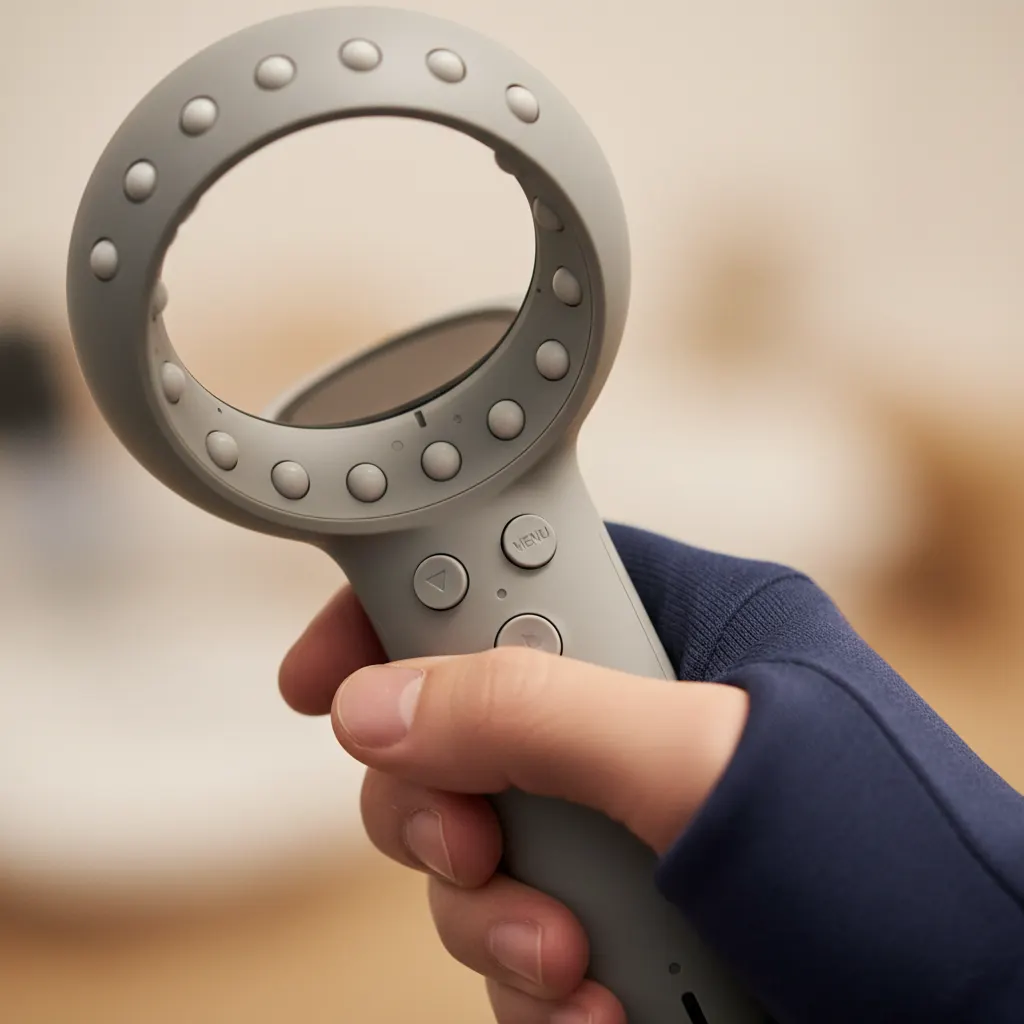
Motion tracking controllers are handheld VR devices that map your position and orientation in 3D so virtual hands match your real movements. With accurate tracking, you can point, grab, swing, and gesture naturally—critical for room-scale VR, multiplayer games, and escape room puzzles.
In our experience onboarding thousands of players at 100 Kellogg Lane, confidence with the basics—strap, grip, trigger, and re-centering—produces the first meaningful leap in control. New players typically find their rhythm within minutes when coached by our staff.
- Physical design: Ergonomic grip, trigger(s), thumb buttons, and a tracking ring or embedded markers.
- Sensor package: Gyroscopes and accelerometers estimate motion; external references refine accuracy and position.
- Actions unlocked: Pick up tools, reload, draw lines in 3D, solve locks, and pass objects to teammates.
- Arcade-ready: Durable shells and wrist straps support frequent, high-energy use across our 22 pods.
Why Motion Tracking Controllers Matter
Controllers translate intent into action with minimal friction. The tighter the tracking, the more “present” you feel. For groups at The Next Level, this means faster onboarding, better teamwork in escape rooms, and higher replay value across our continuously updated game library.
Here’s why this matters when you’re booking time at a VR arcade in London, Ontario.
- Immersion: Natural reach and grab reduce the mental gap between what you want to do and what happens on-screen.
- Performance: Accurate aiming and consistent throws improve high scores and puzzle completion rates.
- Teamwork: Clear hand signals and reliable object hand-offs make multiplayer coordination smoother.
- Accessibility: Intuitive gestures help first-timers succeed alongside enthusiasts—great for mixed-skill parties.
- Reliability at scale: Our HTC Vive Pro systems keep tracking stable during busy weekends and events.
Take this example: a six-person birthday group split into “searchers” and “solvers.” Once everyone aligned on simple controller cues—point, pass, palm-up for “give”—they shaved minutes off their escape room time and left with shared bragging rights.
How Motion Controllers Work
A controller’s IMU estimates movement while a tracking system—like Lighthouse base stations—pins precise 3D position and orientation. The VR headset fuses these signals, producing low-lag, high-accuracy hand poses that games read as grabs, throws, presses, and gestures.
Understanding the moving parts helps you troubleshoot fast and play confidently.
- Inertial core (IMU): Accelerometers and gyros capture rapid changes between external updates.
- External reference: At The Next Level, Lighthouse base stations sweep the space; sensors on the controller read those sweeps to lock position.
- Sensor fusion: Software blends IMU and optical/laser data to stabilize hands even during fast motion.
- Pose to action: The game translates pose changes into grabbing, throwing, pressing, rotating, or drawing.
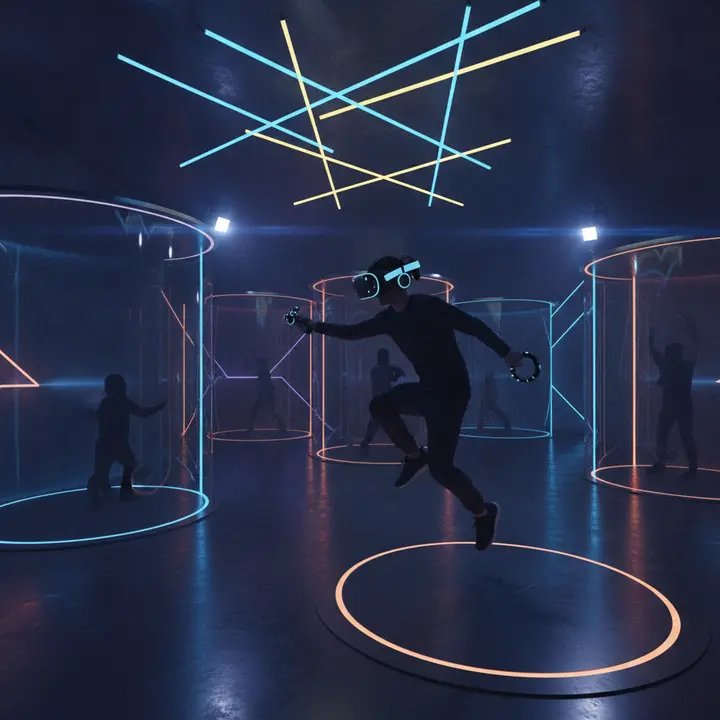
- Room-scale foundation: Our pods provide clear boundaries so you can move naturally without drift.
If your hands look offset after adjusting your headset, re-center immediately. That single habit prevents most alignment frustrations and keeps throws and grabs on target.
Controller Types and Tracking Methods
Most arcade-grade controllers use outside-in tracking with Lighthouse for stable room-scale play. Inside-out camera tracking is simpler but can lose fidelity during occlusion. For high-energy multiplayer and escape rooms, outside-in tracking remains the gold standard.
- Outside-in (Lighthouse): External base stations sweep the room; controllers sense timing to compute 3D position.
- Inside-out (camera-based): Headset cameras observe controller LEDs/markers; simpler setup, sometimes less robust under occlusion.
- Hybrid approaches: Combine inertial and visual cues for resilience; still sensitive to lighting and reflective surfaces.
- Haptics: Rumble and advanced actuators provide tactile feedback for locks, impacts, and tool resistance.
- Form factors: Pistol-style, wand-style, and knuckle/strap designs that free the palm and improve throwing fidelity.
| Tracking Approach | Strengths | Trade-offs | Best Use |
|---|---|---|---|
| Outside-in (Lighthouse) | High precision, low drift, great for room-scale | Requires base stations and calibrated space | Arcades, multiplayer, escape rooms |
| Inside-out (camera) | Fast setup, fewer peripherals | Occlusion and lighting sensitivity | Home VR, mobile setups |
| Hybrid | Balanced resilience, flexible | More complex tuning | Mixed environments |
Step-by-Step: Your First 5 Minutes
Start with strap, stance, and re-center. Learn trigger and grip, then practice a two-hand action like reload or rotate. End with a quick accuracy drill. In five minutes, most first-timers reach comfortable, consistent control that carries into games and escape rooms.
- Strap in: Secure the wrist strap; snug is safe and improves confidence.
- Neutral stance: Feet shoulder-width, elbows relaxed, eyes forward; keep pod boundaries in mind.
- Re-center: Use the provided shortcut to align your forward direction with your natural stance.
- Trigger + grip: Squeeze without over-gripping; practice pick-up, pass, and release.
- Two-hand action: Try reload, steady a bow, or rotate a puzzle dial smoothly.
- Micro-drill: Aim at three virtual targets in sequence to build a clean accuracy rhythm.
| Warm-up Step | What to Focus On | Benefit You’ll Notice |
|---|---|---|
| Strap + Stance | Secure wrist, balanced posture | Confidence and safer swings |
| Re-center | Forward alignment | Straighter throws and cleaner grabs |
| Trigger + Grip | Light, consistent squeeze | Less fatigue; fewer misclicks |
| Two-hand Action | Steadying long tools | Higher accuracy under pressure |
| Micro-drill | Target sequence routine | Faster reaction and aim |
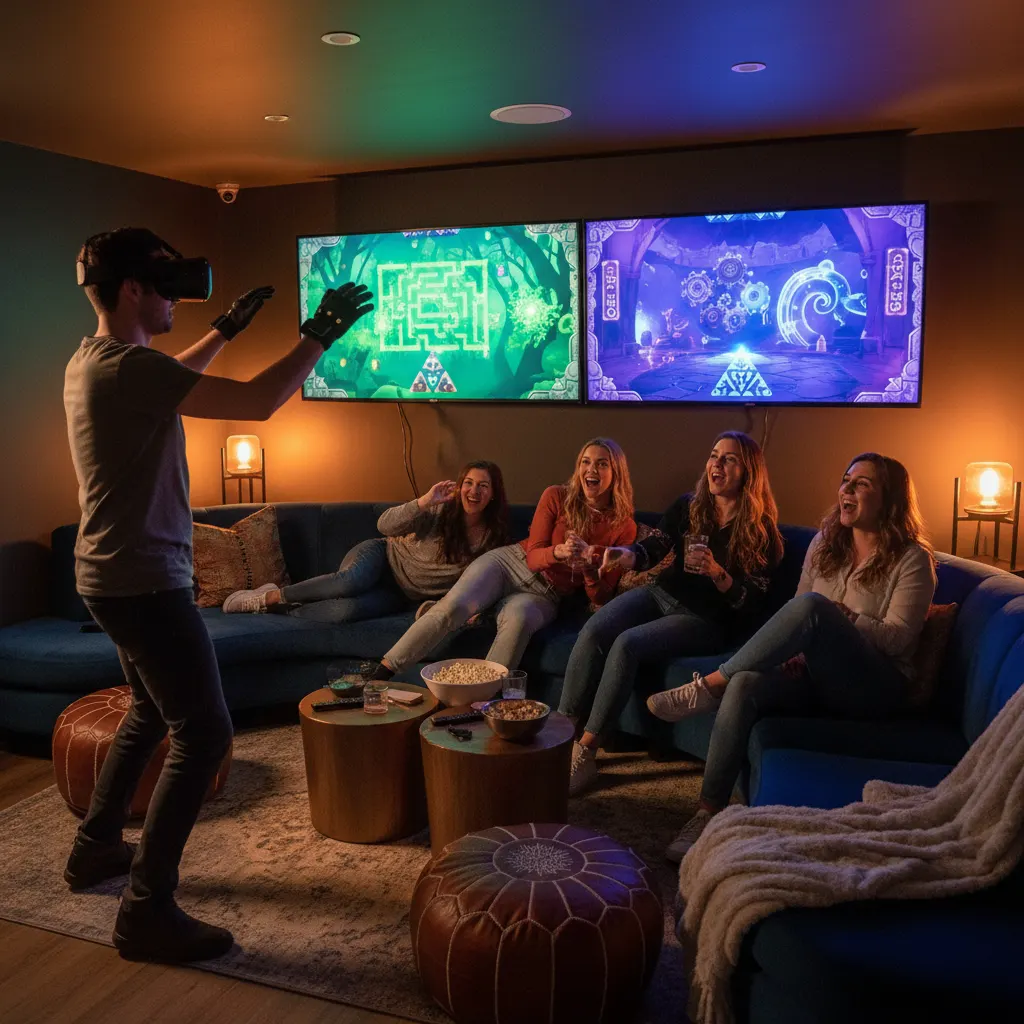
Pro tip: For parties and teams, run the warm-up once in the private party room while spectators watch on the wall-mounted TVs. Everyone learns the same cues before the main event.
Best Practices for Accuracy, Comfort, and Safety
Use a relaxed grip, align your stance, and re-center whenever hand alignment feels off. Keep wrists neutral to reduce fatigue, and communicate verbally in multiplayer. At arcades, ask staff for a quick calibration check if throws or grabs feel inconsistent.
- Accuracy: Re-center after headset adjustments; use two hands to stabilize long tools and scoped aim.
- Comfort: Neutral wrists, micro-breaks every few rounds, and light grip pressure to prevent tremors.
- Safety: Respect pod boundaries; keep straps on; call out movements in co-op.
- Consistency: Use the same pre-shot routine; consistent anchors build repeatable results.
- Hygiene: Sanitize straps and controllers between turns; dry hands to avoid slip.
Planning a Group Visit?
Our staff at 100 Kellogg Lane can load warm-up tutorials and recommend games based on age, skill mix, and goals—whether you’re celebrating a birthday, building team trust, or running a school field trip.
Tools and Resources
Practice modes, in-game tutorials, and official platform guides accelerate skill. At The Next Level, staff can load warm-ups tailored to your game choice and group size. Pair tutorials with short drills to lock clean form before competitive play.
- In-game tutorials: Many titles include shooting galleries or object-handling sandboxes—perfect for the first 3–5 minutes.
- Platform guides: Look for headset/controller getting-started pages and safety tips to reinforce good habits.
- Community routines: Proven sequences for aim training, throws, and speed-grabbing help new players level up.
- Staff coaching: Our team regularly onboards birthday parties, school trips, and corporate groups for quick wins.
Use Cases and Mini Case Studies
Controller mastery shows up in smoother teamwork, faster puzzle solves, and higher scores. At 100 Kellogg Lane, mixed-skill groups consistently hit success after a five-minute warm-up—whether competing in arcade shooters or collaborating inside our 12 VR escape rooms.
- Birthday party squad: Five teens learned the same reload rhythm, then traded roles mid-round for longer survival streaks and louder cheers.
- Corporate co-op: A marketing team split into “searcher” and “solver” roles—hand signals and object passes sped up lock puzzles noticeably.
- School STEM visit: Students used creative apps to sketch 3D shapes, practicing light grip and precise trigger pulls while classmates observed on TVs.
- Arcade regulars: Weekly visitors built a pre-game target routine that improved accuracy and reduced fatigue over time.
Want to sharpen puzzle instincts further? Check out these practical strategies for faster collaboration in our guide on VR escape room puzzle tips—great for groups who want to coordinate hand-offs and signals efficiently.
Planning & Booking Considerations
Plan around session length, group size, and experience type. Personal pods suit solo practice; the private party room centralizes group play; VR escape rooms focus on teamwork. Reserve ahead for weekends and align time blocks with your group’s warm-up plus main gameplay.
- Session planning: Budget time for onboarding plus your primary activity so players hit stride before the finale.
- Group dynamics: For birthdays and teams, use the party room so spectators can learn controller cues from the TVs.
- Experience type: Fast-paced shooters vs. puzzle-heavy escape rooms call for different warm-ups.
- Peak times: Evenings and weekends book quickly; weekday afternoons are flexible for schools and camps.
- Accessibility: Mixed-skill groups benefit from shorter, repeatable rounds before a final challenge.
Planning a celebration? Our event team shares simple checklists for timing, game flow, and roles in this article on planning a VR birthday party—a solid companion to the controller warm-up routine you learned here.
FAQ
Most questions center on comfort and control: straps, grip pressure, re-centering, and multiplayer etiquette. If throws or grabs feel off, ask staff for a calibration check and run a quick three-target drill to reset your muscle memory before the next round.
- How do I fix drifting hands?
- Re-center first. If mismatch persists after adjusting your headset fit, ask staff for a quick check of base-station visibility and controller battery levels. A one-minute reset usually restores consistent tracking.
- What’s the best grip strength?
- Light but secure. Over-gripping creates arm fatigue and micro-tremors that hurt accuracy. Keep wrists neutral and use two-hand support for long tools or scoped weapons.
- Are these controllers kid-friendly?
- Yes. With straps on and quick coaching, kids adopt trigger and grip basics fast. Staff can load gentler tutorials before high-energy games to build confidence.
- How do I communicate in multiplayer?
- Use clear verbal cues and simple hand signals: point for direction, palm-up for “give,” and a raised hand for “reset.” Practice your set once during lobby time so everyone matches.
- Can glasses affect tracking?
- Glasses don’t impact controller tracking. If your headset fit changes during play, re-center to keep hand alignment true to your stance and aim.
Conclusion and Key Takeaways
Master strap, stance, re-center, and a quick drill. Pair those with staff coaching and you’ll see immediate improvements in arcade shooters, creative tools, and escape rooms. Strong controller habits compound, making every visit more immersive and more fun.
- Controllers matter: They turn intent into action—fast.
- Five-minute routine: Strap, stance, re-center, two-hand action, drill.
- Group boost: Shared cues raise teamwork and puzzle speed for parties and teams.
- Venue advantage: Our 22 pods and HTC Vive Pro systems keep tracking steady across busy days.
Ready to play smarter? Bring your group to The Next Level at 100 Kellogg Lane. Ask our team to run the five-minute warm-up, then jump into multiplayer or a VR escape room with confidence.
Related Reading
To go deeper, explore room-scale tracking fundamentals, multiplayer teamwork tips, and puzzle-solving strategies that pair perfectly with strong controller habits. These topics round out your skills for solo practice, parties, and co-op escape rooms.
Pair this controller guide with strategy content on VR escape room clues, room-scale VR tracking, and multiplayer teamwork methods—ideal for families, birthday hosts, teachers, and team leads planning a visit to our London, Ontario arcade.