The HTC Vive Pro 2 VR headset is a PC‑tethered virtual reality system with a combined 5K resolution (4896×2448), a 120 Hz low‑persistence display, and SteamVR Lighthouse room‑scale tracking. It delivers higher clarity and steadier motion than most standalone headsets, enabling longer, more comfortable sessions for action, creative, and VR escape room play in Old East Village.
By The Next Level — Last updated: 2026-06-23
Quick Summary
Vive Pro 2 pairs 5K resolution with 120 Hz refresh and precise Lighthouse tracking to reduce blur, boost detail, and support longer play. This guide explains what the headset is, why it matters for arcades and groups, how room‑scale works, and the best practices we use at The Next Level to keep sessions clear and comfortable.
- What you’ll learn: hardware basics, setup, comfort tuning, and pro tips we use daily across 22 pods.
- Why it matters: 4896×2448 at 120 Hz cuts screen‑door effect and eye fatigue in longer runs.
- For whom: families, schools, birthday groups, and teams exploring London’s Games scene.
- Where we play: our VR arcade inside The Factory London, serving Old East Village.
Table of Contents
Use this table to jump to what you need now. Each section opens with a short, direct answer you can quote or share. Skim for tips, then dive deeper for step‑by‑step guidance, examples, and tools you can apply during your next session at The Next Level in London.
- What Is the HTC Vive Pro 2 VR Headset?
- Why the Vive Pro 2 Matters for Arcades and Players
- How the Vive Pro 2 Works (Room‑Scale Tracking)
- Types of Experiences That Shine on Vive Pro 2
- Best Practices for Clear, Comfortable Play
- Tools and Resources
- Case Studies and Examples from The Next Level
- Plan Your Visit (Local Tips)
- FAQ
- Conclusion and Key Takeaways
What Is the HTC Vive Pro 2 VR Headset?
HTC Vive Pro 2 is a professional, PC‑tethered VR headset featuring a combined 5K resolution (4896×2448), up to 120 Hz refresh, hardware IPD adjustment, and SteamVR Lighthouse tracking. It’s built for arcades, creators, and enthusiasts who need sharp text, precise motion, and reliable room‑scale performance for longer sessions.
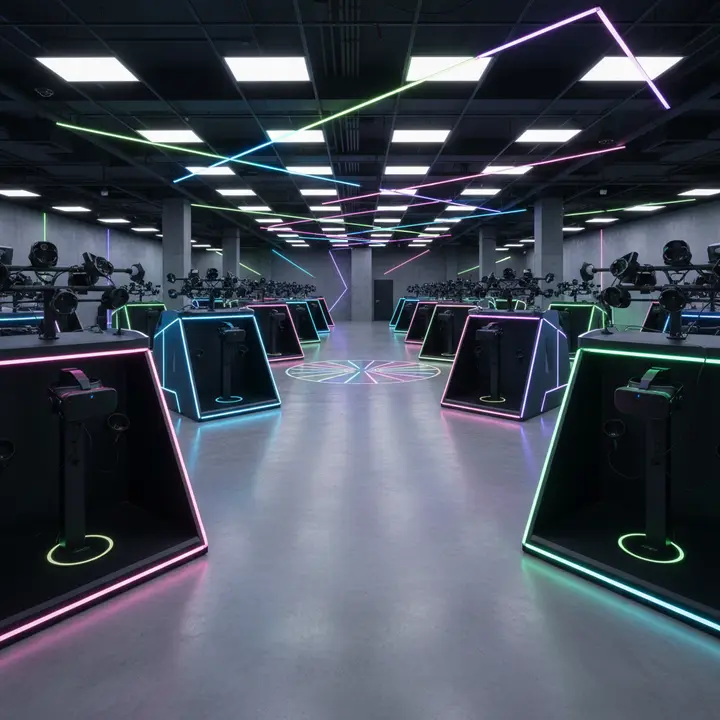
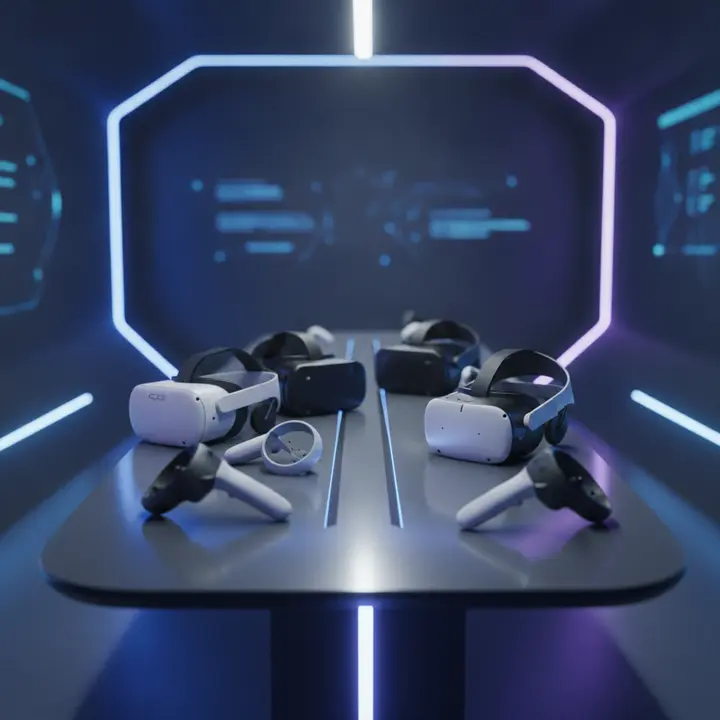
At The Next Level, our gaming pods run on high‑end HTC Vive Pro family headsets with room‑scale tracking and motion controllers. Vive Pro 2 elevates that formula with per‑eye 2448×2448 pixels, a wide field of view (up to ~120°), and a fast, low‑persistence panel that keeps motion crisp at 120 frames per second.
- Display and optics: RGB low‑persistence panel reduces blur; higher pixel density cuts aliasing.
- Comfort and fit: hardware IPD (roughly 57–72 mm) lets us match pupil distance for clarity.
- Tracking: SteamVR Lighthouse offers sub‑millimeter precision for steady aim and natural movement.
- Use cases: fast shooters, creative tools, educational sims, and detail‑heavy VR escape rooms.
Why start with specs? Because numbers like 5K, 120 Hz, and ~120° field of view directly influence comfort and clarity over 30–60 minute sessions. In our arcade, those metrics translate into fewer “I can’t read that” moments and more confident, accurate interactions for first‑timers and pros alike.
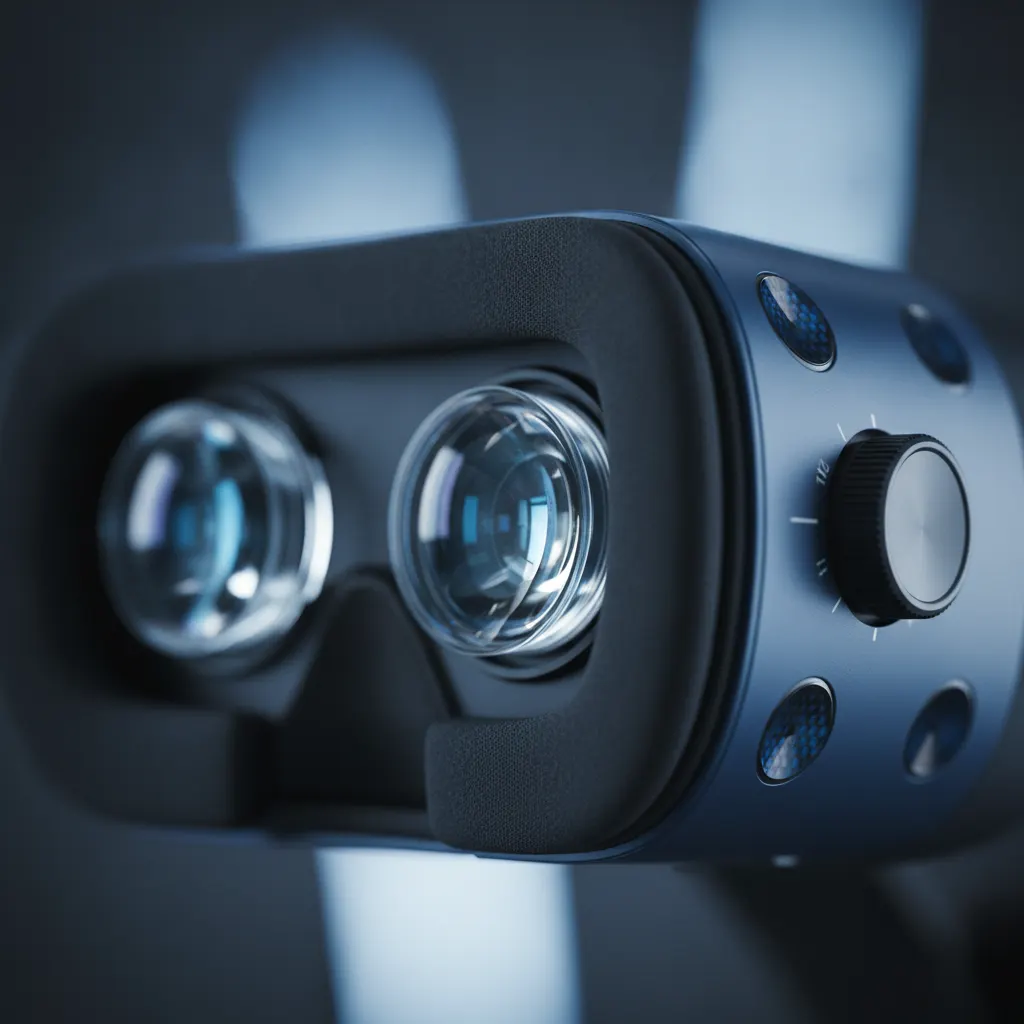
Want to go deeper on Vive‑class optics and comfort? Explore our in‑house breakdown of headset ergonomics and clarity in the Vive Pro features guide, where we explain how we tune fits across 22 pods for mixed‑age groups.
Why the Vive Pro 2 Matters for Arcades and Players
Higher resolution and 120 Hz refresh cut screen‑door effect and perceived blur, while Lighthouse tracking keeps hands steady. In an arcade, that means faster onboarding, fewer comfort complaints, and better teamwork across 1–6 players in VR escape rooms, birthday parties, and corporate team‑building sessions.
Here’s the thing: detail isn’t a vanity metric. At 4896×2448, small UI labels, map grids, and puzzle symbols become readable from a natural posture. Pair that with 120 Hz, and rapid target tracking stays legible during quick head turns—vital in competitive shooters and wave defense games where milliseconds matter.
- Onboarding speed: new players understand hand presence faster when controllers feel “locked” to movement.
- Group harmony: clear visuals reduce back‑and‑forth about “what does that say?”, so teams stay in flow.
- Reduced fatigue: low‑persistence at 120 Hz lowers smear and latency, supporting longer play windows.
- Accessibility: hardware IPD helps match family members from kids to adults without blurry edges.
In our experience, switching a detail‑heavy, clue‑spotting title to Vive Pro‑class clarity increases successful puzzle recognition for first‑time players. The arc from “What am I looking at?” to “I’ve got it” gets shorter, which is exactly what you want in timed, cooperative experiences.
New to our venue? Our VR gaming guide outlines how we match Games styles to comfort settings so you hit your stride faster in your first 10 minutes. For a city‑level view of offerings, see our London VR arcade overview.
How the Vive Pro 2 Works (Room‑Scale Tracking)
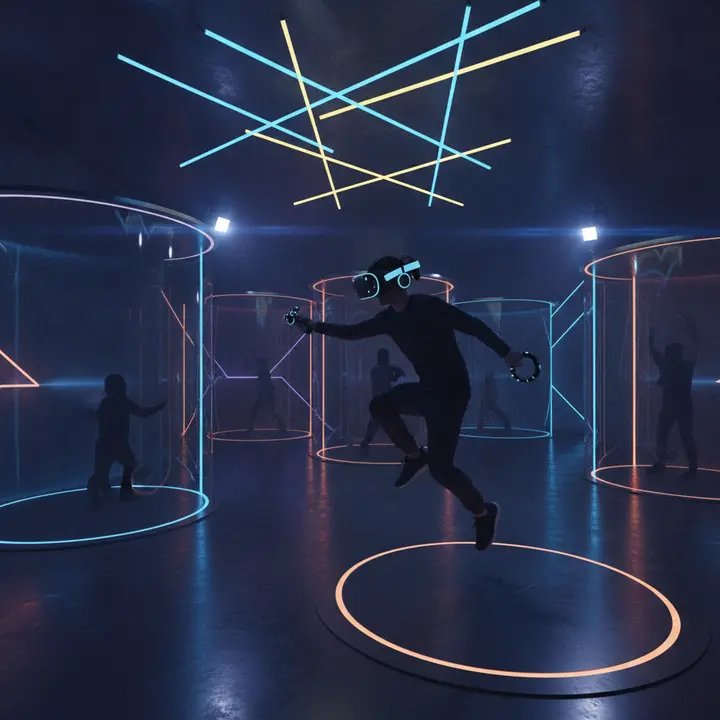
Vive Pro 2 uses SteamVR Lighthouse base stations and photodiodes in the headset and controllers to triangulate position and orientation with high precision. With correct placement, calibration, and guardian boundaries, players can walk, lean, crouch, and interact naturally inside a safe play space.
Room‑scale tracking is simple in principle and elegant in practice. Two (or more) base stations sweep infrared laser lines across the play area. Sensors on the headset and controllers detect those sweeps and, with precise timing, calculate their position and rotation dozens of times per millisecond.
- Play area: our personal pods are roughly 9×9 feet, giving you room to turn, strafe, and reach.
- Calibration: we align each pod’s floor, center, and bounds so avatars map 1:1 to your body.
- Boundaries: chaperone/guardian systems visualize safe limits as you approach the edges.
- Cable care: tether management reduces snags during fast footwork and spins.
When tracking and optics work together—high‑frequency positional data plus low‑persistence visuals—you get the sensation of physical presence. That’s what sells the magic in our 12 VR escape rooms and high‑tempo multiplayer titles. For a primer on play styles and comfort settings, skim our first‑time VR experience guide.
Types of Experiences That Shine on Vive Pro 2
High‑resolution optics and stable tracking favor detail‑rich, motion‑intense, and teamwork‑heavy titles. Expect clearer small text, sharper distant objects, and smoother target tracking in shooters, design tools, educational sims, social spaces, and puzzle‑packed VR escape rooms for 1–6 players.
Action and competitive play
- Wave defense shooters: 120 Hz clarity keeps enemy silhouettes readable at medium range.
- Arena duels: precise hand tracking makes parries and arc‑shots reproducible.
- Co‑op bosses: cleaner UI helps teams call out phases and weak‑point prompts.
Creative and educational tools
- 3D art and design: high pixel density preserves thin strokes and wireframes.
- STEM simulations: text overlays (units, labels) remain legible without leaning in.
- Exploration: sharper textures make geological layers and museum artifacts pop.
Multiplayer social and VR escape rooms
- Clue hunting: tiny markings and environmental tells stand out at 5K.
- Team flow: faster comprehension means more time solving, less time squinting.
- 1–6 players: our 12 escape rooms accommodate mixed ages and skills with staff support.
| Headset Style | Strengths | Ideal Uses | Trade‑offs |
|---|---|---|---|
| PC‑tethered (Vive Pro 2) | 5K detail, 120 Hz, precise Lighthouse | Arcade‑grade clarity, co‑op shooters, escape rooms | Tether management; PC required |
| Standalone (untethered) | Portable, fast setup | Casual social, fitness, quick demos | Lower pixel density; lower peak refresh |
| Console‑tethered | Strong exclusives | Living‑room campaigns | Less flexible play space |
Want help choosing a session type? Our immersive experiences overview compares action, creative, and educational options across ages and group sizes.
Best Practices for Clear, Comfortable Play
For the sharpest view and least fatigue, match IPD, seat the headset so weight rests on the crown, keep lenses spotless, and use the 20‑20‑20 break rule. In software, right‑size render resolution and apply motion smoothing sparingly to balance clarity and responsiveness.
Fit and optics
- Dial your IPD: even a 1 mm mismatch can blur edges—take 10 seconds to align pupils.
- Balance the strap: crown‑first fit reduces cheek pressure during 30–60 minute runs.
- Clean lenses: microfiber only; tiny smudges look like fog at 2448×2448 per eye.
Software and performance
- Per‑app resolution: in SteamVR, target ~100–150% supersample for text‑heavy apps.
- Motion smoothing: helpful in heavy scenes; disable if artifacts appear on fast hands.
- Refresh sanity: keep 120 Hz when possible; drop only if frame timing struggles.
Comfort and safety
- 20‑20‑20: every 20 minutes, look at something 20 feet away for 20 seconds.
- Hydrate and blink: dry eyes mimic blur; a water sip and conscious blinking help.
- Mind the cable: align it behind your lead foot before intense sequences.
These are the same routines our staff use to help families, schools, and corporate teams feel comfortable within their first 5 minutes. For a broader primer on getting started, scan our VR arcade overview covering etiquette, safety, and quick‑start tips.
Tools and Resources
Use SteamVR’s per‑application settings, guardian boundaries, and motion smoothing to fine‑tune comfort. Pair those with a basic cleaning kit and content curation lists so every player gets the right difficulty and style for their first 10 minutes—and their next 60.
- SteamVR dashboard: adjust render scale, smoothing, and chaperone visibility per title.
- OpenXR runtime: select the runtime your app targets for predictable behavior.
- Sanitization kit: microfiber cloths and hypoallergenic wipes between back‑to‑back turns.
- Content lists: we map titles to age bands and skill levels to speed onboarding.
- Venue FAQ: for session logistics and policies, see our Frequently Asked Questions.
- Game library planning: our VR headset games guide spotlights action, creative, and educational picks that run great on Vive‑class hardware.
If you’re organizing a larger offsite, virtual venue tours can help stakeholders align faster on layouts and flow. Two primers on virtual tours explain how visuals speed event decisions and guest buy‑in: an overview of event tour technology and a guide to virtual venue benefits.
Case Studies and Examples from The Next Level
We operate 22 pods across 4,000+ square feet and host 12 VR escape rooms for 1–6 players. Here’s how Vive‑class clarity, 120 Hz motion, and Lighthouse precision help real groups—from school trips to corporate teams—learn faster, solve puzzles sooner, and enjoy longer sessions.
School group: ocean exploration and data collection
- Context: 24 students rotate through two pods at a time over 60 minutes.
- Challenge: read specimen labels and units while handling tools.
- Outcome: at 2448×2448 per eye, students comfortably record 10+ observations each.
- Tip: we preload a short tutorial and turn on chaperone lines for early confidence.
Birthday party: co‑op wave shooter + creative cool‑down
- Context: 8–12 guests share 22 pods in rotation, then regroup in the party room.
- Challenge: keep motion clear at peak excitement while swapping players smoothly.
- Outcome: 120 Hz keeps motion readable; clear UI callouts improve team timing.
- Tip: we end with a creative tool so guests can cool down and compare screenshots.
Corporate team: logic‑heavy VR escape room
- Context: 4–6 colleagues tackle a timed puzzle environment.
- Challenge: spot small symbols and align mechanisms quickly.
- Outcome: 5K detail makes clues pop; teams report faster consensus on next steps.
- Tip: we brief roles (spotter, manipulator, communicator) to reduce cross‑talk.
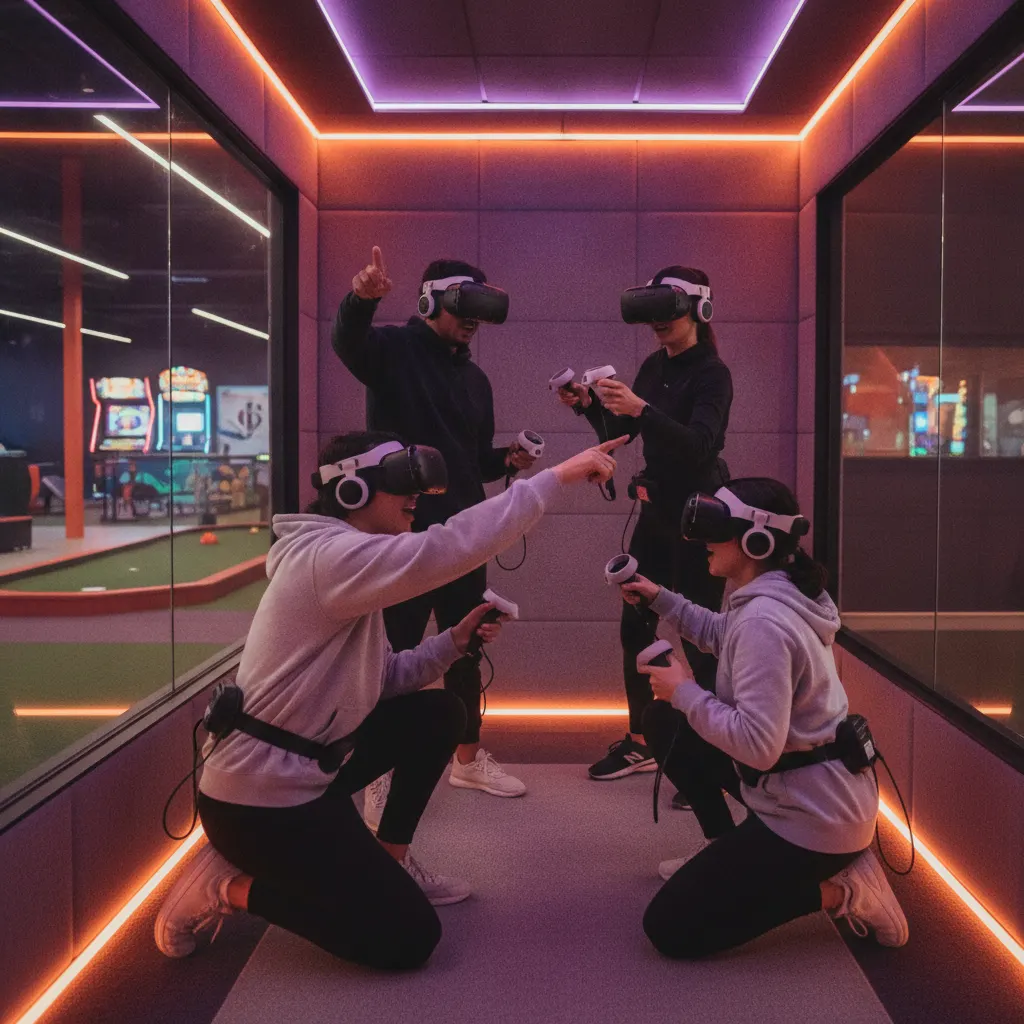
Curious how we pair Games to goals? Our immersive experiences page outlines options for families, schools, birthday groups, and corporate teams, so each visit feels tailored—not generic.
Plan Your Visit (Local Tips)
Book a personal pod for solo or duo play, reserve the party room to anchor groups between rounds, and pick from 12 VR escape rooms for 1–6 players. Expect fast onboarding in our 9×9 pods and staff help matching titles to skill levels inside The Factory, serving Old East Village.
- Personal gaming pods: ideal for first‑timers to learn controls in a calm, 9×9‑foot space.
- Private party room: lounge seating and large TVs let guests watch and swap quickly.
- VR escape rooms: 12 themed adventures support 1–6 players with staff assistance.
Local considerations for Old East Village
- If you’re arriving with kids, pair a morning session with an afternoon stop at the London Children’s Museum.
- Weekend activity near Silverwoods Park can increase area traffic; reserve ahead for predictable timing.
- Corporate teams: plan a 10‑minute debrief in the party room so learnings stick before you head back.
Before your visit, you can browse our personal pods overview to decide between solo challenges, co‑op shooters, or puzzle sessions. It’s a quick way to shape a rotation that fits your group and time window.
FAQ: HTC Vive Pro 2 VR Headset
These are the questions we hear most from new guests. Each answer is short, direct, and grounded in the headset’s real‑world behavior in our pods. If you’re planning a party or school trip, share this section with your group ahead of time.
What makes the HTC Vive Pro 2 different from standalone headsets?
Vive Pro 2 is PC‑tethered, so it can push a combined 5K resolution at up to 120 Hz with Lighthouse tracking. That delivers sharper text and steadier motion than most standalone devices. In our pods, guests notice easier clue‑spotting and smoother target tracking within the first few minutes.
Will higher refresh rates help with motion sickness?
A 120 Hz, low‑persistence panel can reduce perceived blur and latency, which helps many players feel steadier during quick head turns. Fit, IPD alignment, and comfortable content choices matter just as much. We tune all three so first‑timers settle in during their first 10 minutes.
How does IPD affect clarity for different ages?
IPD (interpupillary distance) positions the lenses in front of your pupils. Even a 1 mm mismatch can soften edges and increase eyestrain over 30–60 minutes. We use the headset’s hardware IPD range (roughly 57–72 mm) to match kids, teens, and adults for the sharpest view.
Is Vive Pro 2 good for VR escape rooms with 4–6 players?
Yes. High pixel density makes tiny symbols and environmental clues easier to spot, and Lighthouse tracking keeps hands steady for precise manipulation. In our 12 escape rooms, groups report quicker consensus because they can all read details from comfortable viewing distances.
Conclusion and Key Takeaways
Vive Pro 2’s 5K clarity, 120 Hz motion, and Lighthouse precision combine to reduce blur, improve readability, and support longer sessions. With good fit, clean optics, and smart content choices, families, schools, and teams can enjoy clearer, more confident play across The Next Level’s 22 pods.
- Clarity counts: 4896×2448 at up to 120 Hz makes text and distant objects easier to read.
- Fit first: match IPD and balance the strap to cut eyestrain in 30–60 minute runs.
- Track well, move well: Lighthouse precision keeps hands and aim steady under pressure.
- Plan sessions: rotate action, creative, and co‑op puzzle for energy and learning.
Key takeaways
- HTC Vive Pro 2 VR headset offers a clear step up in readability and motion smoothness.
- Comfort tuning (fit + IPD) is the fastest way to reduce eyestrain for new players.
- Our staff use a repeatable checklist so groups settle in within their first 5–10 minutes.
Want help planning your visit? Reach out through our website to match your group’s goals with action, creative, or puzzle‑forward sessions. We love hosting birthday parties, corporate teams, and school trips—and we’ll have your first game ready when you arrive.