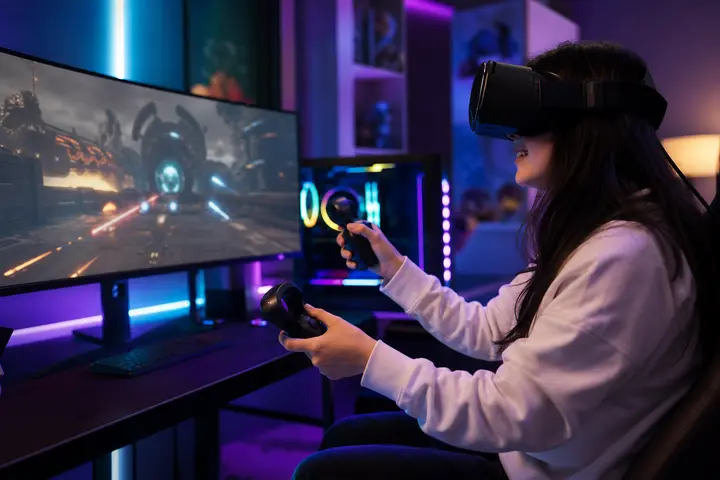
A virtual reality decision checklist is a short, practical tool you use before booking a VR arcade session, party, school trip, or corporate event. It groups the essential items you should check for safety, headset suitability, play space, staff support, booking logistics, and whether the experience matches your goal. Using a checklist reduces surprises, protects people who may be vulnerable to motion or vestibular effects, and helps you compare venues objectively.
Why the checklist matters for safety, accessibility and outcomes
Immersive VR can be delightful, but it also introduces specific risks and planning needs. Before placing a headset on someone, a short screening of balance, vision, seizure history, and motion tolerance helps avoid predictable problems. Public screening templates exist to guide that conversation and reduce risk. For a practical pre-use screening tool, see the withVR suitability screening checklist, which covers physical and vestibular items such as motion sickness history, seizure history, neck mobility, and sensory tolerance.
Beyond individual safety, evaluation frameworks developed for clinical and research use are useful when you want the experience to achieve a particular outcome. The VR-Check framework summarises evaluation dimensions that help match hardware, content, and facilitation to objectives such as education, training, or team building. That kind of multidimensional thinking is helpful when comparing game lists, headset models, and staff facilitation levels.
Research that examines how VR maps onto real world behaviour also recommends documenting setup and environmental conditions so the experience reliably supports the intended outcome, whether that outcome is learning, exercise, or social play. Those same planning items are useful when choosing a public venue for groups and events.
The 9-item virtual reality decision checklist
Use these nine checks at the counter, in an email, or while comparing venues. Each item contains the single question to ask and the quick action to take.
1) Suitability screening: who should not use a headset today
Ask, “Does anyone have a history of seizures, severe vestibular disorder, uncontrolled dizziness, or recent neck injury?” If yes, pause and seek clinical advice before booking. For a ready template of screening prompts, review the withVR suitability checklist.
2) Headset and tracking: which hardware will be used
Confirm the headset model and tracking type by asking, “What headsets and tracking systems do you use and are they room scale with motion controllers?” Modern room scale systems with motion controllers support safe 3D movement and natural hand interaction. Knowing the model helps you understand which games are available and how much physical motion is required.
3) Play space and pod size: room for movement
Ask, “What are pod dimensions and are pods physically separated from other players?” Room scale play typically needs a clear area such as a 9 by 9 foot pod or larger, clear floor marking, and separation to avoid collisions. Verify escape room capacities when you plan team activities.
4) Staff support and briefing: beginner help and monitoring
Ask, “Will staff provide hands-on setup, a safety briefing, and in-session monitoring for first-time players?” Good venues include a short safety orientation and remain available to pause or remove a player quickly. Confirm staff training and whether they will recommend simpler, low-motion titles for first sessions.
5) Group logistics: party rooms, spectator viewing and team sizes
Ask, “Do you have a private party room, spectator screens, and defined escape room team sizes?” If you plan a birthday or corporate event, verify private-party facilities and spectator viewing options so non-players can follow the action.
6) Booking, cancellation and arrival policy
Ask, “How do I reserve and what are your arrival and cancellation rules?” Confirm the booking platform, whether briefing time is included in the session length, late arrival policies, and any cancellation fees. Clear terms prevent misunderstandings on the day of the visit.
7) Accessibility and sensory accommodations
Ask, “Can you accommodate glasses, offer reduced audio, or provide seating for players who cannot stand?” Check for headset adjustments, sensory-friendly session options, and staff willingness to adapt the experience for visual or sensory sensitivities. Accessibility is a core evaluation dimension in VR assessment frameworks.
8) Motion sickness mitigation and session length
Ask, “What session lengths and low-motion options do you offer, and what is your procedure if someone feels unwell?” For first-time or motion-sensitive users prefer shorter sessions, request motion-lite games, and confirm staff can pause the session immediately. Short initial exposures and ready exit strategies are recommended best practices.
9) Goal alignment: does the experience match your objective
Ask, “Is this experience designed for fun, education, or team building, and which titles would you recommend for that goal?” Use evaluation dimensions to compare whether the venue, hardware, and content support your intended outcome, and request specific game or room recommendations that align with your group objective.
Checklist items: specific questions and quick actions
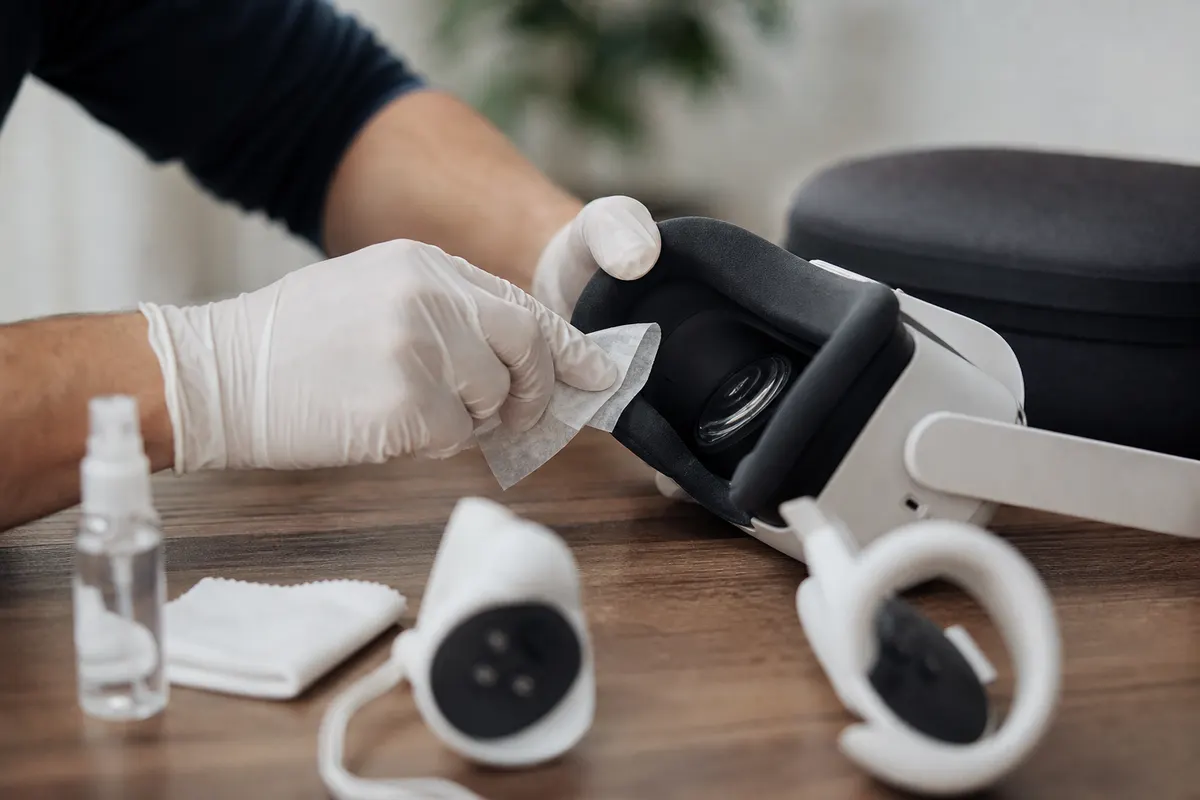
- Copy the nine question prompts above into an email to the venue when you book, or bring them printed to the counter.
- If anyone in your group hits a screening flag, arrange an alternative activity or choose a spectator role for that person instead of a headset session.
- Ask for a short demo or orientation for first-time players before committing to a full session.
If you are worried about safety or motion sickness
Practical mitigations that venues should offer include a short orientation, demo time, shorter first sessions of 15 or 30 minutes, motion-lite game lists, and prompt staff assistance to end a session if needed. Use a pre-use screening checklist such as the withVR resource to identify participants who need medical clearance. Research into VR safety and ecological validity also recommends that hosts document experience conditions so outcomes and risks are predictable and repeatable.
How to compare local venues and what to ask before you book

When you compare options in London, Ontario, evaluate by format rather than marketing claims. Use these objective comparison points:
- Hardware and tracking, for example modern room scale systems with motion controllers.
- Pod and room size, and whether pods are physically separated.
- Staff support level, orientation, and monitoring.
- Private party facilities, spectator viewing, and group workflow.
- Booking platform, arrival rules, and cancellation policy.
Ask the same nine questions at each location to decide which format — personal pods, VR escape rooms, or private party rentals — suits your group. Local operators to compare by format include well known VR arcades, escape room companies, and larger entertainment centres; ask each the same checklist questions and compare answers rather than marketing language.
Booking, pricing and arrival checklist for The Next Level, London
For quick local action at The Next Level: it is located inside The Factory at 100 Kellogg Lane, London, Ontario. The venue lists daily opening hours starting at 10:00 with extended weekend hours to 22:00. The Next Level advertises more than 4,000 square feet of play space, 22 individual gaming pods, and 24 to 25 HTC Vive Pro headsets with room scale tracking and motion controllers. Reservations are available online and the website notes time-based pricing for pods, party rooms, and escape rooms.
Recommended booking steps
- Review the nine questions and email or call the venue to confirm any items that matter to your group, for example headset fit, briefing time, and pod separation.
- Book online through the venue website and note whether briefing is included in session length.
- Plan to arrive 10 to 15 minutes early for check-in and orientation, especially with groups or parties.
- If you want a quick primer before your visit, see the venue’s guide titled “Virtual Reality Gaming Experience: Nail Your First Try in” for first-time player tips and expectations.
Quick decision scenarios
Use these three short scenarios as fast rules of thumb when you decide.
- Family with young children: prioritise suitability screening, staff briefing, and spectator viewing. Choose short sessions and motion-lite titles for kids ages 8 and up.
- School trip or class: prioritise booking logistics, group capacity, educational match, and clear learning objectives. Confirm staff facilitation and whether materials or prebriefs are provided.
- Corporate team building: prioritise goal alignment, escape room team sizes, staff facilitation, and a private space for debrief after the activity.
Frequently asked questions
Is virtual reality safe for children and what ages are recommended?
Many public VR venues set a lower age limit, commonly around 8 years, but policies vary by operator. Use the suitability screening checklist to check for motion sensitivity, seizure history, and neck mobility before booking. Confirm the venue’s age rules and staff support when you reserve.
What should I ask a VR arcade before I book a birthday party or school trip?
Ask the nine checklist questions: safety screening, headset model, pod size, staff briefing, party room and spectator options, booking and cancellation policy, accessibility accommodations, motion-sickness mitigation, and whether content matches your goal.
How can I reduce or prevent motion sickness during a VR session?
Choose short initial sessions, select low-motion experiences, sit for first exposures if available, take frequent breaks, and stop immediately if someone feels unwell. Ask the venue to recommend motion-lite titles for newcomers.
Can spectators watch players and is there seating for groups at a party?
Many venues provide spectator screens and private party rooms with lounge seating so non-players can watch. Confirm the venue’s spectator setup and the size of the party room when you book.
Do I need to disclose health conditions or sign a waiver before using a headset?
Most venues require screening questions and may ask visitors to sign a waiver. Disclose relevant health conditions during booking so staff can recommend alternatives or safety measures. If in doubt about medical suitability, seek clinical advice first.
Key references and further reading: the withVR suitability screening checklist explains practical pre-use screening prompts, and the VR-Check review summarises multidimensional evaluation criteria for VR applications in research and applied settings. See their resources for practical templates and evaluation dimensions.
The Next Level is ready to answer these questions and help you choose the right experience, whether you want personal pods, a private party room, or a VR escape room. Use the checklist above, contact the venue with your priorities, and book online when you are ready.
If you want a quick primer before your first session, read the venue’s guide “Virtual Reality Gaming Experience: Nail Your First Try in” for practical first-time tips and what to expect.
Practical sources
- VR suitability screening checklist, withVR
- Multidimensional evaluation of VR paradigms: VR-Check
- Checklist to align VR with real world behaviour
Next step: If you are ready to check availability or ask specific questions, contact The Next Level and share this checklist when you reserve.