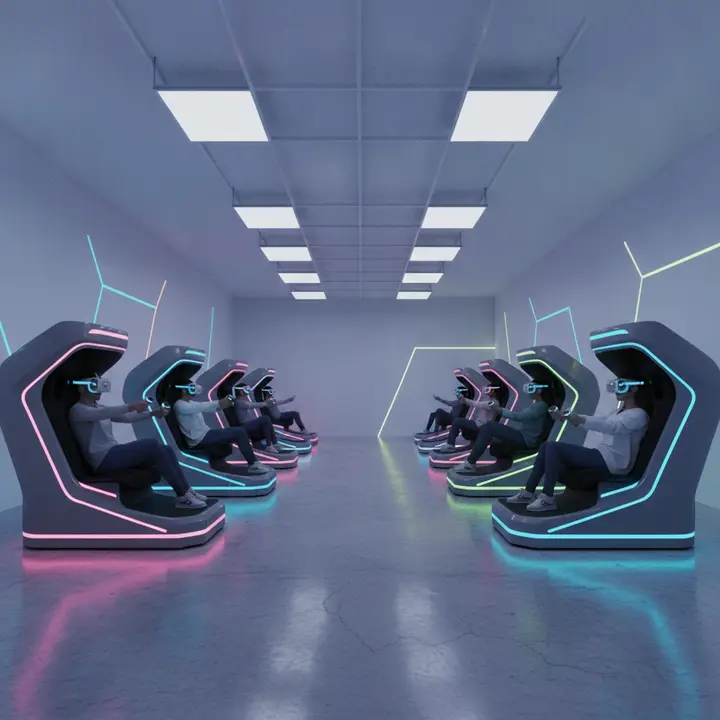
A short checklist: key questions to ask before you decide
Choosing the right virtual reality headset and games begins with a few precise questions you can use at a store, when booking a venue demo, or when comparing online offers. Start with your primary use case and let that guide the platform choice. Independent guides recommend matching headset complexity with how often you will use it because the wrong balance between performance and ease of use causes most buyer regret (Which?). Trade publications also warn that buying the most advanced hardware without a plan for daily use often leads to abandonment (buying guide). If you would rather test before you buy, our local testing guide explains what to try at a venue that runs HTC Vive Pro room‑scale systems.
Exactly what to ask: 10 questions to use now
- Which storefront or ecosystem does this headset use, and are the games I want available there?
- Is the headset standalone, PC‑VR, or console‑tethered, and what does that mean for setup and performance?
- What minimum clear floor area do room‑scale games require in practice?
- Are important titles exclusive, cross‑buy, or cross‑platform for multiplayer?
- What controller types are supported and how easy is it to replace them locally?
- What are the warranty, return, and repair processes and where are repairs done?
- Are demos or trial sessions available before purchase?
- How often does the content library receive new releases and critical updates?
- What cleaning and hygiene procedures are used for shared headsets during demos?
- For groups, what age limits, supervision, session lengths and rotation practices do you recommend?
Headset types and the games they actually support
Practically speaking, headsets fall into three categories. Each category delivers a distinct mix of convenience, performance and game availability. Be explicit about which trade you are willing to make.
Standalone (all‑in‑one)
These headsets have an integrated display and processor and are easiest to set up. They tend to be the best fit for casual users, families, and parents who want a low‑maintenance device. Expect strong social, fitness, and casual game libraries but more limited PC‑grade simulations. If portability and simple setup matter most, ask how the platform handles purchases, refunds and family accounts before you buy.
PC‑VR
PC‑tethered headsets offer the highest fidelity and the broadest range of titles including graphically demanding single‑player adventures, competitive shooters and many room‑scale experiences. The trade is a more complex setup and the need for a capable PC. A common mistake is to buy a PC‑VR headset without confirming the PC meets the vendor’s minimum GPU, CPU and USB requirements, so always verify those requirements before checkout (Which?).
Console‑tethered
Console systems sit between the two previous types. They offer a living‑room friendly experience with curated titles and stable performance. Consider this route if you already own the console and want straightforward multiplayer in a familiar setup.
Mapping typical game expectations to headset categories
- Room‑scale multiplayer and VR escape rooms: best on PC‑VR or high‑end tethered systems with external tracking.
- High‑fidelity single‑player titles: PC‑VR usually provides the most options and visual quality.
- Casual social, rhythm and fitness games: standalones provide convenience and portability for these genres.
- Creative apps and 3D art tools: check precision of controllers and whether professional tools are supported.
Technical compatibility mistakes that ruin play sessions
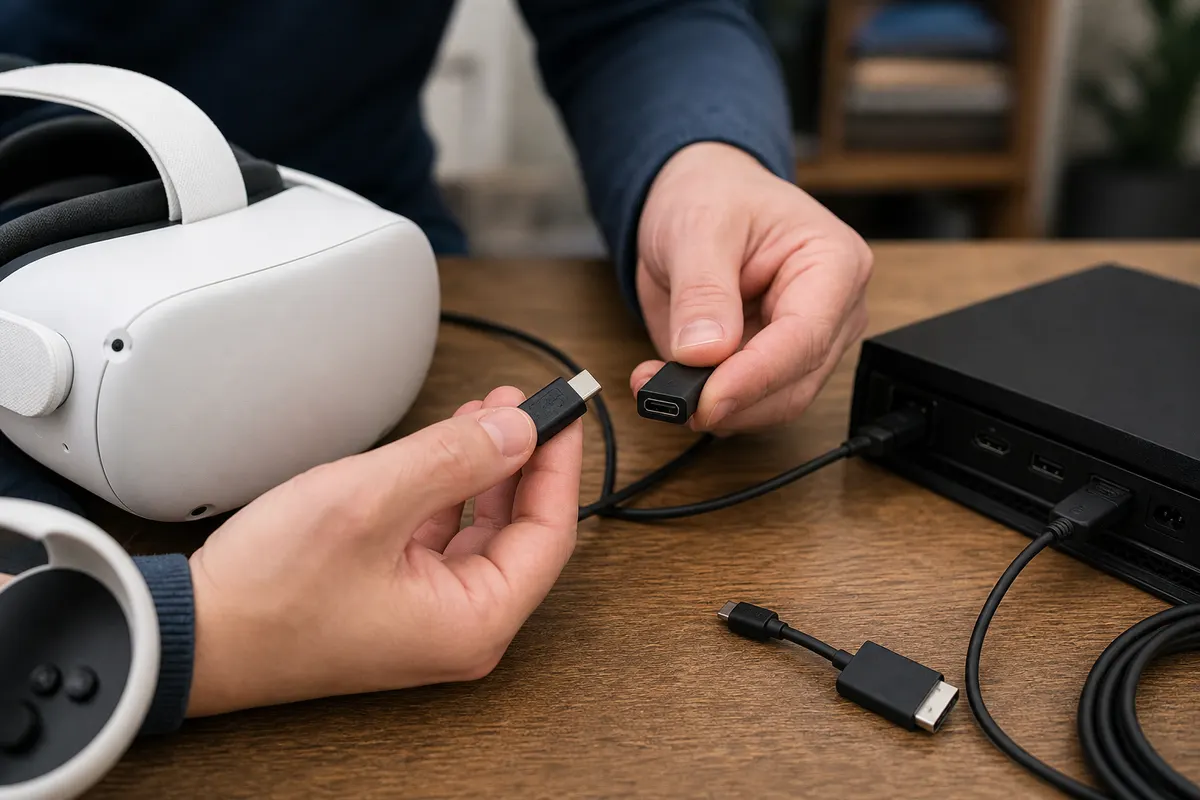
Technical mismatch is a fast route to frustration. Common traps include assuming inside‑out tracking will equal the precision of external base stations, underestimating the required play area, or ignoring fit and interpupillary distance considerations. Other costly mistakes are buying controllers that are hard to source replacements for and choosing a PC that cannot sustain smooth frame rates. Industry advice stresses aligning technical complexity with actual daily use to avoid abandoned hardware (buying guide).
Questions to ask about tracking, controllers and setup
- Does the headset use inside‑out tracking or require external base stations, and how does that affect tracking precision?
- What minimum clear play area does the vendor recommend for room‑scale games in real conditions?
- If the headset is PC‑VR, what are the tested GPU, CPU and USB requirements for smooth play?
- How readily available are replacement controllers, face pads and cables in my region?
- What is the headset’s IPD range, weight and recommended continuous session length for comfort?
Content library mistakes: exclusives, stale libraries and DLC traps
Long‑term value is largely driven by content. A headset that looks like a bargain can feel stale when its store offers few new titles or when major games are locked behind extensive DLC. Avoid buying only for a single exclusive without checking whether the platform has a steady release cadence and whether demos or refunds are available. Focus on the ecosystem and developer activity, not just the headline specs.
What to check about multiplayer, cross‑buy and updates
- Is multiplayer cross‑platform so friends on other headsets can join?
- Do major titles offer demos, free trials, or vendor refunds?
- Does the platform support cross‑buy so a single purchase works across different devices?
- How often does the vendor or store publish new titles and critical updates?
Group, age and party considerations for families, schools and corporate teams
Organisers commonly overlook pacing, supervision and spectator experience. If you are booking for a birthday, school trip or team event, verify staffing levels, age guidance and how spectators will follow play. Many venues offer private rooms, wall‑mounted TVs and group rotation systems that make large bookings run smoothly. The Next Level advertises private party facilities, spectator viewing and a large, updated game library, so it is a practical place to experience how organised group sessions work in real time The Next Level.
Questions to ask when booking parties, school trips or team events
- What is the recommended group size per session and how are rotations scheduled?
- Are trained staff available to fit headsets and supervise beginners?
- Can spectators view play on TVs or a streaming feed in the party area?
- Is food allowed, and what are the venue’s rules for timing, cancellations and refunds?
- Does the venue provide age guidance, and how do they handle mixed‑skill groups?
Red flags when evaluating headsets, games or venues
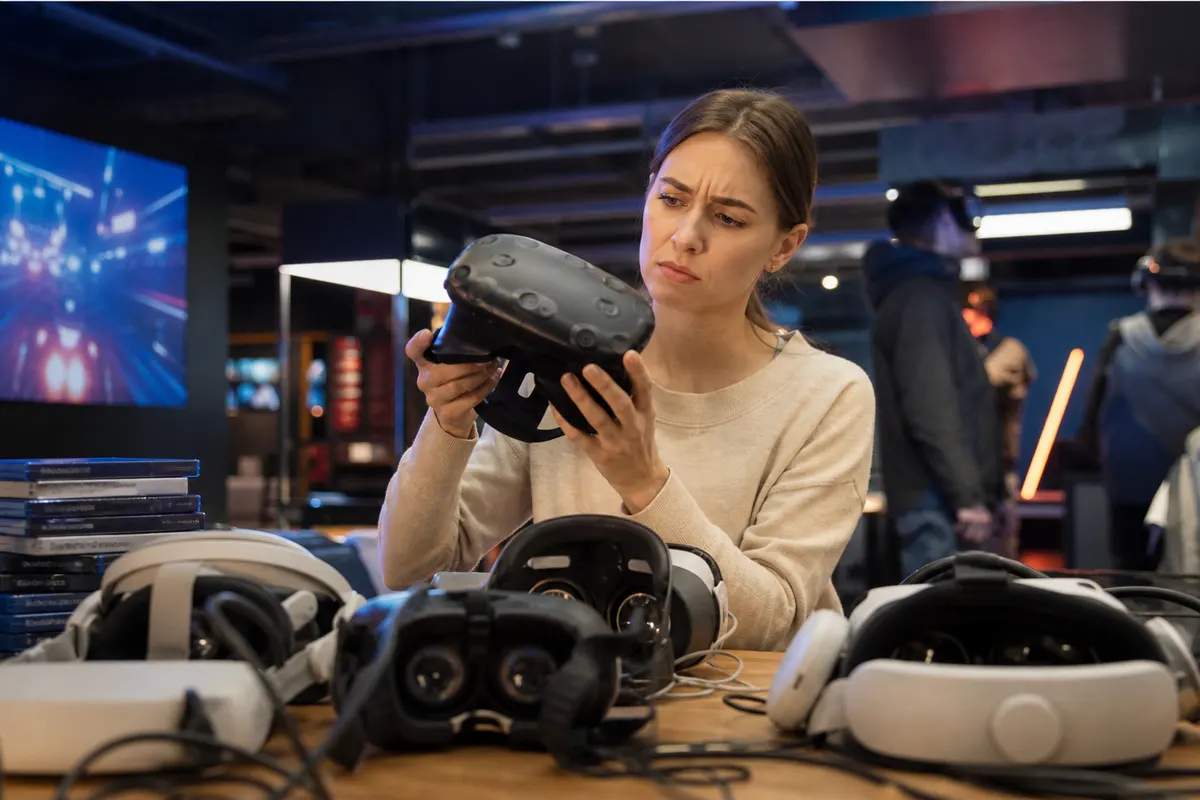
Pause your purchase or booking if any of these warning signs appear. Do not accept vague answers.
- No demo option or refusal to let you test hardware.
- A small or unchanged game library where no recent titles or updates are visible.
- Vague warranty, return or repair terms with no local service details.
- Unclear cleaning or hygiene procedures for shared headsets at demos.
- Recent reviews that show inconsistent or unhelpful customer service.
How to verify the warning signs in a short conversation
- Ask to book or observe a short demo and judge how freely the vendor offers that option.
- Request the written warranty and return policy and note where repairs are handled.
- Ask staff to show recent library updates or their content acquisition plan.
- Request details of headset sanitisation and whether disposable or washable covers are used.
- Read recent reviews and ask the venue how they responded to negative feedback.
How to test hardware and games locally: what to try at The Next Level
If you are in London, Ontario, book a short session at a venue that runs professional room‑scale hardware before you buy. The Next Level operates HTC Vive Pro headsets across multiple gaming pods together with private party space and VR escape rooms, so a single visit can answer many questions about tracking, comfort and group flows. Their site and local testing guide explain booking steps and what to expect for demos (local testing guide).
What to try during a single visit
- Book 30 to 60 minutes and pick a room‑scale game that uses motion controllers to evaluate tracking and controller precision.
- Wear the headset for at least 15 minutes to assess comfort, weight distribution and IPD fit.
- Try a multiplayer lobby or social app to check matchmaking, voice chat and cross‑platform behaviour.
- Observe how staff fit and sanitise headsets and ask about their cleaning protocol and replacement pad policy.
- Check spectator viewing in the party room and ask how rotations are communicated and timed during group bookings.
Decision checklist and next steps
Use this final checklist before you buy or book. If you cannot answer these items clearly, postpone the purchase.
- Use case: which genres and session lengths will you play most often?
- Headset category: does the device type match your use case and technical comfort?
- Budget for extras: controllers, accessories, replacement parts and PC upgrades.
- Space: do you have the recommended play area for room‑scale titles?
- Content fit: are the games you want available and is the library active?
- Support and warranty: are returns and repairs clear and local if possible?
- Hygiene and demos: can you test hardware and confirm cleaning procedures?
If doubts remain, book a demo or short session at a venue that runs high‑end room‑scale equipment before you buy. For local testing notes and booking options, consult the virtual reality headset games guide and consider a visit to The Next Level to try HTC Vive Pro room‑scale VR in person.
Frequently asked questions
What questions should I ask about virtual reality headset and games before buying?
Ask about the headset ecosystem, necessary hardware and play area, controller availability, exclusive titles and cross‑platform multiplayer, warranty and returns, and whether demos are available. Use the 10 questions earlier in this article as a checklist while you shop.
Can I try HTC Vive Pro room‑scale games at a local arcade before I buy a headset?
Yes. The Next Level in London, Ontario operates HTC Vive Pro headsets with room‑scale tracking across multiple pods and offers group sessions, private party space and escape rooms. Booking a session there lets you evaluate tracking, comfort and the kinds of games you might play at home. See the local testing guide for recommended tests and booking information (virtual reality headset games guide).
Which headset type is best for families, kids and mixed‑skill groups?
Standalone headsets usually provide the best balance of simplicity and durability for families and mixed‑skill groups because they require minimal setup. For organised group play or escape‑room experiences, venue systems with room‑scale tracking are often the better choice because they allow shared, supervised sessions that are difficult to replicate at home.
How can I avoid motion sickness and make VR comfortable for first‑time users?
Begin with short sessions, choose experiences labelled comfort‑friendly, ensure the headset is fitted properly and prefer content with a stable horizon. If motion sickness is a concern, try demos first and ask staff for low‑motion or seated alternatives. Gradually increase session length as tolerance improves.
What are the biggest red flags a seller or venue should not ignore when offering VR demos or bundles?
Refusal to permit demos, unclear warranty or return policies, an ageing content library, poor or undocumented cleaning procedures for shared headsets, and inconsistent staff support are all valid reasons to pause. Ask for written policies and a demo appointment before you commit.
Ready to test room‑scale VR before you buy? Book a session at The Next Level to try HTC Vive Pro hardware, check game fit, and see how group sessions work in a professional setting.