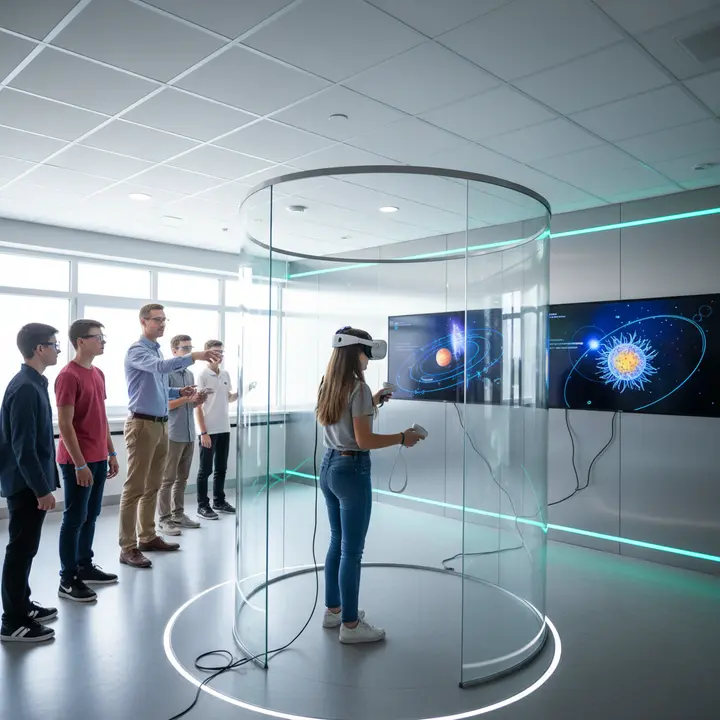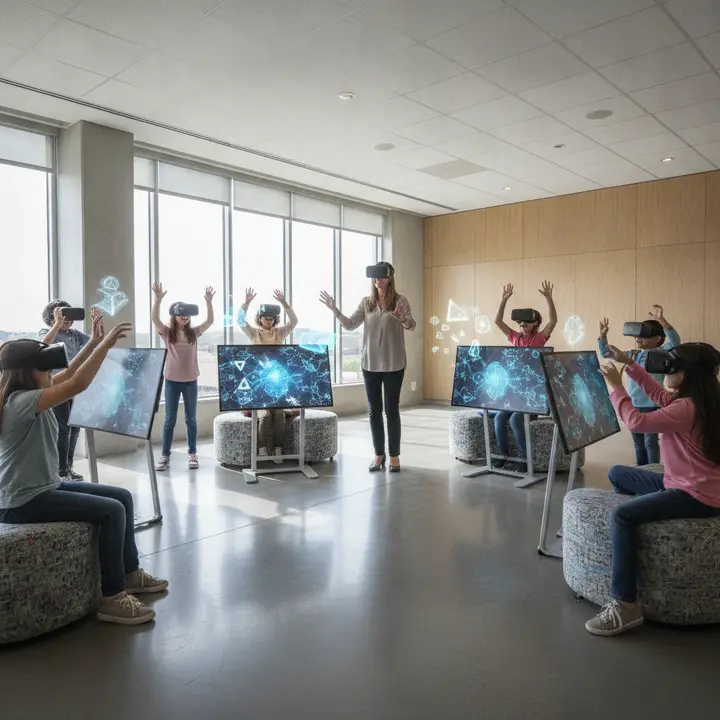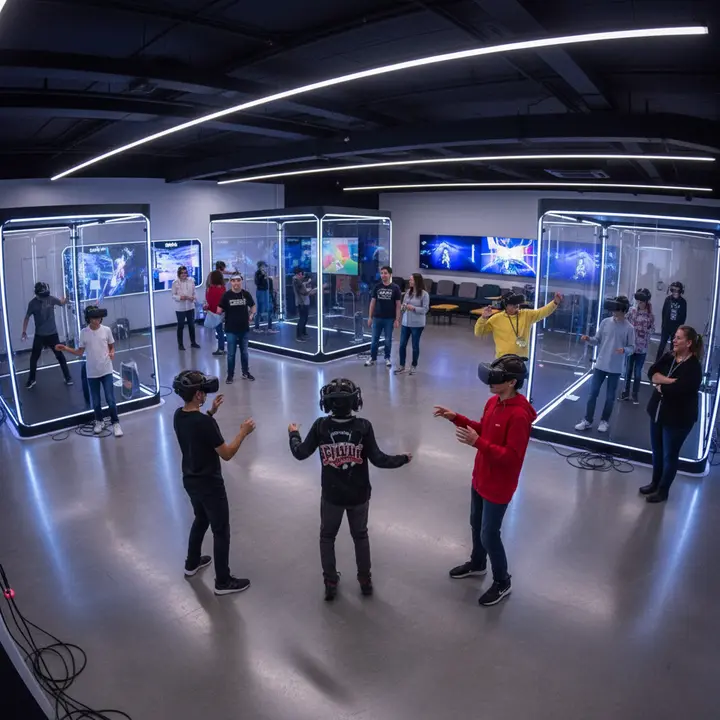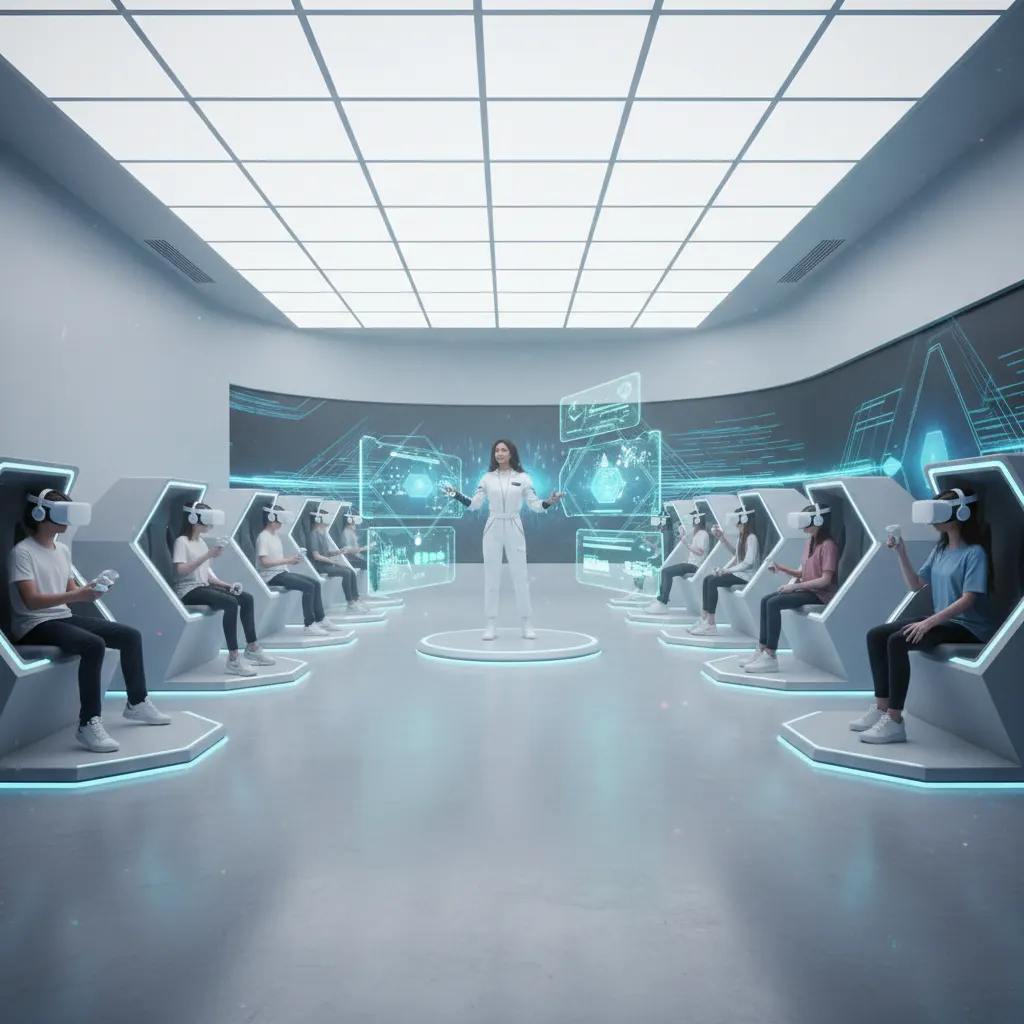
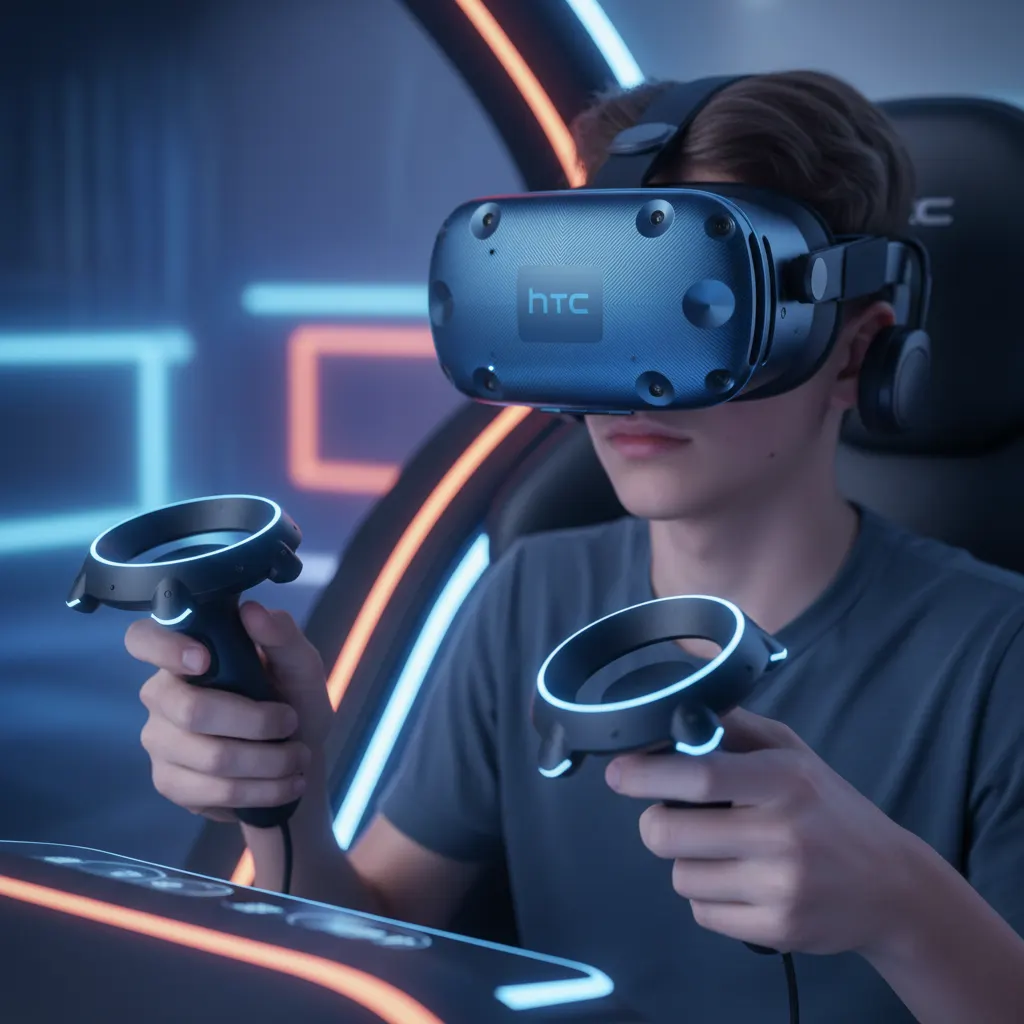
Educational VR experiences are immersive, curriculum-aligned simulations delivered through headsets and motion controllers. In London, Ontario, The Next Level uses room-scale HTC Vive Pro systems to turn lessons into interactive worlds for individuals and groups. These experiences boost engagement and understanding by letting learners explore, manipulate, and practice in 3D.
By The Next Level · Last updated: April 22, 2026
Above the fold: why this guide matters
This complete guide shows how educational VR works, why it accelerates learning, and how schools, families, and teams in London can plan impactful sessions at The Next Level. You’ll find clear definitions, step-by-step planning tips, best practices, and real examples drawn from 22 pods and 12 cooperative VR escape rooms.
VR isn’t just games. Used well, it’s a hands-on lab for science, history, art, and career skills. In our 4,000+ square feet facility, educators and parents can match content to grade levels, standards, and goals—then measure growth through observation, rubrics, and simple skill checks.
- What educational VR is and isn’t
- How room-scale tracking improves learning outcomes
- Types of experiences for different ages and subjects
- Step-by-step planning for school trips and family visits
- Best practices, tools, and safety notes
- Local tips for London-based groups
Jump to a section:
- What is educational VR?
- Why it matters
- How it works
- Types and approaches
- Step-by-step planning
- Best practices
- Tools and resources
- Case studies and examples
- FAQ
At a glance
Educational VR at The Next Level combines premium hardware, a large content library, and guided facilitation to deliver memorable lessons. With 22 pods, 12 VR escape rooms, and a private party room, groups can rotate efficiently, keep everyone engaged, and align activities to curriculum or enrichment goals.
- Scale: 22 personal pods, 12 themed escape rooms, open seven days a week
- Hardware: HTC Vive Pro headsets, motion controllers, room-scale tracking
- Formats: Solo skill practice, creative studios, collaborative challenges
- Groups: 1–6 players per escape room; flexible rotations for large classes
- Support: Onsite hosts help with setup, safety, and content selection
Want a fast primer before you book? Explore our VR beginner tips and a quick overview of gaming pod setup to see how smoothly groups can move through stations.
What are educational VR experiences?
Educational VR experiences are guided, goal-driven simulations that teach concepts through interactive 3D practice. Learners wear headsets and use controllers to explore environments, perform tasks, and receive feedback. Done well, VR shifts students from passive consumption to active, embodied learning that sticks.
At The Next Level, educational sessions span science, geography, art, design, problem solving, and teamwork. Because content runs on room-scale systems, students can move naturally, use their hands, and collaborate. That physical involvement is a big deal for attention, motivation, and memory.
- Core elements: clear objective, scaffolded tasks, immediate feedback, reflection
- Session lengths: short bursts (10–15 minutes) stacked into rotations keep focus high
- Group dynamics: pods support solo and paired practice; escape rooms train teams of 1–6
- Spectator view: Large screens in the party room let peers observe and learn socially
Not sure how this looks in practice? Our short read on the arcade experience covers the flow from check-in to debrief and shows how we keep sessions on schedule for schools and families.
Why educational VR matters
VR increases time-on-task and deepens conceptual grasp by letting learners do the thing, not just read about it. For London families and schools, it expands access to labs, field trips, and creative studios—without buses, materials, or storage constraints.
In our experience, students who struggle with abstract diagrams often thrive when they can step inside a model, rotate it, and experiment safely. Teachers report stronger recall after sessions that combine movement, visuals, and social problem solving—especially in cooperative VR escape rooms designed for 1–6 players.
- Equity of access: High-end HTC Vive Pro gear becomes available to every student
- Safety: Risky scenarios (e.g., lab procedures) can be rehearsed with zero hazard
- Motivation: Game-like feedback loops sustain effort across multiple rotations
- Transfer: Skills practiced in-context transfer better to classwork and projects
And because rotations are short and structured, attention stays high. Groups that mix a creative warm-up with a content-specific task and a cooperative challenge often see the best outcomes: students leave with both conceptual understanding and shared strategies they can reference later.
How educational VR works (hardware, tracking, facilitation)
Room-scale VR maps a safe 3D play area and tracks head and hand motion with high precision. Learners see and interact with virtual objects realistically. Facilitators select age-appropriate content, set goals, and manage rotations so every minute counts.
Under the hood, accurate 3D space tracking and low-latency visuals reduce motion mismatch, which keeps comfort high. With motion controllers, students can “grab,” “draw,” “build,” and “measure.” Our staff help calibrate pods, tailor difficulty, and keep groups moving—critical when you’re coordinating 20–30 learners.
- Tracking: Room-scale boundaries protect students while enabling natural movement
- Input: Two controllers support precise actions like sketching, assembling, and tool use
- Audio: Spatial sound strengthens presence and supports language learning cues
- Facilitation: Hosts guide set-up, watch comfort, and connect activities to objectives
Want to dig into the tech side? Our primer on room-scale VR tracking and an advanced note on tracking best practices explain why precision and comfort matter for learning.
Types of educational VR experiences
Educational VR spans solo skill builders, creative studios, virtual field trips, and team-based challenges. Mixing formats keeps energy high, reaches diverse learners, and builds both subject knowledge and soft skills like communication and leadership.
- Creative studios: 3D art and design spaces for drawing, sculpting, and prototyping
- STEM labs: Simulated experiments, physics sandboxes, and engineering puzzles
- Virtual field trips: Geography, history, and culture through immersive exploration
- Language & arts: Storytelling, performance practice, and interactive literacy
- Collaborative escape rooms: 12 themed rooms for logic, sequencing, and teamwork
| Approach | Best for | Group size | When to choose |
|---|---|---|---|
| Arcade field trip | Hands-on variety | Whole class via rotations | When you want premium hardware, 22 pods, and staff support |
| In-class VR cart | Targeted practice | Small groups | When you need frequent short sessions without travel |
| At-home VR | Extended exploration | Individuals or pairs | When independent projects or enrichment are the goal |
For collaborative problem-solving, our 12 VR escape rooms shine. If you’re planning your first challenge, scan our quick puzzle-solving tips so students have a strategy before they step into the space.
Step-by-step: plan a VR learning visit
Great VR lessons start with clear outcomes and smooth logistics. Define objectives, select content, set rotations, brief chaperones, and capture reflections. With 22 pods, The Next Level can run stations so every student gets meaningful, on-task time.
- Clarify outcomes: e.g., “Explain plate tectonics evidence” or “Prototype a 3D habitat”
- Pick formats: Combine solo pods with one collaborative escape room
- Plan rotations: 10–15 minute stations keep focus and reduce wait time
- Assign roles: Chaperones track timing; staff handle set-up and safety
- Prep learners: Share goals, comfort tips, and how to ask for help
- Capture learning: Quick journals, exit tickets, or group debriefs
Local considerations for London
- Schedule around peak family times on weekends to secure adjacent pods for smooth rotations.
- In winter, budget a few extra minutes for gear warm-up and comfort checks as students arrive from the cold.
- For school groups, align visit windows with your daily timetable to keep transitions tight and buses on time.
Pro tip: Use the private party room as a home base for pre-briefs, spectator learning on the big screens, and reflection activities between rotations.
Soft CTA: Ready to plan an educational VR day in London? Start with our beginner tips, then contact our team through the website. We’ll help you match titles to your goals and build an efficient rotation plan.
Best practices for teachers, parents, and coordinators
Treat VR like a lab: set goals, scaffold tasks, monitor comfort, and debrief. Short, focused stations with clear rubrics outperform long, open-ended play. Pair students strategically and coach talk-aloud problem solving to strengthen transfer back in class.
Design for outcomes
- Write 2–3 outcomes tied to your unit. Keep them observable and concise.
- Map each outcome to a station: warm-up, core task, cooperative challenge.
- Prepare a one-page playlist with objectives, time-on-task, and evidence to collect.
Structure time and roles
- Use 10–15 minute stations and rotate on a visible timer.
- Assign roles (navigator, recorder, builder) and switch mid-station to involve everyone.
- Stage a “parking lot” for questions the debrief will address, so play stays focused.
Coach collaboration
- Model quick huddles: “Plan → Try → Review” between attempts in escape rooms.
- Celebrate communication behaviors: clarifying questions, summarizing, and assigning tasks.
- Encourage evidence-based claims during reflection, not just “we beat it.”
Support comfort and accessibility
- Offer seated options for any task; many creative and analysis stations work seated.
- Let students flag discomfort early; switch to a calmer title or spectator role temporarily.
- Use hygiene covers and straps properly; our staff will help adjust each headset.
For first-time groups, this pod setup walkthrough shows how we stage boundaries and teach controller basics in under two minutes.
Tools and resources for educational VR
Curate content intentionally. Start with age-appropriate titles, add creative tools for making and modeling, and include at least one cooperative challenge to practice communication. Document outcomes with photos of work products and short reflections.
When you plan your playlist, think in threes: a warm-up (creative or exploratory), a core task (skill or concept), and a challenge (apply and explain). Build a simple rubric—two or three criteria—so students know what success looks like.
- Educator frameworks for immersive learning and reflection prompts
- Comfort and safety checklists tailored for K–12 groups
- Rotation timers, role cards, and mini-rubrics you can print
We can provide sample station cards and rotation templates on request when you book. They plug right into your daily schedule and help chaperones keep timing tight.
Case studies and classroom-ready examples
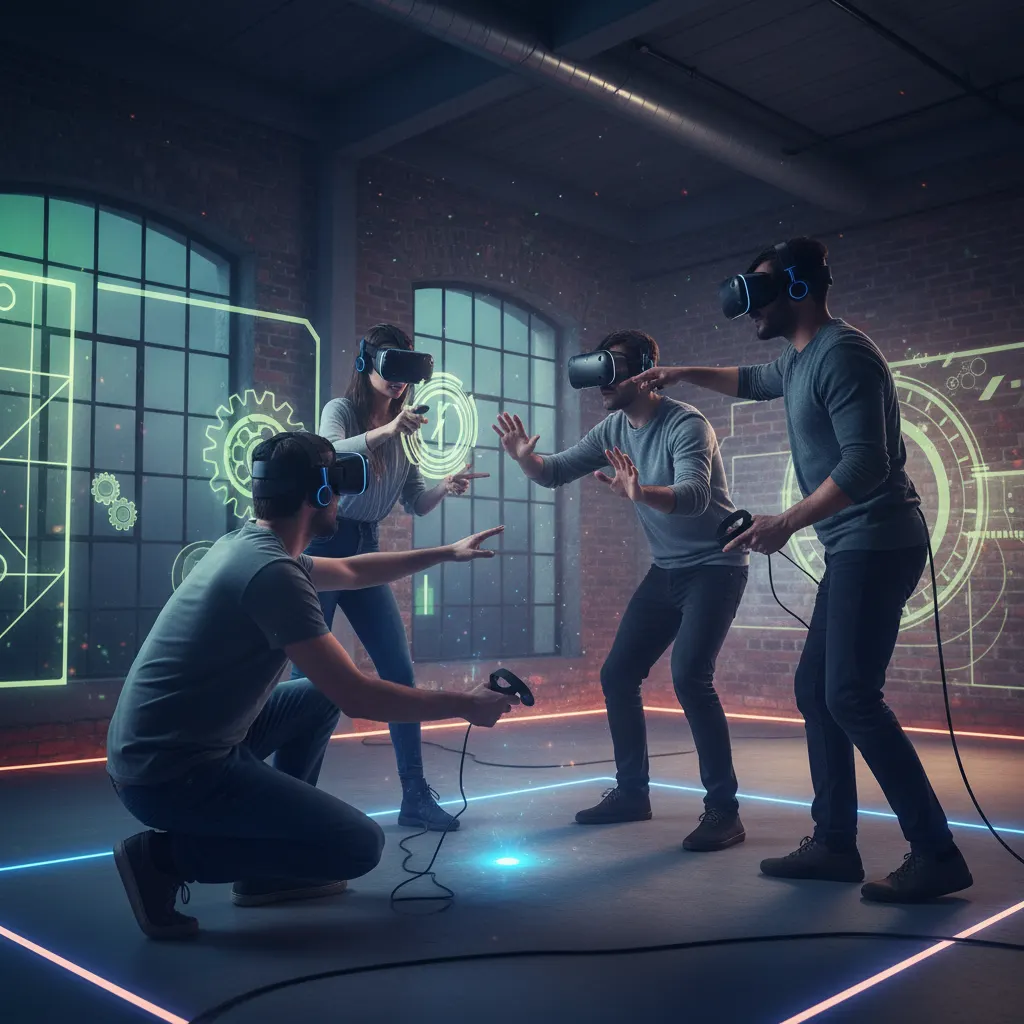
Across London, we’ve seen elementary, middle, and high school groups succeed with VR when activities are short, goal-based, and social. Below are twelve ready-to-run examples you can adapt to your learners in pods or escape rooms.
- Solar system scale walk: Compare planet sizes and orbits; sketch orbits in 3D.
- Forces and motion sandbox: Test gravity, friction, and momentum with virtual ramps.
- Plate tectonics lab: Manipulate plates, observe boundaries, and record evidence.
- Human anatomy studio: Explore systems, label organs, and explain functions.
- Ecosystem builder: Prototype habitats; predict food web changes.
- Architecture sprint: Design a tiny home prototype; justify material choices.
- Art in space: Create a 3D sculpture; photograph from three angles.
- Historical site tour: Compare artifacts, infer uses, and present findings.
- Language role-play: Practice dialogue with cues; focus on pronunciation.
- Career sampler: Try simulated tasks (e.g., assembly motions) and reflect.
- Data viz in 3D: Build bar and line plots in space; interpret trends.
- Team logic room: Use a VR escape room to practice sequencing and roles.
For larger groups, we run parallel tracks: half the class rotates through pods while the other half completes a cooperative challenge. After a set interval, groups switch. The big-screen spectator view in the party room keeps non-playing students engaged, building shared vocabulary and strategies.
Planning a birthday with a STEM twist? These birthday party planning tips show how to add a creative build or a logic room to make the day both fun and educational.
Frequently Asked Questions
These quick answers address the most common questions London educators and families ask us about educational VR—equipment, ages, safety, and how to plan a smooth visit that fits your schedule.
What ages are appropriate for educational VR?
Elementary through adult learners can participate with the right content and facilitation. We match titles to maturity and motor skills, offer seated options, and keep station times short to maximize comfort and focus.
How do you keep students safe and comfortable?
Our team calibrates boundaries, monitors for signs of discomfort, and offers frequent breaks. Room-scale tracking creates a safe play area, and we provide hygiene covers and controller straps for secure use.
Can we align VR sessions to our curriculum?
Yes. Share your goals and upcoming units. We’ll suggest titles and structure rotations so students practice the exact skills you’re targeting, then provide ideas for reflection and assessment back in class.
How many students can you host at once?
With 22 pods and 12 escape rooms, we can support large classes via rotations. We’ll help you set station timings so every learner gets meaningful, hands-on time.
Key takeaways
Educational VR works best when it’s structured, short, and social. Set clear objectives, rotate efficiently, and debrief. The Next Level’s 22 pods, 12 escape rooms, and private party room make it easy to run engaging, standards-aligned sessions in London.
- Define outcomes, then pick titles that practice those skills
- Use short stations and role rotations to involve everyone
- Mix solo practice with one cooperative challenge
- Debrief to connect virtual practice to real assignments
Conclusion and next steps
When learning moves from reading to doing, understanding accelerates. Educational VR turns abstract concepts into lived experiences. If you’re in London and want a high-capacity, high-support venue, The Next Level offers the scale and staff to make your plan work.
Here’s the simplest way to start: choose a goal, pick two titles (one creative, one core skill), and add a cooperative challenge. Share your plan with our team, and we’ll help with setup, rotations, and debrief ideas. Families, schools, and corporate groups are welcome seven days a week.
Final CTA: Ready to explore educational VR experiences in London? Visit The Next Level to connect with our team.