Artistic VR creation ideas are structured prompts and techniques for making art inside virtual reality. They turn room-scale tools like HTC Vive Pro into studios for painting, sculpting, and collaborative murals. In London, Ontario, families, students, and teams can explore these ideas at The Next Level to create immersive works together.
By The Next Level · Last updated: April 23, 2026
At a Glance
This guide shares practical artistic VR creation ideas you can run in a VR arcade session: solo painting, collaborative murals, room-scale sculpting, and escape-room clue design. You’ll get step-by-step workflows, best practices, tool picks, and London-specific tips for families, schools, and teams using HTC Vive Pro headsets.
Use this complete guide to plan a highly visual, hands-on creative session at a virtual reality arcade in London. We focus on room-scale creation with motion controllers, multiplayer coordination, and simple rubrics that help you “ship” an artwork in 30–60 minutes.
- What artistic VR creation means and how it works in a pod
- 11+ idea starters for solo and group art in VR
- Step-by-step workflow you can follow in 30–60 minutes
- Best practices for comfort, safety, and collaboration
- Tools and templates that work well on HTC Vive Pro
- Mini case studies from families, schools, and teams
What Is Artistic VR Creation?
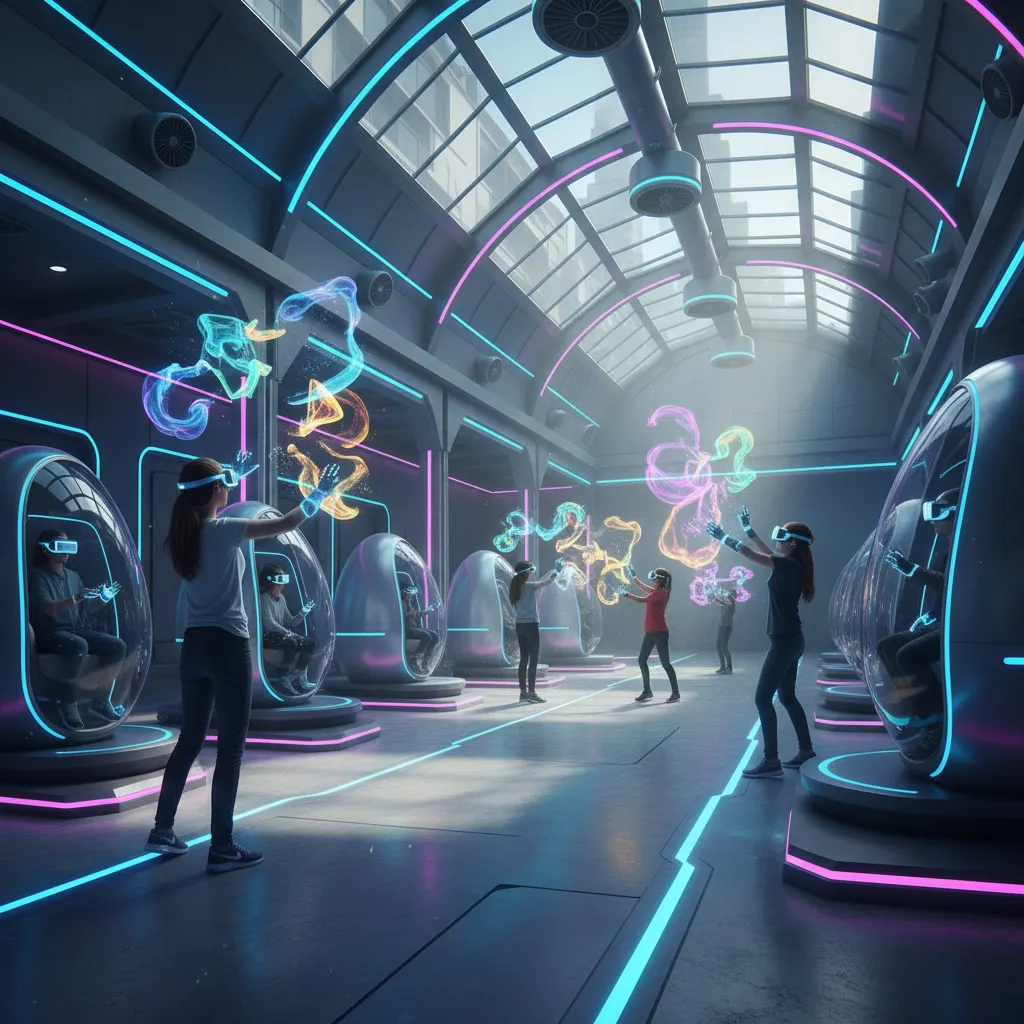
Artistic VR creation is the practice of making visual or spatial art inside a virtual environment using headsets and motion controllers. Artists paint in 3D space, sculpt with volumetric strokes, and co-create murals in real time. The result is an immersive artwork you can walk around, view, record, and share.
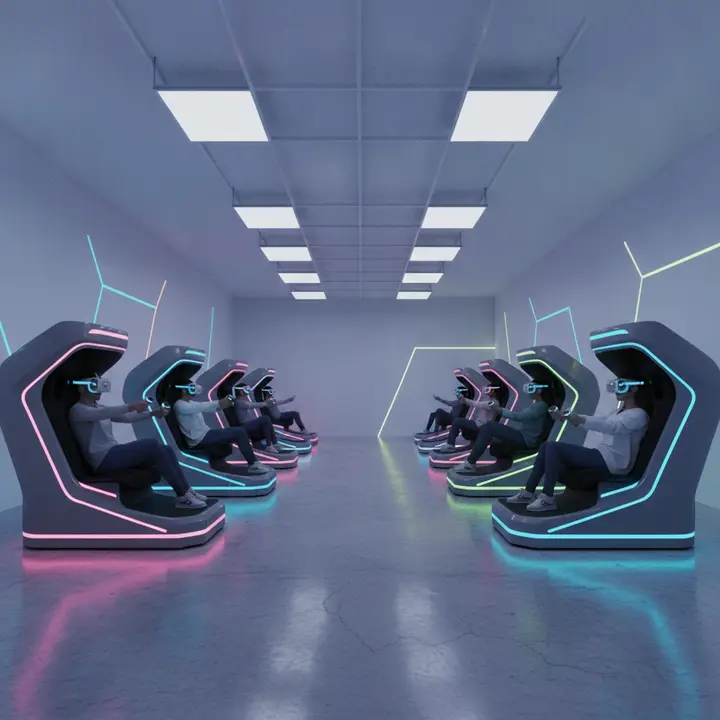
In a VR arcade like The Next Level, each artist works inside a dedicated gaming pod with room-scale tracking. That means your brushstrokes and sculpting gestures map to full-body motion. The space becomes your canvas or workshop, and your controllers become brushes, chisels, or shape tools.
- 3D Painting: Lay light, particle, neon, or textured strokes in mid-air.
- Volumetric Sculpting: Build forms with clay-like voxels or procedural geometry.
- Mixed-Media Scenes: Combine imported references with hand-made strokes.
- Multiplayer Mural: Two to four creators compose one room-scale scene together.
- Performance Capture: Record time-lapse builds for replay on large TVs.
Numbers matter when you’re planning. The Next Level offers 22 individual pods and 12 VR escape rooms, so families and classrooms can split into small, focused groups. Sessions typically run 30 or 60 minutes, which is ideal for rapid concept-to-finish workflows.
Why VR Art Matters for Families, Students, and Teams
VR art accelerates creativity by removing physical limits: no mess, no storage, instant undo, and room-scale freedom. It supports collaboration, teaches spatial thinking, and motivates groups with visible progress in 30–60 minutes—perfect for birthday parties, school trips, and team-building in London.
Here’s the thing—momentum is everything in creative work. In our experience hosting families and teams in London, a visible “win” within the first 10 minutes keeps everyone engaged. Room-scale VR delivers that with big strokes, fast iteration, and instant playback.
- Family appeal: Parents and kids can take turns while spectators watch builds on large displays in the party lounge.
- School alignment: Spatial art maps to STEM: geometry, lighting, perspective, and human-centered design.
- Team outcomes: Groups practice leadership, handoff timing, and critique—soft skills that transfer to work.
- Fast iteration: Undo and duplicate save minutes; quick “A/B” tests teach design judgment.
- Public reveal: A 20–30 second flythrough becomes a satisfying showcase for the group.
With 4,000+ square feet of play space and 22 pods, you can rotate 2–3 groups quickly. That predictable cadence helps planners schedule birthdays, corporate sessions, or school visits without downtime.
How Artistic VR Creation Works (In Plain English)
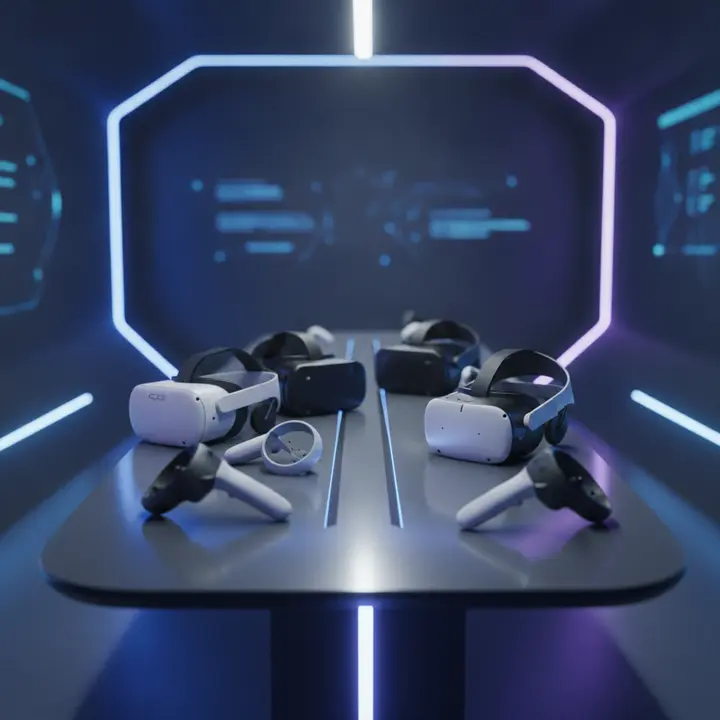
You wear an HTC Vive Pro headset, step into a room-scale pod, and use motion controllers like brushes or sculpting tools. Tracking translates your hands into precise 3D strokes. A facilitator sets comfort options, loads the app, and helps you export or record your artwork.
Under the hood, room-scale tracking localizes your head and hands in 3D space dozens of times per second. That’s why drawing a curve in the air feels natural. The pod’s boundaries help you move confidently while seeing your live art from any angle.
- Setup: Adjust headset fit, interpupillary distance (IPD), and wrist straps.
- Comfort: Start with teleport locomotion; avoid fast motion right away.
- Warm-up: 2–3 minutes of large arcs and line control.
- Composition: Block big shapes; place horizon, focal point, and path lines.
- Detailing: Layer strokes, textures, and light; switch tools for edges vs fills.
- Review: Walk around your piece; check silhouette and readability.
- Capture: Record a flythrough or snapshot for display and sharing.
In multiplayer, creators time-box roles (e.g., “lead forms” vs. “effects & light”). Clear handoffs every 5 minutes keep the piece coherent, even with mixed skill levels.

11+ Artistic VR Creation Ideas You Can Run Today
Use these idea starters to turn any 30–60 minute arcade session into a finished piece: solo light painting, collaborative murals, room-scale sculptures, landscape speed-paints, story dioramas, data-inspired forms, and escape-room clue props designed inside VR.
Pick one concept per pod to keep scope tight. For groups, assign complementary themes so each pod contributes a chapter to a shared “gallery wall.”
- 1) Neon Light-Paint Portraits: Trace face outlines and layer glow strokes for hair and emotion.
- 2) Room-Scale Creature Sculpt: Block a big silhouette first; add teeth, spines, and surface noise.
- 3) Speed Landscape Challenge: 15-minute timer; sky gradient, horizon, foreground path, focal tree.
- 4) Team Mural (Multiplayer): One leads composition; others handle texture, particles, and lighting.
- 5) Story Diorama: Three-scene arc in one space; place title object, conflict object, resolution object.
- 6) Architectural Vision Board: Massing blocks plus material strokes; add light cones for mood.
- 7) Solar System Builder (School): Scale planets relatively; label with color and ring cues (no text needed).
- 8) Logo-as-Sculpture (Teams): Abstract your team’s values into shapes; rehearse a 20-second reveal path.
- 9) Festival Poster in 3D: Create a layered scene that would translate to a 2D poster screenshot.
- 10) “Before/After” Environment: Two halves of one space show change (e.g., day/night).
- 11) Data Ribbon Art: Map numbers to stroke thickness or color for an aesthetic chart.
- 12) VR Escape Room Clue Props: Prototype a puzzle object, readable from 2–3 meters, with bold shapes.
- 13) Sports Motion Trails: Capture arcs of a swing or throw as light trails; compare techniques.
- 14) Underwater Garden: Layer kelp ribbons, coral clusters, and particle “bubbles.”
- 15) City Micro-Blocks: Small buildings arranged by height; add transit lines as glowing paths.
For escape-room fans, designing props and visual “nudges” in VR is a great way to learn how VR escape room strategy depends on clarity and silhouette. Shape language beats tiny details when the clock is ticking.
Step-by-Step: A 45-Minute Creative Session Template
This 45-minute template helps you finish a shareable artwork on schedule. You’ll warm up, block composition, detail key forms, and capture a flythrough. Time boxes keep focus high and make it easy for mixed-skill groups to contribute without stepping on each other’s work.
We’ve tested this cadence with families, school groups, and corporate teams. It ships a result while leaving room for improvisation.
- 0–3 min: Fit check, safety, and quick tool demo.
- 3–6 min: Big-arm warm-ups and line control.
- 6–12 min: Block composition and major shapes.
- 12–20 min: Secondary forms and depth.
- 20–30 min: Texture passes and lighting accents.
- 30–37 min: Polishing edges and adding contrast.
- 37–42 min: Walk-around critique; remove clutter.
- 42–45 min: Record screenshots or a flythrough.
Teams can rotate every 5–7 minutes: lead, forms, texture, lighting. Spectators track progress on large TVs, which keeps energy up and helps everyone learn from each other.
Best Practices for VR Art (Comfort, Clarity, and Flow)
Keep motion comfortable, plan bold silhouettes, and layer from big to small. Use color intentionally, cap detail passes, and schedule brief critiques. For groups, assign roles and timed handoffs to protect the composition while still encouraging experimentation.
- Start comfortable: Teleport locomotion, snap turns, and frequent micro-breaks.
- Big-to-small: Nail silhouette first, then planes, then surface detail.
- Readable color: Limit to 3–5 hues per scene; use value contrast for depth.
- Layer light: Key light establishes focus; rim light adds pop; ambient sets mood.
- Budget detail: Time-box 5–8 minutes; avoid “tinkering forever.”
- Critique cadence: 60-second walk-around: What to add? What to remove?
- Safety & space: Keep feet planted for fine work; verify guardian bounds.
- Capture plan: Decide screenshot angles early; compose for the camera.
We’ve found that setting a hard “stop” for the detailing pass protects the final 5–8 minutes for polishing and capture. That ending ritual—pose, frame, record—turns the experience into a satisfying finish.
Tools and Resources That Work Well on HTC Vive Pro
Choose a painting or sculpting app with solid room-scale tools, intuitive controllers, and easy export or screen capture. On HTC Vive Pro, look for brush variety, layers, multiplayer options, and comfort presets. Test the capture workflow before the session to avoid last-minute hiccups.
At The Next Level, pods use room-scale tracking and motion controllers that feel natural for brushwork and sculpting. A facilitator can help pick an app with the right features for your group’s goals.
- 3D Painting Suites: Wide brush libraries, emissive strokes, particle effects, layer controls.
- Volumetric Sculpting: Clay/voxel tools, remeshing, and basic materials or lighting.
- Multiplayer Creation: Shared canvases for 2–4 people with role-based work.
- Capture & Export: Built-in screenshots, time-lapse, or video flythroughs.
- Comfort & Safety: Teleport, snap turns, and guardian boundaries.
| Tool Type | Best For | Key Strength | Session Tip |
|---|---|---|---|
| 3D Painting | Light-paint portraits, murals | Fast iteration, flashy effects | Limit hues to improve readability |
| Volumetric Sculpt | Creatures, props, logos | Strong silhouettes | Block large forms before details |
| Multiplayer Canvas | Team murals, lessons | Real-time collaboration | Assign roles with 5-min handoffs |
If you’re new to multiplayer creation flows, these multiplayer VR tips translate almost one-to-one to art collabs: roles, timing, and clear calls.
Designing VR Escape Room Clues With Art
Great VR escape room clues read fast from 2–3 meters, use bold shapes, and direct attention with light and color. Build prop-like forms in VR, test readability at game distance, and simplify surfaces. A 20-second flythrough helps validate the clue’s path and timing.
We host 12 VR escape rooms for 1–6 players. When you design props or visual “nudges” in VR first, you’ll learn what works under a countdown clock: clarity over detail, contrast over texture, and silhouette over small linework.
- Distance test: Check from 2–3 meters; reduce fine noise that muddies the read.
- Guiding light: Use light cones or glow strokes to attract attention.
- Action affordance: Handles, slots, and arrows—recognizable shapes, not tiny decals.
- Color coding: Reserve a bold accent for interactive objects only.
- Motion hints: Particle trails to suggest direction or sequence.
Want more tactical puzzle insight? Scan these fast, practical escape-room solving tips and pair them with your prop designs to stress test clarity.
Mini Case Studies: How Groups Make It Work
Families, schools, and teams succeed by time-boxing roles, aiming for bold silhouettes, and ending with a quick capture. Here are three brief scenarios that show how different groups use pods, party lounges, and multiplayer canvases to deliver a finished piece on time.
Birthday Portraits + Party Lounge Reveal
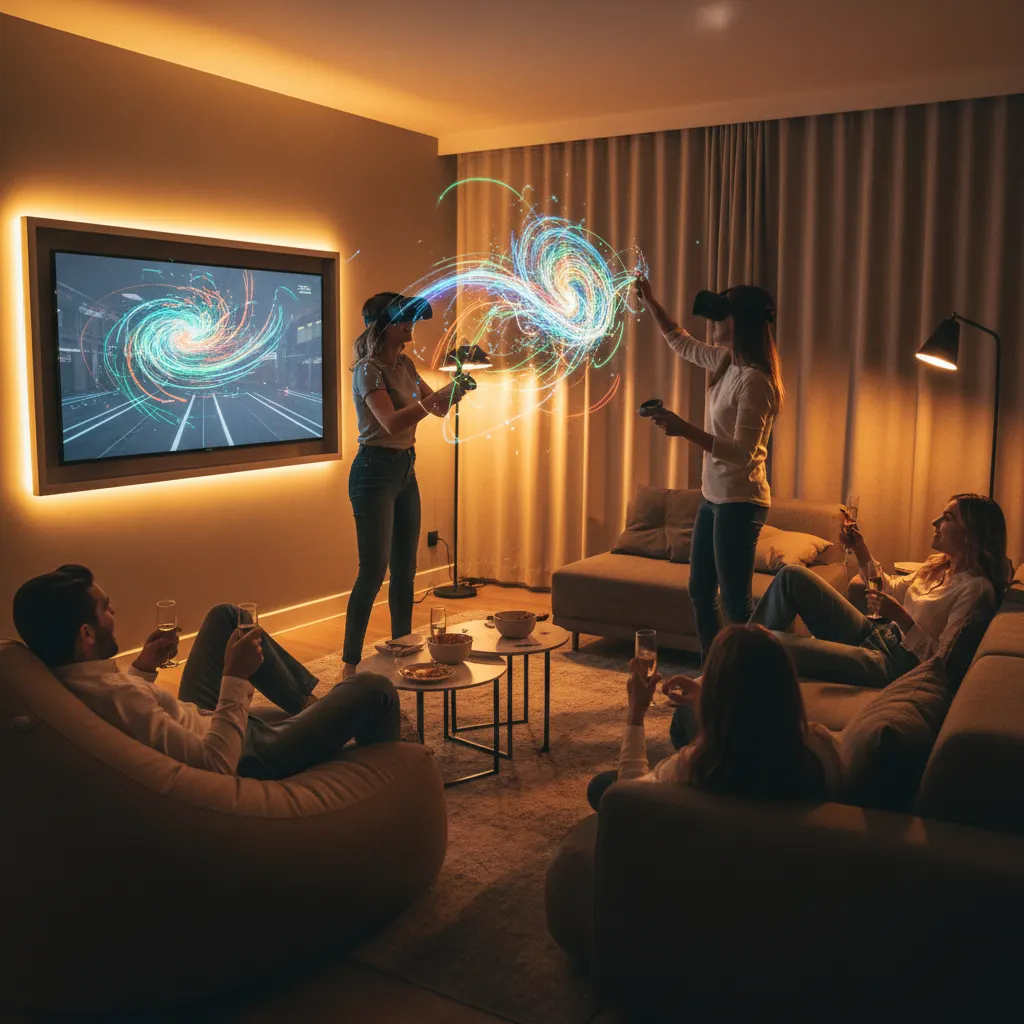
A family splits into two pods. One parent helps a child trace neon portraits while siblings build a confetti backdrop. After 40 minutes, everyone gathers in the party lounge to watch a flythrough on the TV and take photos. For more party planning structure, skim this VR birthday party guide.
School Trip: Solar System Dioramas
A class rotates through 3 pods in 60 minutes. One pod builds planets, another lays orbital paths, and the third composes the “sun spotlight” and camera route. The final gliding video stitches the three parts into one gallery-ready piece.
Corporate Team-Building: Values as Sculpture
Four teammates in one pod create a room-scale logo sculpture. Roles flip every 6 minutes to practice handoffs. They finish with a 30-second walkthrough and share it back at work to reflect on roles and decision-making—an approach that complements our team-building games.
Checklists and Templates You Can Copy
Prep with a one-page brief, a time-boxed agenda, and a capture checklist. These light templates keep beginners confident and help mixed-skill groups deliver a finished piece—without overthinking tools or technique.
One-Page Creative Brief (print or screenshot)
- Theme: (e.g., “Underwater Garden”)
- Goal: 20–30 second flythrough with 2–3 hero moments
- Palette: 3–5 colors; note hex names if you care about consistency
- Roles: Lead, Forms, Texture, Lighting, Capture
- Constraints: No tiny text; read at 2–3 meters; bold silhouettes
Capture Checklist
- Two stills: wide establishing + hero detail
- One 20–30 second flythrough with slow pans
- Check exposure and value contrast on TV
- Get group photo with headset off (safety!)
Comfort & Safety Reminders
- Straps snug; controllers tethered
- Feet planted for details; use teleport to reposition
- Hydrate and take micro-breaks every 10–12 minutes
Planning Your Creative Visit to The Next Level
Choose a focused project, assign simple roles, and book enough pods for parallel work. Bring a brief, a playlist, and a plan for your final capture. Aim for 30–60 minutes per piece and schedule a few minutes to share it on the lounge TV.
The Next Level is London’s premier virtual reality arcade with 22 gaming pods, 12 VR escape rooms for 1–6 players, and a private party lounge with large displays for spectators. We welcome first-time creators and seasoned artists alike.
- Pick one idea per pod from the list above.
- Assign roles and rotate every 5–7 minutes.
- Plan your final two screenshots and a short flythrough.
- Bring reference photos on your phone for quick inspiration.
- Use the lounge displays to celebrate progress between rotations.
For birthday groups, our dedicated lounge seating and shared displays make reveals memorable. If you’re hosting a party, you may also appreciate these birthday party ideas tailored to creative play.
Local considerations for London
- Weekends fill up fast for families and school groups. If you can, aim for weekday afternoons to keep rotations smooth.
- Cold or rainy days increase demand. Build in extra buffer time so kids and teammates can swap turns without rush.
- London’s team-building season peaks in spring and fall. For corporate groups, pre-assign roles to start creating within the first 5 minutes.
Frequently Asked Questions
New to VR art? These quick answers cover age ranges, group sizes, motion comfort, and how to capture your finished piece at The Next Level. If you’ve got a unique goal, our team can tailor a session on the spot.
What age is VR art best for?
VR art works well for kids, teens, and adults. We recommend starting with short sessions and simple tools for younger creators. Clear roles and a time-boxed plan help mixed ages contribute comfortably.
How many people can create together?
Each gaming pod supports one active creator at a time, with spectators watching on displays. For collaborative pieces, rotate teammates every 5–7 minutes or run multiple pods in parallel and stitch results in your final capture.
Will VR art make me motion sick?
Most art apps use comfortable locomotion like teleporting and snap turns. Start seated or with small movements, and take micro-breaks every 10–12 minutes. Our facilitators can adjust comfort settings if needed.
Can we save or share the artwork?
Yes. You can capture screenshots or a quick flythrough video that plays great on the lounge TVs. Plan two stills and one 20–30 second video so everyone has a keepsake.
Key Takeaways and Next Steps
Pick one idea, keep silhouettes bold, and ship a finished capture in 30–60 minutes. Assign roles, rotate on a timer, and celebrate on the lounge TV. Families, schools, and teams in London can turn a single session into a memorable, gallery-worthy reveal.
- Choose a single concept per pod to stay focused.
- Design for readability at 2–3 meters.
- Use time boxes for roles and passes.
- End with two stills and one flythrough.
Ready to turn ideas into immersive art? Bring your brief and we’ll help you set up a creative session that fits your group—whether it’s a family day out, a birthday, a school visit, or a team-building retreat here in London.