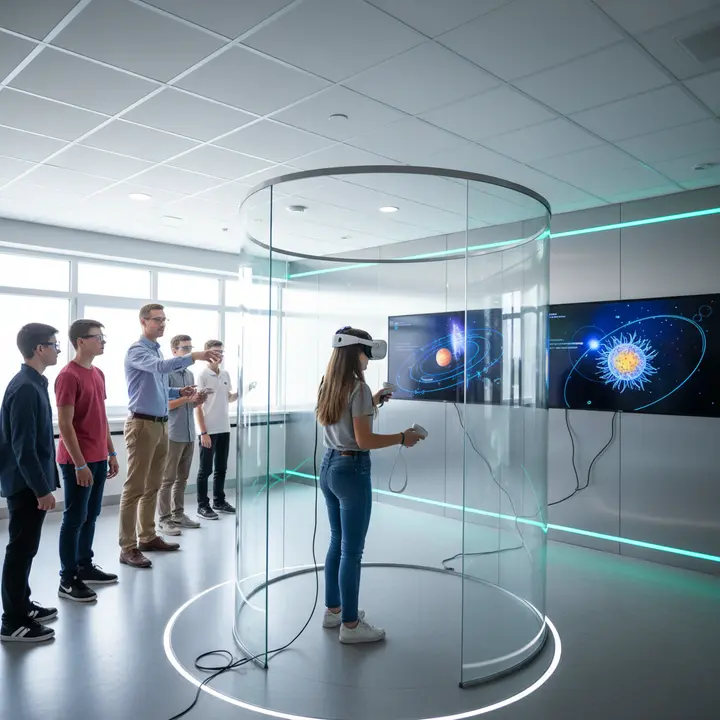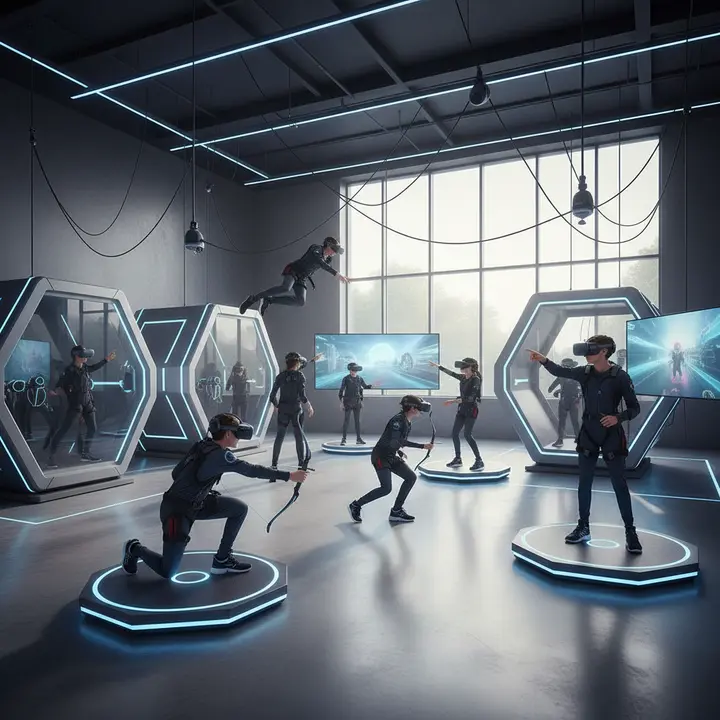
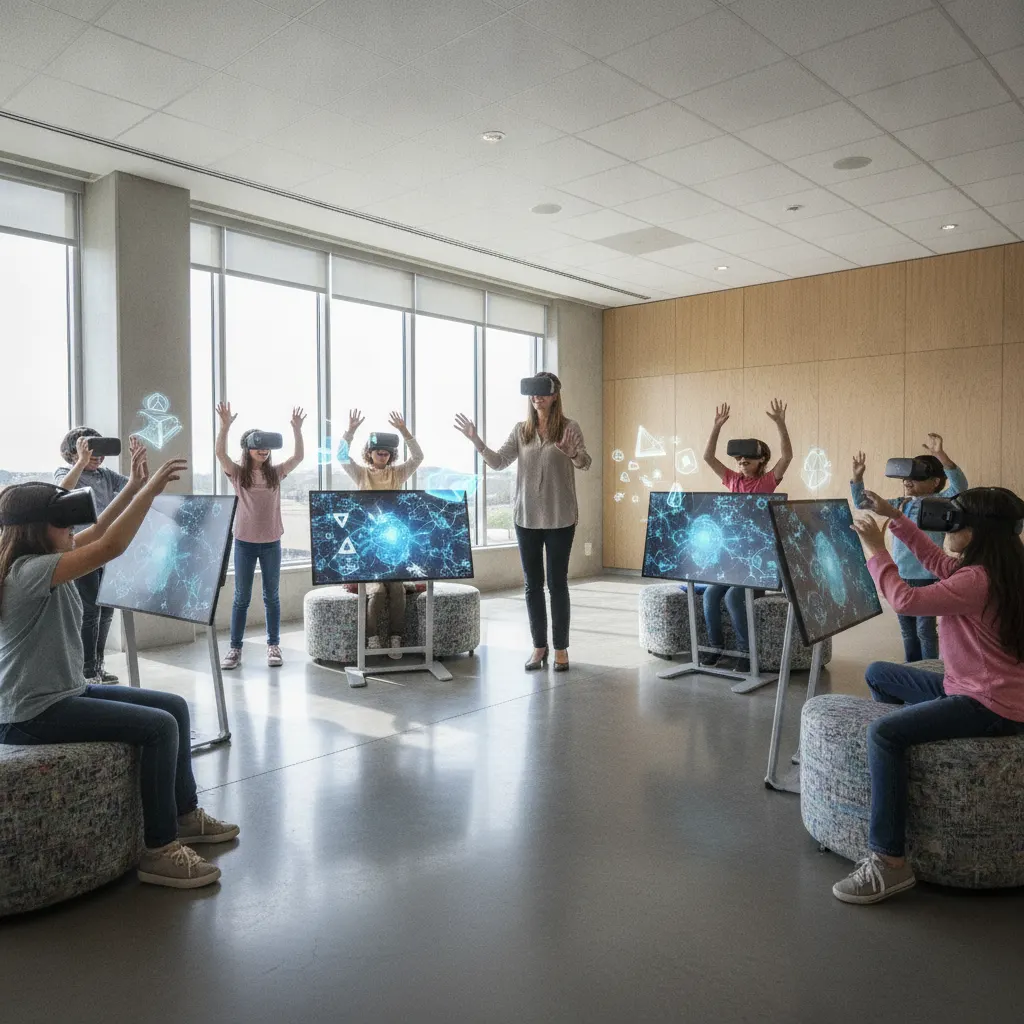
Educational VR is the use of virtual reality to teach concepts, practice skills, and explore places in immersive 3D. It combines headsets, motion tracking, and interactive software to raise engagement and retention. In Old East Village, school and youth groups use educational VR for safe, hands-on learning that maps to real learning goals.
By The Next Level • Last updated: 2026-06-29
Above the Fold: Why This Guide Matters and What You’ll Learn
This complete guide shows how to deploy educational VR with confidence—what it is, why it improves learning, how the hardware and space work, and how to plan high‑impact visits in Old East Village. You’ll get ready-to-use steps, classroom-tested tips, and examples for students, teams, and youth programs.
Here’s the thing: great outcomes in VR start with clear goals and simple logistics. This guide was built from our on-floor experience supporting thousands of headset minutes every week across 22 pods and 12 cooperative VR escape rooms.
- Understand what educational VR is—and what it’s not
- Plan rotations for classes of 20–30 with 1–6 players per team
- See how room‑scale tracking and controllers enable real practice
- Pick age-appropriate titles that match 3–5 learning objectives
- Use reflection prompts so takeaways stick beyond the visit
Quick Summary
Educational VR blends headsets, 3D environments, and guided tasks so learners can explore, make decisions, and get feedback in seconds. With 22 pods and 4,000+ square feet, The Next Level supports classrooms, teams, and camps with structured, high-energy sessions and 1–6 player challenges.
At a glance, you’ll learn the core models (guided exploration, stations, mastery practice, cooperative challenges), when to use each, and how to scaffold 30–90 minute blocks with intros (2–3 minutes), play (8–15), and debriefs (5–8).
- Primary uses: science labs, historical tours, art creation, problem-solving
- Group sizes: 10–36 rotate efficiently across 22 pods
- Session formats: 30–60 minutes in pods, 45–75 minutes in escape rooms
- Staff support: calibration in 60–90 seconds per headset; safety brief in 2 minutes
What Is Educational VR?
Educational VR is immersive learning using virtual reality headsets, room‑scale tracking, and interactive software to simulate places, procedures, and scenarios. It enables safe practice, instant feedback, and repeatable exploration for individuals and teams.
In practice, educational VR turns abstract ideas into concrete experiences. A physics principle becomes a sandbox with forces you can see. A history unit becomes a 360° tour you can navigate. An art class becomes a 3D studio with brushes, sculpting tools, and layers you can walk around.
- Core components: a headset (e.g., HTC Vive Pro), motion controllers, base stations, and a curated software library.
- Learning modes: solo skill practice, 2–4 player collaboration, and 1–6 player problem-solving challenges.
- Repeatability: scenarios reset in seconds, so students can try again immediately and compare approaches.
- Scaffolding: short prompts (30–60 seconds) at the start of each turn keep focus tight and outcomes measurable.
At The Next Level, our team supports a massive, frequently updated library that spans creative apps, STEM sandboxes, historical exploration, and cooperative tasks—so every 30–60 minute block can align with 3–5 clear outcomes.
Why Educational VR Matters in 2026
Educational VR matters because it increases time‑on‑task, offers immediate, visual feedback, and builds teamwork quickly. In 10–15 minute cycles, learners practice, reflect, and retry—leading to better recall and confidence across subjects and grade levels.
Attention is scarce. VR commands it. When students actively manipulate a 3D model, they process information through vision, motion, and decision-making at once. That multisensory loop strengthens recall after just a few minutes of engagement.
- Active practice: 8–12 minute turns encourage focused attempts and fast iteration.
- Team skills: 1–6 player challenges build communication and role clarity under time pressure.
- Equity of access: mixed-ability groups can swap roles every 10 minutes to keep everyone involved.
- Psychological safety: mistakes have zero real‑world risk, so students experiment more boldly.
In our experience working with Old East Village educators and organizers, rotating teams across 22 pods keeps energy high, shortens wait times to under 5 minutes, and creates dozens of meaningful reps in a single 60–90 minute visit.
How Educational VR Works (Hardware, Software, Space)
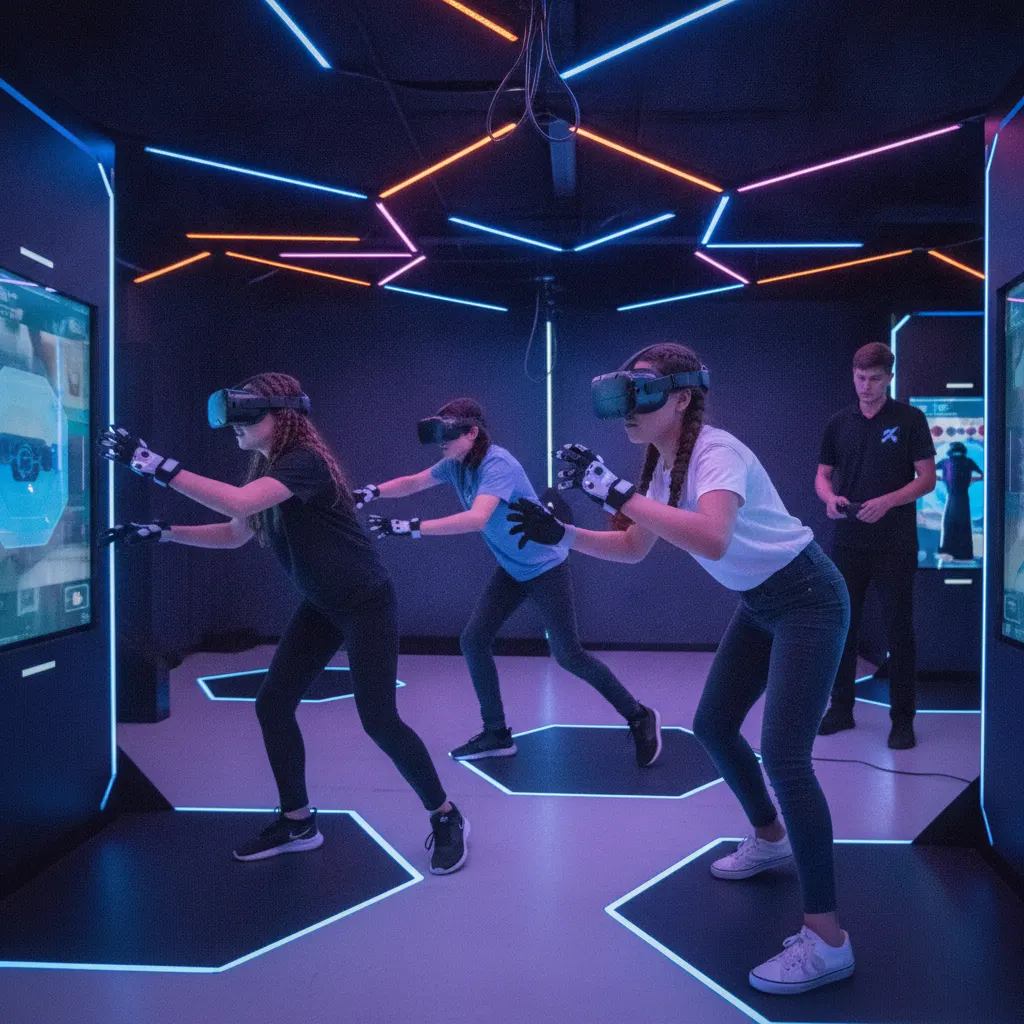
Educational VR relies on room‑scale tracking, high‑fidelity headsets, and curated software. At The Next Level, 22 pods powered by HTC Vive Pro systems enable precise movement across 9×9 spaces, with staff calibrating fit and safety boundaries in 60–90 seconds.
Room‑scale VR tracks head and hand position dozens of times per second, so gestures like grabbing, pointing, or turning feel natural. The result: students learn by doing. For example, a 2–3 minute tutorial teaches teleportation (movement), then a 10 minute mission applies that skill to solve a puzzle.
- Headsets and controllers: HTC Vive Pro optics and tracked controllers for accurate input.
- Play area: individual 9×9 pods separated for safety and focus.
- Software curation: titles tagged by subject, age band, and movement style to match comfort levels.
- Support workflow: quick fit checks, boundary demos, and 30–45 second content onboarding for first‑timers.
Shared displays in our private party room make it easy for observers to coach and learn. In co-op escape rooms, teams of 1–6 coordinate steps, call out clues, and adapt strategies—simulating real project work under a 30–45 minute timer.
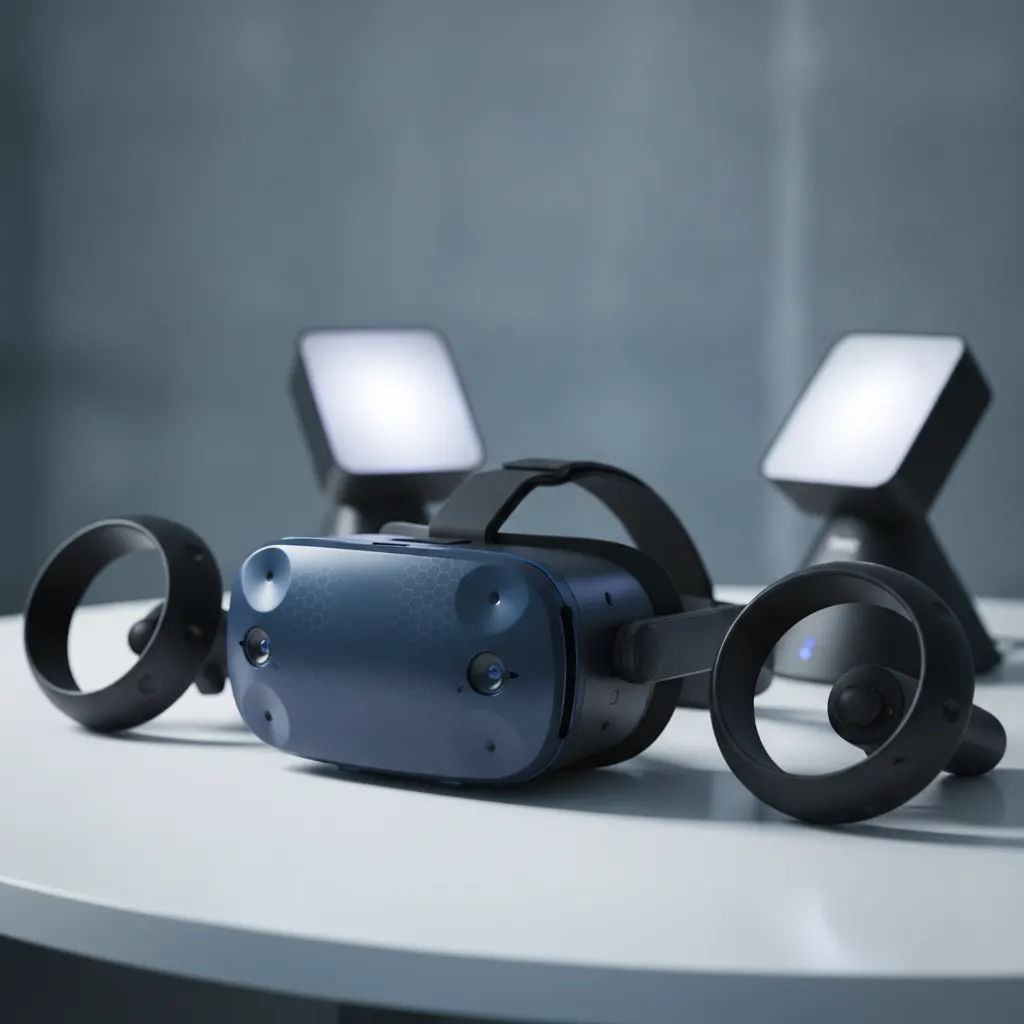
If you’re new to VR hardware, our VR arcade gaming guide breaks down headset basics, controller layouts, and simple comfort settings you can introduce in under 2 minutes.
Types, Methods, and Approaches
Four reliable models structure educational VR: guided exploration, station rotations, mastery practice, and cooperative challenges. Combine 2–3 per visit to balance curiosity, repetition, and teamwork across 30–90 minute schedules.
Guided exploration
- Use when: introducing a new unit in science, geography, or history.
- Flow: 2 minute intro, 10 minute exploration, 5 minute debrief with 3 recall questions.
- Outcome: shared vocabulary and curiosity for the next 1–2 weeks of lessons.
Station-based rotations
- Use when: classes of 20–36 need turns across limited headsets.
- Flow: 8–12 minute turns; roles like navigator, coach, note‑taker keep non‑headset students engaged.
- Outcome: more reps per student and lower idle time under 5 minutes.
Mastery practice
- Use when: a skill (e.g., spatial reasoning) benefits from 3–5 rapid attempts.
- Flow: short goal, attempt, feedback; repeat 3–4 times in 15–20 minutes.
- Outcome: visible improvement measured by time, accuracy, or steps completed.
Cooperative challenges
- Use when: you want teamwork, communication, and resilience outcomes.
- Flow: 3 minute briefing, 20–30 minute mission, 5–8 minute reflection.
- Outcome: shared wins and learnings you can reference for weeks.
For deeper planning ideas, explore our educational VR guide and sample schedules built for different age bands.
Comparison: Which model fits your goal?
| Model | Best for | Turn length | Team size | Key metric |
|---|---|---|---|---|
| Guided exploration | Unit kickoffs, context | 10–12 minutes | 1–2 | Questions answered (3–5) |
| Station rotations | Large classes | 8–12 minutes | 2–4 | Wait time under 5 minutes |
| Mastery practice | Skills and drills | 3–5 minutes per attempt | 1 | Time/accuracy improvement |
| Cooperative challenges | Team building | 20–30 minutes | 1–6 | Objective completion |
Best Practices that Make VR Learning Stick
Define 3–5 learning objectives, assign simple roles, and use short, timed turns. Calibrate headsets in 60–90 seconds, keep intros to 2 minutes, and leave 5–8 minutes for reflection. These small choices multiply engagement and outcomes across 30–90 minute visits.
- Start with outcomes: write 3–5 statements like “Students can list two forces acting on…” or “Teams can explain one strategy used to…”
- Roles reduce idle time: navigator, coach, recorder, and safety spotter keep 3–4 students active per turn.
- Right-size turns: 8–10 minutes for grades 4–6; 10–15 for grades 7–10; 15–20 for older learners.
- Comfort settings: prefer teleport or snap turn; reduce acceleration to minimize motion discomfort.
- Reflection matters: 3 questions, 5–8 minutes: What did you try? What changed? What will you try next?
Looking for age-appropriate content? Our VR experiences for learners categorize titles by subject, skill, and movement style so you can plan in under 15 minutes.
Tools & Resources
Choose venues with room‑scale tracking, a broad library, and trained staff. Pair that with simple planning templates, reflection prompts, and movement comfort guides. Together, these tools streamline 30–90 minute blocks for classes, teams, and camps.
- Venue checklist: 22 pods or similar capacity, 1–6 player options, private room access, and spectator screens.
- Planning templates: schedules for 20–36 students, rotation maps, and role cards you can brief in 2 minutes.
- Movement comfort: teleportation first; smooth locomotion optional for experienced players after a 5 minute acclimation.
- Debrief kit: 6–8 reflection prompts aligned to your unit goals.
- Inspiration: see virtual event technology ideas to spark cross‑disciplinary projects and media assignments.
If you need a quick primer before your visit, our virtual reality experience guide explains why presence, interactivity, and feedback loops drive memory and motivation.
Local Planning Tips for Old East Village
Plan arrival windows, small-group rotations, and snack breaks to match 22 pods and 12 escape rooms. Pair the visit with one nearby stop to extend learning—consider science, art, or nature themes that connect to your VR objectives.
Local considerations for Old East Village
- Combine your VR session with a visit to the London Children’s Museum to reinforce inquiry and observation skills across a single 2–3 hour block.
- On warm days, schedule a 15–20 minute cooldown walk through Silverwoods Park between rotations; movement breaks help reset focus.
- For school buses, plan staggered arrivals 10–15 minutes apart so staff can calibrate 6–12 headsets efficiently without idle queues.
For more logistics help, our field trip planning guide covers permission forms, chaperone ratios, and rotation maps you can print.
Case Studies & Examples
These real-world formats show how schools, teams, and camps structure 30–90 minute visits. Each example lists time blocks, team sizes (1–6), and a simple reflection to lock in learning.
Elementary (grades 4–6)
- Science sampler (60 minutes): 5 minute safety intro; 10 minute creative warm‑up; 10 minute physics sandbox; 10 minute ecosystem tour; 10 minute cooperative puzzle; 5 minute reflection.
- Art in 3D (45 minutes): 3 minute demo; 12 minute sculpting; 12 minute painting; 8 minute gallery walk on spectator screens; 5 minute reflection with 3 prompts.
- Math in motion (50 minutes): 5 minute tutorial; 3 x 8 minute mastery rounds on spatial reasoning; 5 minute recap with 2 success examples.
Middle school (grades 7–8)
- History day (75 minutes): 5 minute framing; 15 minute VR tour; 25 minute 1–6 player escape room to synthesize facts; 10 minute debrief; 5 minute peer feedback.
- Design sprint (60 minutes): 4 minute brief; 2 x 12 minute build rounds; 10 minute showcase; 8 minute reflection on decisions and tradeoffs.
High school (grades 9–12)
- STEM lab (70 minutes): 6 minute goals; 3 x 12 minute experiments; 8 minute reflection mapped to 3 learning targets.
- Literature to life (45 minutes): 3 minute setup; 15 minute thematic exploration; 12 minute journal writing while watching; 8 minute share‑out.
Corporate & youth teams
- Team communication (60 minutes): 5 minute safety + roles; 25 minute co‑op challenge; 10 minute debrief; 5 minute action items.
- Problem‑solving relay (50 minutes): 3 minute brief; 4 x 8 minute rotations; 7 minute insights review anchored to 3 behaviors.
Want more ideas? Our VR escape rooms guide explains 1–6 player formats and sample objectives you can adapt for classes or teams.
Sample 60–90 Minute Schedules
Use these plug‑and‑play outlines to run a tight session. Each includes a 2–3 minute intro, 8–15 minute activity blocks, and a 5–8 minute debrief. Adjust times by 2–3 minutes for age and experience.
- 60-minute class visit: 3 intro, 2 x 12 play blocks, 12 co‑op challenge, 8 debrief, 5 buffer for calibration and swaps.
- 75-minute team builder: 5 intro, 20 co‑op challenge, 15 mastery round, 10 share‑out, 10 debrief, 5 buffer.
- 90-minute capstone: 5 intro, 3 x 15 play blocks (different apps), 10 reflection with 4 prompts, 5 buffer.
Tip: keep groups to 3–4 per pod to limit idle time to under 4 minutes. With 22 pods available, even classes of 36 get ample turns.
Safety, Comfort, and Accessibility
Prioritize clear boundaries, gentle movement, and frequent check‑ins. Use teleportation, snap turns, and seated modes for comfort. Calibrate each headset in 60–90 seconds and brief students on taking 30–60 second breaks if they feel warm or disoriented.
- Boundaries: demonstrate the guardian grid; encourage slow steps for the first 2 minutes.
- Movement: start with teleport; offer smooth locomotion only after a 5 minute acclimation for experienced users.
- Hydration & heat: schedule 2–3 water breaks in 60–90 minute blocks.
- Accessibility: many titles support seated play; assign verbal navigator roles so everyone contributes.
Our on-site team continuously monitors pods and can swap titles in under 60 seconds if a student needs a calmer scene or a different locomotion style.
Implementation Steps (First-Time Organizers)
Plan in five steps: define 3 outcomes, pick 2–3 titles, map 8–12 minute turns, assign roles, and prep a 5–8 minute reflection. Confirm headcount, chaperones, and arrival windows 48–72 hours before the visit.
- Set learning targets: write 3 short statements aligned to your unit.
- Choose experiences: combine one creative, one STEM or history, and one cooperative challenge.
- Build rotations: 8–12 minute turns; teams of 3–4; cap idle time under 5 minutes.
- Prep roles: print navigator/coach/recorder cards; 1 page is enough.
- Plan reflection: 3 prompts; collect 2–3 sentences per student.
To see how these steps look end‑to‑end, skim our school group VR activities page and adapt a template schedule in under 15 minutes.
Content Selection: Age, Subject, and Movement
Match titles to age bands and comfort settings. Start with teleport and fixed‑frame activities for newcomers, then add smooth locomotion for experienced students. Mix 1 solo practice title with 1 cooperative challenge for balanced outcomes.
- Grades 4–6: short, colorful sandboxes; 8–10 minute turns; teleport only.
- Grades 7–8: add more puzzle depth; 10–12 minute turns; light snap turns.
- Grades 9–12: longer missions; 12–15 minute turns; optional smooth movement for confident users.
- Teams & camps: prioritize 20–30 minute co‑op missions with 1–6 players.
When in doubt, keep the first block simple and save the toughest challenge for the final 20–30 minutes after confidence builds.
Tools to Tell the Story After the Visit
Capture 2–3 artifacts per team—photos of builds, reflection sheets, or quick interviews on a phone. A 5–7 minute share‑out in the next class cements learning and gives you authentic assessment evidence.
- Artifacts: screenshots of 3D art, lists of puzzle strategies, or 60–90 second debrief videos.
- Rubrics: assess communication (3 criteria), persistence (2), and creativity (2).
- Portfolios: add one VR artifact per unit so growth is visible across 8–12 weeks.
For inspiration on storytelling with tech, browse these virtual tour ideas to spark student media projects and pitch decks.
Common Pitfalls (and Easy Fixes)
Long intros, vague goals, and unmanaged idle time reduce impact. Keep briefings under 2 minutes, write 3 objectives, and assign roles. Use 8–12 minute turns and swap titles if motion comfort dips—our team can change content in under 60 seconds.
- Too much talking: if setup runs over 3 minutes, students forget step one; show, don’t tell.
- One headset per five: add roles so all 5 are active; aim for idle time under 4 minutes.
- Ignoring comfort: choose teleport first; introduce smooth movement only for confident users after 5 minutes.
- No reflection: spend 5–8 minutes consolidating ideas or you’ll lose the gains.
If you need a local primer on our arcade environment, this VR arcade overview explains pods, support staff, and group options in one page.
Tools and Experiences at The Next Level
With 22 pods, HTC Vive Pro headsets, motion controllers, and 12 co‑op escape rooms, The Next Level offers capacity and variety for classes of 20–36. Our staff calibrates gear in 60–90 seconds and matches titles to age and goals.
- Pods: 22 stations with individual 9×9 play areas.
- Headsets: high‑fidelity HTC Vive Pro with room‑scale tracking.
- Library: creative, STEM, history, and co‑op titles updated regularly.
- Private room: lounge seating and large displays for observers and debriefs.
Explore our educational VR experiences and pick 2–3 options that map to your current unit or team focus.
Plan Your Visit (Soft CTA)
Ready to bring 20–36 learners for 60–90 minutes of hands‑on exploration? Align 3 objectives, choose 2–3 titles, and confirm headcount and chaperones. We’ll handle calibration, safety, and smooth rotations on arrival.
Next step: review our school group VR activities and field trip planning guide. If you’re building a cross‑media unit, skim these virtual event tech ideas to fuel student storytelling.
FAQ: Educational VR
Here are quick answers to the questions we hear most from teachers, coaches, and organizers. Each response is designed for fast planning and first‑time success.
How do I prepare students who have never tried VR?
Assign roles (navigator, coach, recorder), explain teleport movement in 60–90 seconds, and run a 2–3 minute tutorial scene. Keep the first turn to 8–10 minutes and use a calm title. Confidence rises fast after the first attempt.
What team sizes work best in pods and escape rooms?
Plan for 3–4 students per pod rotation and 1–6 players for escape rooms. This keeps idle time under 4–5 minutes and ensures everyone contributes in each 8–15 minute block.
How do you handle motion comfort and safety?
We calibrate each headset in 60–90 seconds, demo boundaries, and start with teleport or snap turns. Students can take 30–60 second breaks anytime. We can swap to a stationary title in under 60 seconds if needed.
Can educational VR support assessments?
Yes. Capture 2–3 artifacts per team—screenshots, brief strategy notes, or a 60–90 second reflection video. Use a simple rubric with 2–3 criteria for communication, persistence, and creativity.
Key Takeaways
Set 3 objectives, plan 8–12 minute turns, and finish with a 5–8 minute reflection. Choose age‑appropriate titles, start with teleport movement, and use roles to keep idle time under 4–5 minutes. Capacity across 22 pods supports large groups smoothly.
- Use 2–3 experiences per visit to balance curiosity and mastery.
- Keep briefings under 2 minutes; show first, explain second.
- Rotate every 8–12 minutes so everyone gets 3–4 meaningful turns.
- Document 2–3 artifacts for authentic assessment and storytelling.
Conclusion: Bring Learning to Life—Then Bring It Back to Class
Educational VR turns lessons into lived experiences. With 22 pods, 12 co‑op rooms, and 4,000+ square feet, The Next Level helps Old East Village groups translate curiosity into skills. Arrive with 3 goals—leave with dozens of concrete moments to build on.
When you’re ready, scan our educational VR experiences and school group VR activities. We’ll map your 60–90 minute window to 2–3 titles and handle calibration, safety, and smooth rotations.
Related Topics (for further planning)
Use these topic prompts to extend your unit: media production, design thinking, and presentation skills pair naturally with immersive fieldwork from VR sessions.
- Media projects: student tour narration or 60–90 second highlights
- Design sprints: prototype, test, and iterate in 12–15 minute cycles
- Public speaking: 2–3 minute share‑outs with visual artifacts