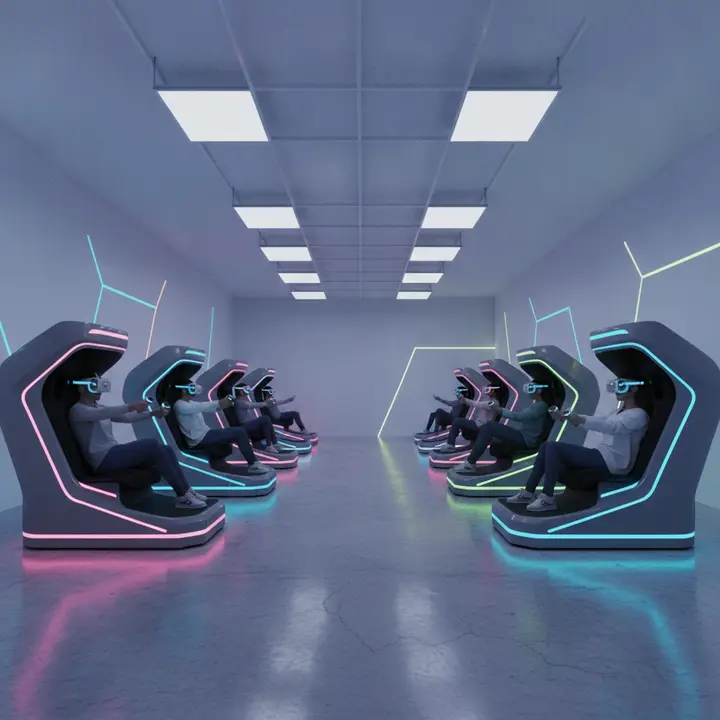
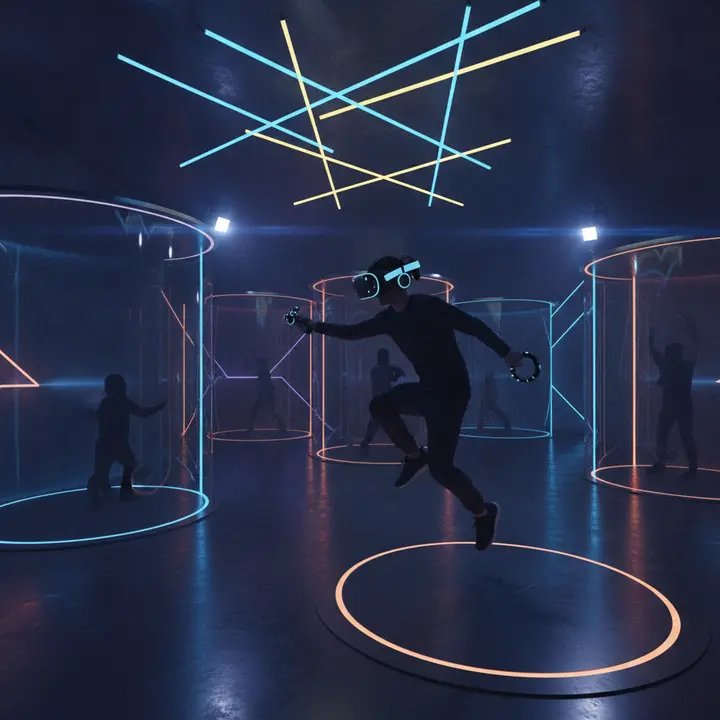
HTC Vive Pro is a PC-tethered, room-scale virtual reality system known for precise SteamVR tracking, robust build quality, and wide content support. At The Next Level inside The Factory at 100 Kellogg Lane in London’s Old East Village, 24–25 Vive Pro headsets power 22 gaming pods and 12 escape rooms—still a smart choice in 2026 for accuracy, durability, and group play.
By The Next Level • Last updated: June 8, 2026
At a Glance: What You’ll Learn
This guide explains what HTC Vive Pro is, why it remains relevant in 2026, and how arcades like The Next Level deploy it at scale. You’ll learn how tracking works, best practices for comfort and hygiene, when to choose Vive Pro vs. inside-out headsets, and how groups use pods and VR escape rooms.
If you’re deciding between headsets or planning a visit, start here. We operate one of Canada’s largest VR arcades—over 4,000 square feet, 22 personal pods, and a dozen VR escape rooms—so you get real, on-the-floor insights.
- Plain-English definitions and diagrams you can repeat to your team
- Actionable steps for setup, onboarding, and group flow (kids to corporate)
- A practical comparison: Vive Pro vs. inside-out and standalone headsets
- Best practices we apply daily for comfort, safety, and cleanliness
- Examples from birthday parties, school trips, and team-building groups
Pro tip: If you’re new to VR, our step-by-step pointers below align with our in-venue onboarding that helps first-timers get comfortable in under five minutes.
What Is HTC Vive Pro?
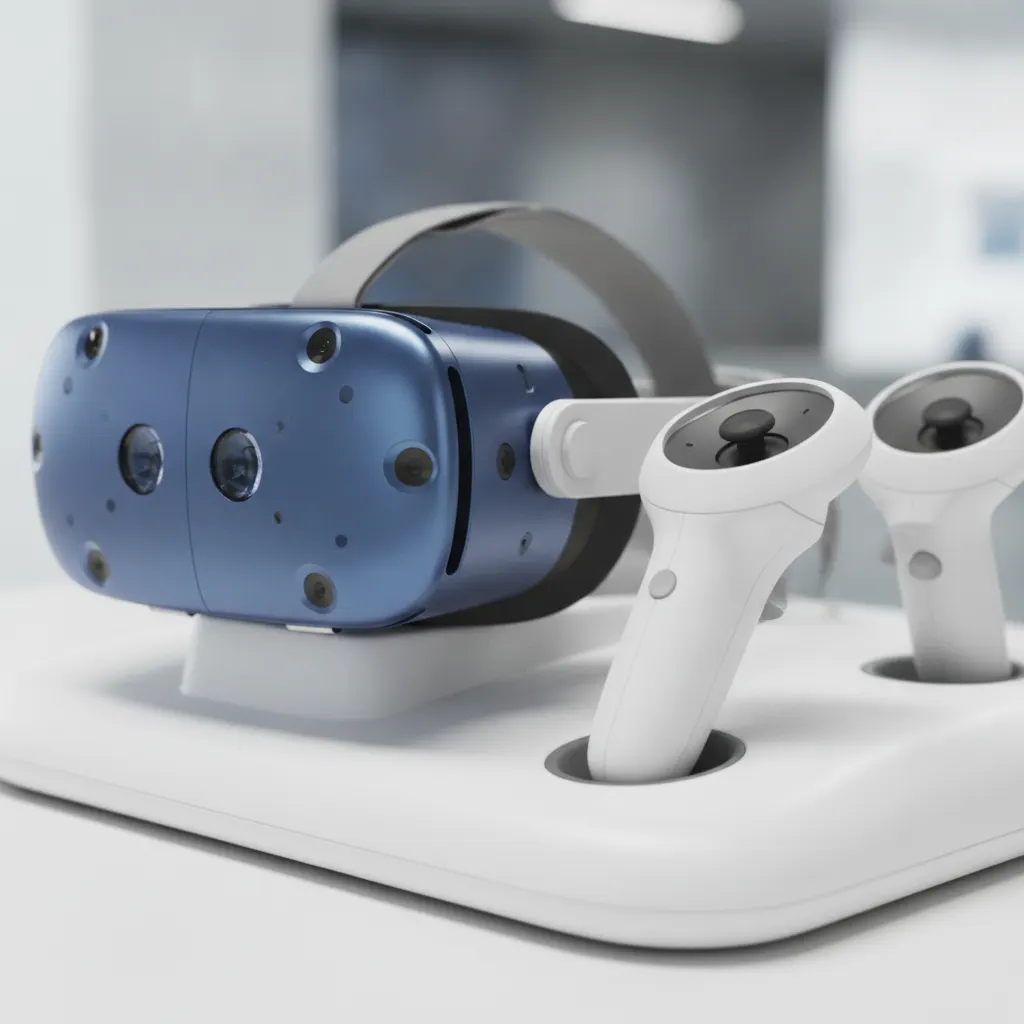
HTC Vive Pro is a high-end, PC-powered VR headset that uses external base stations for sub-millimeter room-scale tracking. It’s favored by arcades for reliable controller and headset tracking, strong ergonomics, and a broad game library that supports solo play, multiplayer, and VR escape rooms.
In plain terms, Vive Pro pairs a powerful computer with external sensors (base stations) that track your head and hands in 3D space. That means accurate movement in a defined play area—critical for active titles, rhythm games, archery, or cooperative problem-solving.
- Room-scale confidence: External base stations map the space. You move naturally; the system keeps up.
- Motion controllers: Matched 6DoF controllers become your hands—grab, point, throw, build.
- Comfort-first design: Balanced weight distribution and adjustable straps support longer sessions.
- Content breadth: From creative sandboxes to action hits and educational tours, arcades can host all ages and interests.
At The Next Level, we maintain 24–25 HTC Vive Pro headsets so 22 pods can run simultaneously. That capacity matters for peak hours, parties, and field trips when groups need smooth rotations and quick changeovers.
Want deeper hardware context? Our quick primer on headset ergonomics and lenses inside the Vive Pro features guide covers the comfort settings our staff uses daily.
Why Vive Pro Still Matters in 2026
Vive Pro remains a top pick for location-based VR because it scales, tracks precisely in room-scale setups, and supports huge libraries. For venues in Old East Village and across Middlesex County, that means dependable multiplayer, smooth group scheduling, and memorable experiences for mixed-skill groups.
Here’s the thing: accuracy and repeatability make or break a busy arcade. We run 22 pods, 12 escape rooms, and host families, gamers, and first-timers seven days a week. Vive Pro’s tracking stability keeps bow shots true, sword swings consistent, and escape-room object interactions predictable.
- Group-friendly: From 1–6 player escape rooms to party pods, consistent tracking keeps teams in sync.
- Library longevity: Our massive, continuously updated catalog still runs great on Vive Pro gear.
- Staff efficiency: Familiar straps, face gaskets, and menu flows slash onboarding time for newcomers.
- Durability: Arcade-grade headsets face thousands of hours—Vive Pro’s build holds up under daily use.
You might wonder, “What about newer models?” We evaluate them, including the Vive Pro 2 class and inside-out options, but for active room-scale play with precise hands, Vive Pro keeps delivering where it counts: reliability at scale.
How Tracking and Room-Scale Work
Vive Pro uses external base stations to track your headset and controllers in three dimensions. The arcade defines a safe play area, and the system renders your movements in VR with low latency. This approach excels for active games requiring precise hand and body positioning.
Think of base stations as beacons. They sweep the room, and sensors on the headset/controllers detect those signals. In a 9×9-style personal pod, that yields natural movement—sidestep, crouch, reach—in a safe boundary that staff configures ahead of time.
- Define the space: Staff maps each pod’s boundary to prevent wall bumps and cable snags.
- Pair devices: Headset and controllers connect to the base stations and PC—one profile per pod.
- Run checks: Quick audio, alignment, and guardian-boundary tests keep the session smooth.
- Start the title: We launch the right experience for age, comfort level, and group size.
In our experience, first-timers adjust quickly when they can see their “hands” moving exactly where they expect. That confidence boosts success rates in archery challenges, rhythm games, and timed puzzles across our 12 VR escape rooms.
For a step-by-step player intro, skim our VR arcade gaming guide—it mirrors the brief coaching you’ll get on site.
Vive Pro vs. Inside-Out and Standalone Headsets
Choose Vive Pro for precision room-scale tracking, broad PC VR libraries, and arcade scalability. Pick inside-out or standalone headsets for lightweight portability and simpler setups. Your decision hinges on content needs, tracking fidelity, hygiene workflows, and multi-pod orchestration.
We regularly compare systems because our audience ranges from young kids to esports-minded teens, educators, and corporate teams. Here’s a practical snapshot.
| Factor | HTC Vive Pro (PC + Base Stations) | Inside-Out PC VR | Standalone Headsets |
|---|---|---|---|
| Tracking fidelity | High precision room-scale; strong controller tracking | Good head tracking; hand/controller tracking can vary | Good for casual; hand tracking improving, controller precision varies |
| Content library | Vast PC VR catalog supports advanced titles | Large PC VR catalog; some titles optimized | Growing library; some arcade favorites available |
| Scale for arcades | Excellent in multi-pod layouts; predictable | Good; fewer external components | Strong for pop-ups/portability; great for demos |
| Hygiene workflows | Established face-gasket rotations, sanitizing | Similar; fewer cables streamline turnover | Face covers easy to swap; battery cycles to manage |
| Cabling and power | Tethered; cable management needed | Tethered; usually lighter wiring | Wireless; battery runtime planning |
| Great for… | Active, precise games and escape rooms | Mixed use, simpler setups | Roaming demos, quick setups, travel |
If you want a deeper hardware dive, start with our Vive Pro features overview, then skim our VR gaming guide to match play styles with headset strengths.
Best Practices for Comfort, Safety, and Flow
Comfort and safety start with fit, boundaries, and clear coaching. We standardize strap adjustments, gasket swaps, guardian checks, and a short tutorial so first-timers feel confident within minutes. This routine reduces hiccups, keeps pods moving, and makes group sessions more fun.
Fit and orientation: 90-second routine
- Balance the strap: Rest the rear cradle low on the skull; tighten top/side evenly.
- Adjust IPD/clarity: Staff helps center lenses for crisp visuals.
- Controller check: Squeeze/trigger test; explain teleport vs. smooth move if applicable.
Boundaries and brief coaching
- Guardian preview: Show the boundary grid and how to reset stance.
- Movement cues: “Step, don’t lunge” keeps form controlled in action titles.
- Cable awareness: Gentle spins, small steps to avoid wrap-ups in tethered play.
Cleanliness and turnover
- Face-gasket rotation: Swap and sanitize between users; keep a labeled clean bin ready.
- Controller wipe-down: Quick passes at grips and buttons speed pod readiness.
- Floor scan: Clear debris; confirm no loose objects inside 9×9 pods.
These simple habits maintain steady flow across 22 pods—even on busy Saturdays when birthday parties, date nights, and esports-minded groups all converge. For a comfort checklist you can borrow, see our immersive experiences primer.
Tools, Resources, and Game Library
A great headset shines with the right software and curation. We maintain a large, continuously updated library across action, creative, educational, and multiplayer genres, and we match groups to titles that fit age, skill, and vibe to improve success and smiles per session.
We’ve found two things drive great visits: the right game at the right time, and a friendly nudge toward success. Our team maintains leaderboards, curates family-friendly lineup options, and rotates in new releases so regulars always have something fresh.
- Browse options fast: Our VR game library list helps guests pick a hit in under a minute.
- First-time friendly: See the first-visit guide we use for on-site coaching.
- Escape room planning: Learn teamwork roles in our VR escape rooms guide.
- Pod tips: Our virtual gaming room guide explains space setup and flow.
For a venue snapshot and hours, see our official overview page. If you’re exploring how virtual tours support event planning, this piece on virtual event tour technology offers a helpful framework for showcasing experiences.

How Groups Use Vive Pro at The Next Level
Groups thrive when gear and games match their goals. With 22 pods and 12 escape rooms, we route players into solo hits, co-op challenges, or team puzzles. Families, schools, and corporate teams get tailored picks, clear coaching, and easy spectating via large TVs.
Birthday parties (kids and adults)
- Warm-up window: We start with confidence builders—target practice, rhythm timing—to reduce nerves.
- Shared moments: Party room TVs let everyone cheer clutch plays and memorable finishes.
- Rotation rhythm: Short turns keep energy high; spectators plan their next move.
Corporate team building
- Communication drills: Cooperative titles force clear roles—scout, solver, communicator.
- Reflect and reset: Between rounds, teams debrief and swap roles to test new strengths.
- Success patterns: Groups that assign roles early finish puzzles faster and celebrate together.
School groups and educational outings
- Guided discovery: We align titles to age and subject—history tours, science showcases, or creative studios.
- Mixed skills, same fun: Our staff pairs confident players with first-timers to keep momentum.
- Reflection time: After each session, we recap what worked and what surprised students most.
Hosting a larger outing? Our local planning overview covers how to stage a great night out around The Factory London destination.
Pricing and Booking Considerations (No Numbers, Just Strategy)
Think in terms of session length, group size, and mix of activities instead of prices. Shorter sessions are great for variety and rotation; longer blocks suit deep-dive challenges and escape rooms. Book in advance for peak times to secure adjacent pods or the party room.
- Decide session style: Quick-hits for variety vs. longer focus for complex co-op or creative builds.
- Group choreography: Reserve adjacent pods so friends can spectate, swap, and celebrate.
- Escape room alignment: 1–6 players per room works well; plan roles before the clock starts.
- Party room add-on: Lounge seating and big TVs keep everyone engaged between turns.
We support easy online reservations and clear options. For a feel of the venue and surrounding destination, see our experience overview.
Local considerations for Old East Village
- Plan buffer time if you’re pairing VR with a family stop at the London Children’s Museum; kids often want “one more round.”
- Weekends and holidays fill up fast. Book early if you’re coordinating multiple pods or a VR escape room in peak seasons.
- Corporate groups sometimes schedule post-game debriefs off-site; Gateway Casinos London is a short drive if you’re planning a broader team day.
Best Ways to Choose Your First Games
Match comfort level first, then pick for energy. New to VR? Start with stationary, hand-focused titles. Ready for more? Add light movement, co-op coordination, and score-chasing. Our curated library and staff recommendations remove guesswork so every group finds a win.
- Newcomer-friendly: Stationary aim or rhythm games = quick wins and smiles.
- Party energy: Score-chasers and quick rounds keep momentum in groups.
- Team puzzles: Assign roles—navigator, communicator, solver—to finish under time.
- Creative mode: 3D art and building experiences reward patience and collaboration.
For rapid picks by age and vibe, skim our game library shortlist. If you’re comparing hardware fit to genres, jump back to our play style guide.
When to Choose Vive Pro 2 or Inside-Out Headsets
Upgrade to newer optics when your content mix demands higher-resolution visuals, or pick inside-out sets for portable demos and quick installs. For active arcade pods, Vive Pro’s proven tracking and durability often win—especially for escape rooms and precision-heavy games.
We keep evaluating next-gen gear. If your top priority is pin-sharp text or photography-focused apps, newer optics can help. If your priority is smooth group rotations, reliable hand tracking, and rugged components that thrive under daily use, Vive Pro stays compelling.
- Pick Vive Pro for: Room-scale precision, escape-room reliability, high library compatibility.
- Pick newer optics for: Visual detail requirements, long-form creative work, text-heavy apps.
- Pick inside-out for: Road shows, classroom demos, travel-light setups with quick starts.
Curious how this maps to your visit? Our immersive experiences page outlines sample paths from “first time” to “confident explorer.”
Step-by-Step Onboarding at Our Arcade
We get players comfortable in minutes using a simple, repeatable flow: greeting and goals, fit and clarity, boundary preview, tutorial actions, then the first challenge. This minimizes motion discomfort and maximizes early wins—especially for new or mixed-skill groups.
- Greet and goal-set: Ask what you want—high scores, co-op puzzles, or creative time.
- Fit and clarity: Balance the strap, fine-tune lenses, confirm audio.
- Boundary preview: Show the grid, explain safe turns and steps.
- Controller basics: Trigger, grip, teleport; try a practice toss.
- First challenge: Start with a confidence builder, then escalate difficulty.
This sequence plays well for kids, teens, and corporate visitors alike. For more onboarding tips, our first-visit guide mirrors the coaching you’ll receive on site.
Frequently Asked Questions
Vive Pro’s precision tracking, arcade durability, and broad library make it a strong 2026 pick for both newcomers and enthusiasts. These quick answers cover comfort, motion, age ranges, and how group play works at The Next Level.
Is HTC Vive Pro good for first-time VR users?
Yes. With a short fit-and-boundary briefing, most first-timers feel comfortable quickly. We start with easy, stationary titles, then step up challenge and movement as confidence grows. Our staff stays nearby to help with adjustments and quick tips.
What kinds of games work best on Vive Pro at an arcade?
Active, precise experiences shine—archery, rhythm, target practice, and cooperative puzzle rooms. We also run creative apps and educational tours. Our team curates options by age and comfort level so every group gets a great fit.
How do group sessions and VR escape rooms work?
We organize teams of 1–6 players per escape room and align roles before the timer starts. In pods, we run short rotations so spectators watch on big TVs, plan strategies, and swap in fast. Clear coaching keeps everyone engaged.
Should I choose Vive Pro, Vive Pro 2, or an inside-out headset?
Pick based on your goals. For precise room-scale tracking and a huge PC VR library, Vive Pro remains excellent. For sharper text and optics-focused apps, newer models help. For travel-light demos, inside-out options are handy. Our staff can recommend the best fit on site.
Conclusion and Next Steps
HTC Vive Pro is still worth it in 2026 for arcades and groups that value precise tracking, durable hardware, and broad game support. At The Next Level, it anchors 22 pods and 12 escape rooms, delivering consistent fun for families, schools, and corporate teams every day.
Key takeaways
- Vive Pro’s tracking accuracy remains a gold standard for room-scale play.
- Large libraries + stable gear = reliable fun for mixed-skill groups.
- Onboarding flow (fit, boundary, tutorial) speeds confidence and smiles.
- Choose newer optics or inside-out only when your goals demand it.
Action steps
- Skim our arcade gaming guide and game library.
- Bring a group of 1–6 for a VR escape room, or reserve adjacent pods for party energy.
- Plan a visit inside The Factory London and make a day of it in Old East Village.
Ready to play? Explore our venue overview on the official site, then book ahead for peak times so your group can land the perfect lineup.
Plan a session at The Next Level — inside The Factory at 100 Kellogg Lane. Whether you’re scheduling a birthday, team offsite, or family outing, our staff will match your group to the right games fast.